Participant
June 18, 2020
Question

How to stop pixelation when resizing a vector path filled with solid color ?

  • June 18, 2020
  • 3 replies
  • 291 views

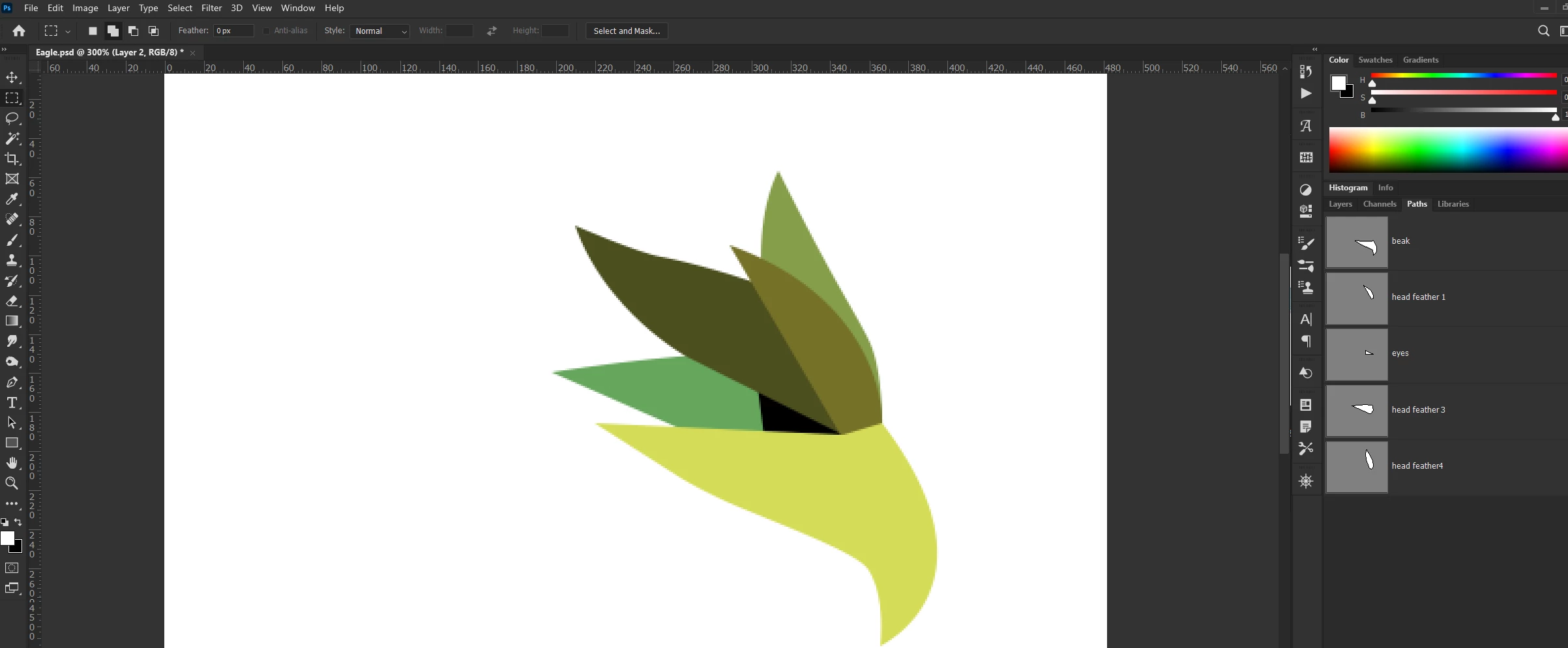
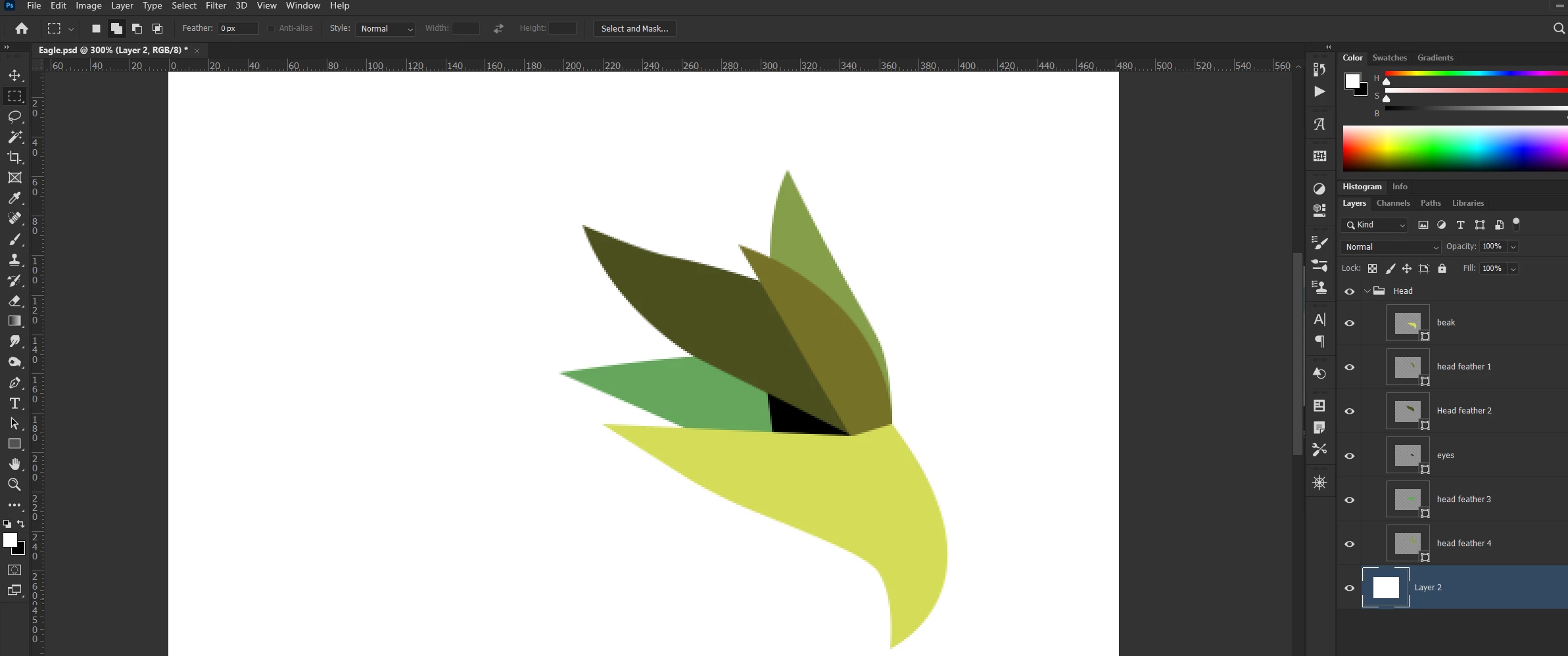
I have created few paths using the pen tool and filled each with different colors via "solid fill" into separate layers. The fill looks pixelated and if I resize them, it furhter pixelates. Im probably doing something wrong because I thought that vector shapes dont pixelate. Look at the snapshots below, each of those layers are pixelated and dont have that sharp edge. 
This topic has been closed for replies.

3 replies

Participating Frequently
June 18, 2020

Photoshop is a raster based software and it displays everything as such. This was created in Photoshop with a vector mask and saved as a PDF and shown at 1600X, no pixelation. The pixelated image is the original in Photoshop at 300X.

Bojan Živković11378569
Community Expert
Community Expert
June 18, 2020

Can you please explain the process of creating layers? Do you mean select path then > Layer > New Fill Layer > Solid Color or something else? Do you have vector based layers in the Layers panel, I can not confirm that by looking at screenshot.

Peru Bob
Community Expert
Community Expert
June 18, 2020

I've moved this from the poorly named Community Help forum (which is the forum for issues using the forums) to the Photoshop forum so that proper help can be offered.