
Question
How to Straighten artwork in photoshop
I was wondering if anyone to help with this issue. Photographing Artwork perfectly straight is a difficult task. i Tend to do this on a blank wall and then select the painting to create a new layer.
sometimes one or two of the edges will be off sqaure. If there an easy way to stretch those out a little to make it square without distorting the image?
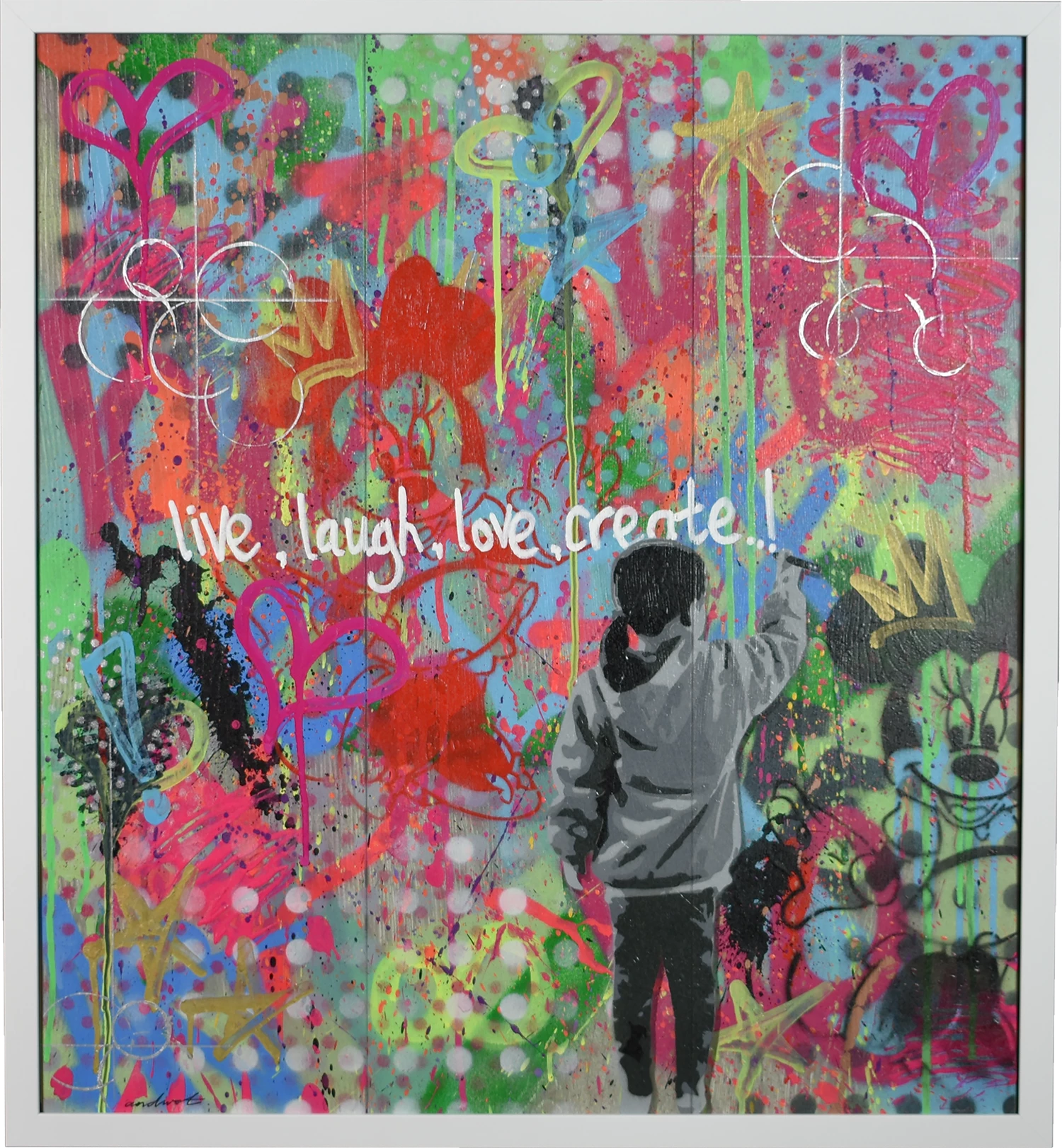
the image below probably isnt the best example but can you resize to say 675mm x 620mm and it slightly stretch the layer to fit that size?
 AdChoices