Hi Marie,
I think this will work with Content Aware Scale. First, the following images are screen caps at 200% Mag which is why the quality looks poor
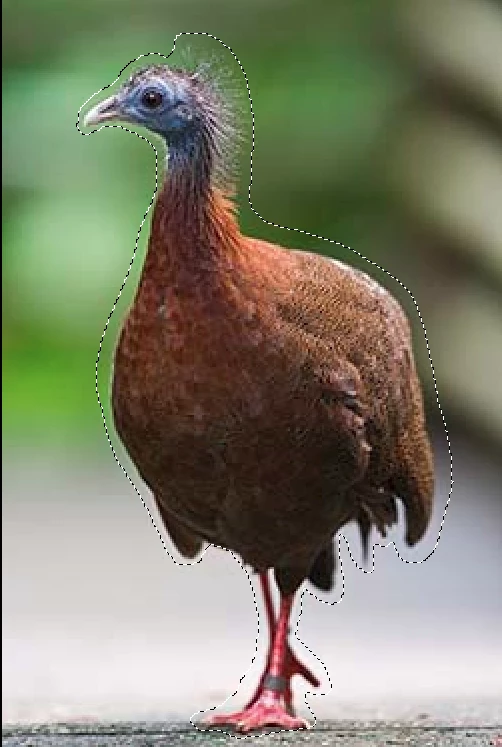
1) First with the lasso create a selection giving some room around the bird
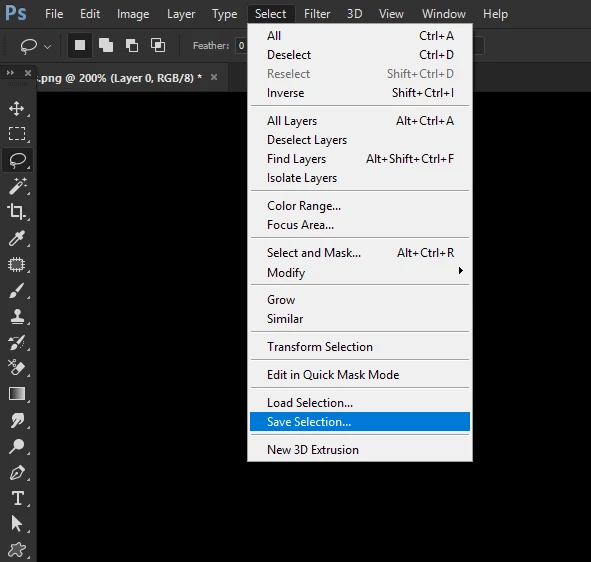
2) Save the selection as an alpha channel
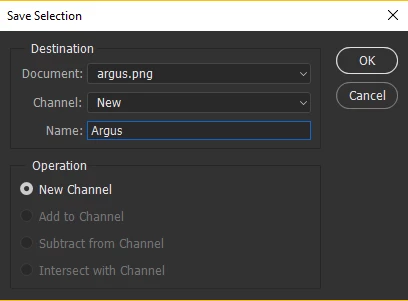
I just called it Argus
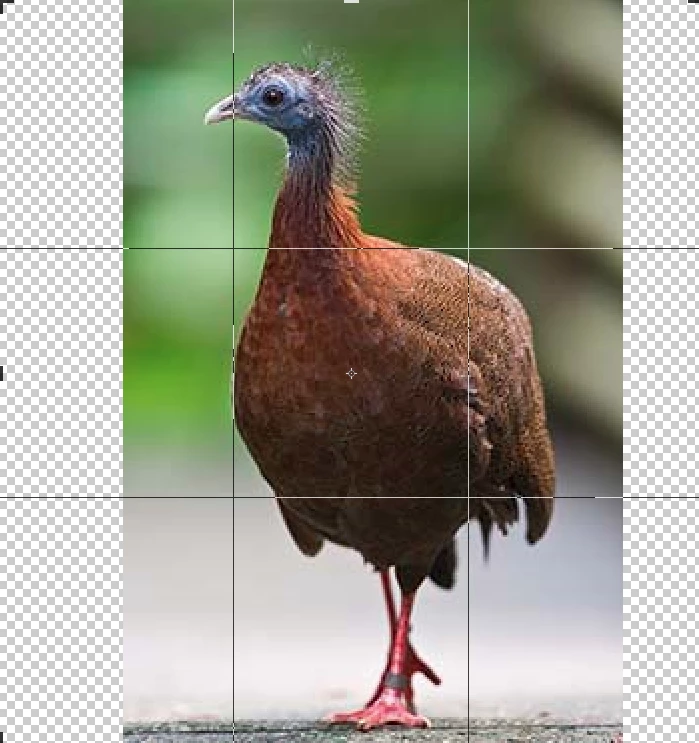
3) With the crop tool create some space on each side by dragging the handles
4) Open Content Aware Scale
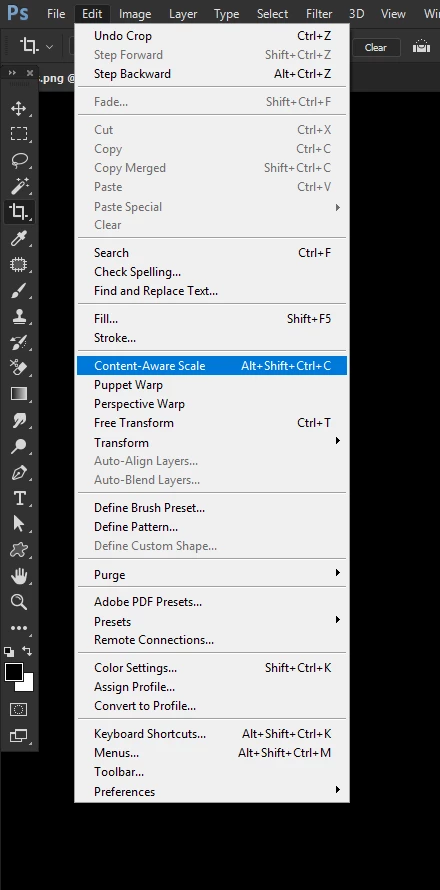
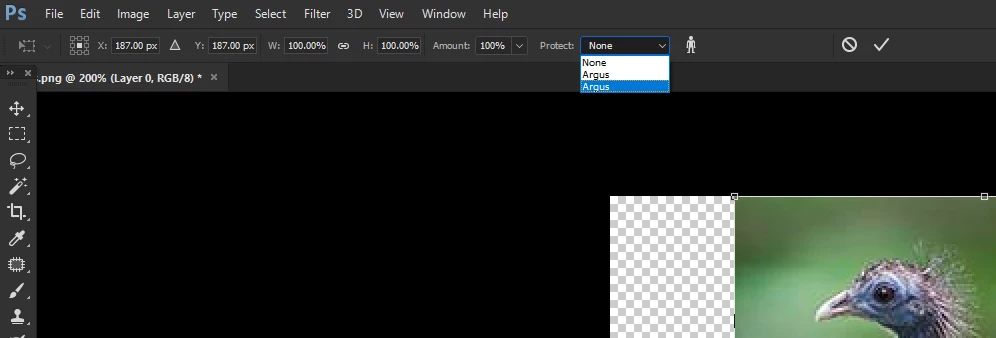
5) In the toolbar go to the combobox 'Protect' and you will see your alpha channel Argus-I did this example twice which is why it is listed twice, but you'll only have it once. The alpha channel protects the Argus during the scaling.
6) Now stretch the image to make it landscape. You will get to a point where the birds beak starts to stretch at that point stop and commit the Content Aware Scale.
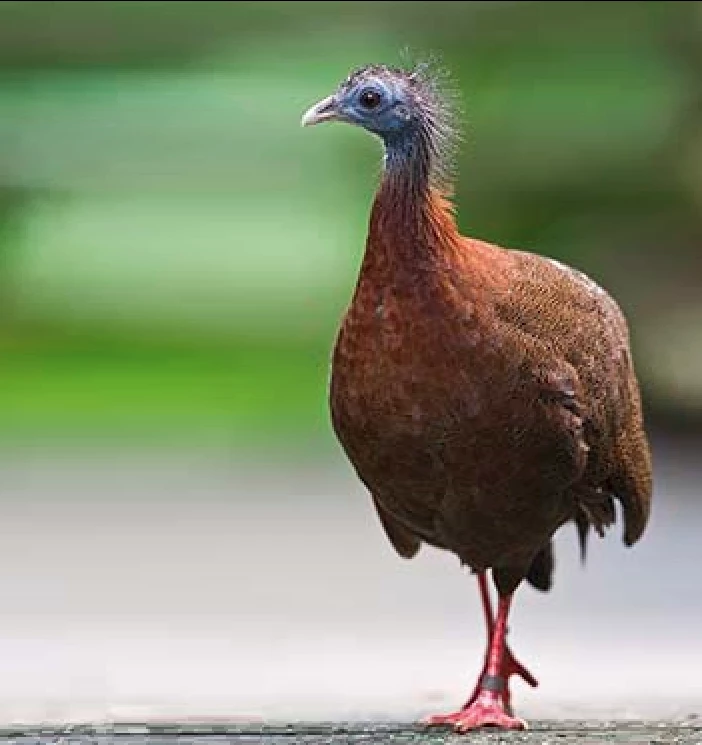
7) If you want to stretch further then repeat the Content Aware Scale loading the Argus alpha channel. and using the crop tool to make more space exactly as described above. You will find you can further stretch the image . You can also alter the composition-below it's roughly the rule of thirds. The image is of course now displayed at 100% magnification
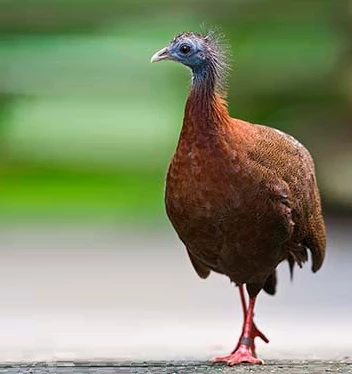
and just to prove it works a before and after. I Think you get away with the background distortion as it looks like a shallow depth of field, you could of course reslect the bird , invert the selection and do something like a field blur..
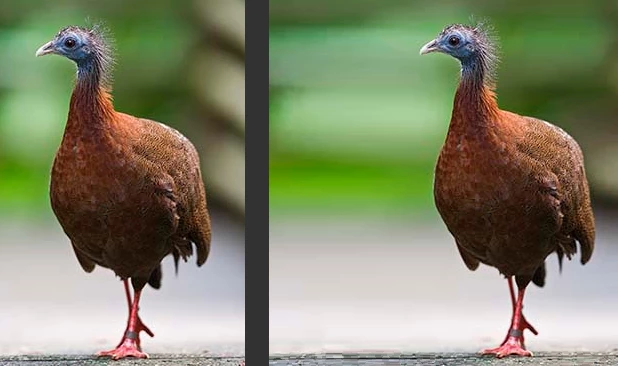
Hope that helps. You may need to do this a couple of times to get it exactly as you want it.

 AdChoices