
How to Sync Multiple Files with Adobe Camera Raw adjustments?
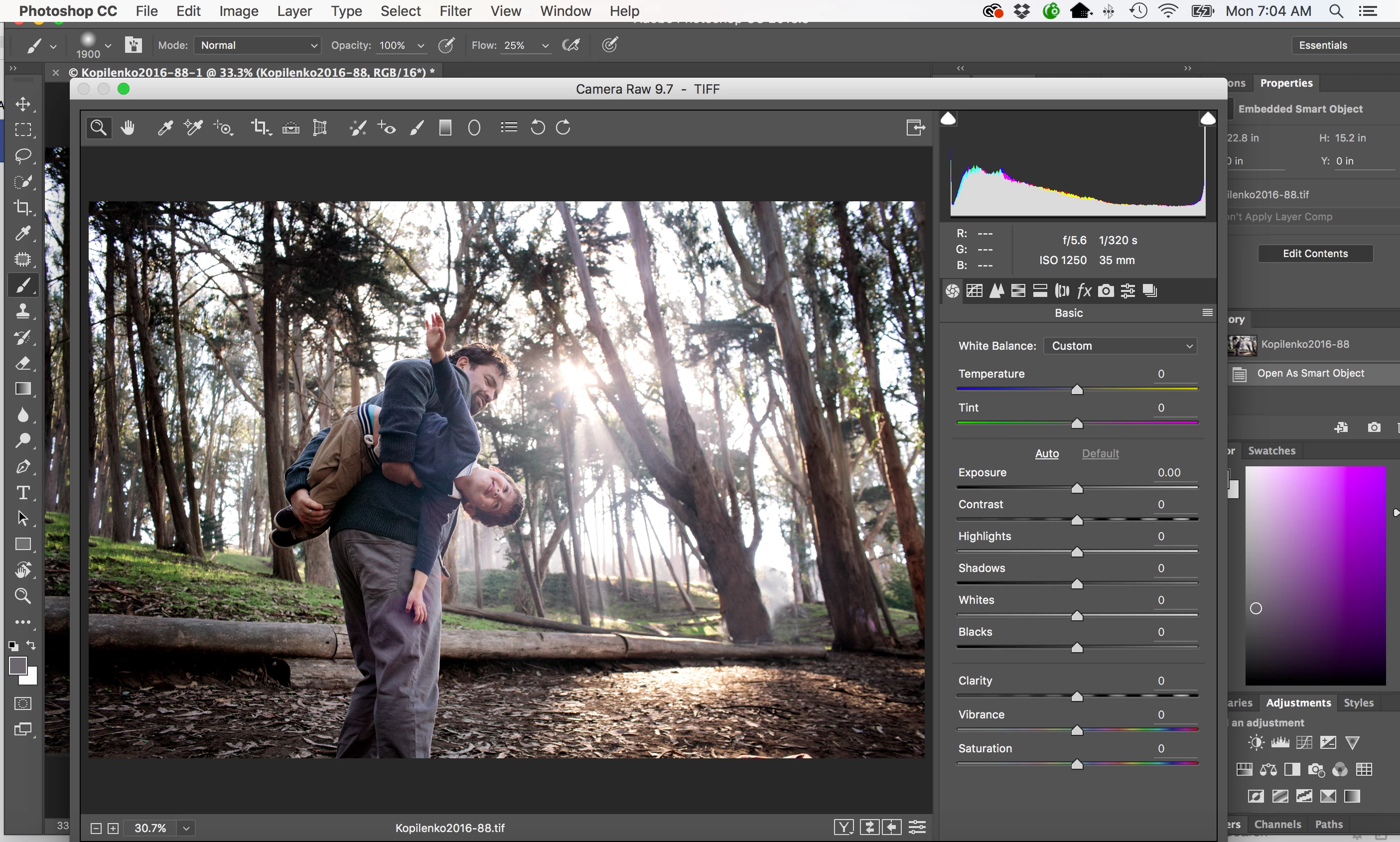 I want to sync my adjustments for multiple images in Adobe Camera Raw. I know you can do it using Bridge - but I use LR. So I want to know if it's possbile to sync Camera Raw adjustments for multiple files when bringing files in from LR. I want to automate it so I don't have to open each file in Camera raw seperatly. I know how to save the adjustments as an xmp file to apply to each image. But unlike Bridge where you can import multiple images into Camera Raw and then sync via the film strip, I can't figure out how to do this when importing from LR.
Example: I import files to LR > cull > then click "edit in" and select as a 'smart object in PS' > once imported to PS I open in Camera Raw by clicking "edit contents" in "Properties". I can't for the life of me figure out how to open multiple photos in Camera Raw to sync my settings.
I enclosed a screen shot of what my camera raw looks like. I can't open more than one file, once opened, I also can't find a way to open additional files to sync with my presets. Thoughts?
It's driving me bananas. Surly there is a way. TIA
 AdChoices