How to transform white background into black without leaving gray and white border
Hello my friends!
I am making myself an emblem for a jacket, and I need some help with it.
I want to ask you for help with this Picture:

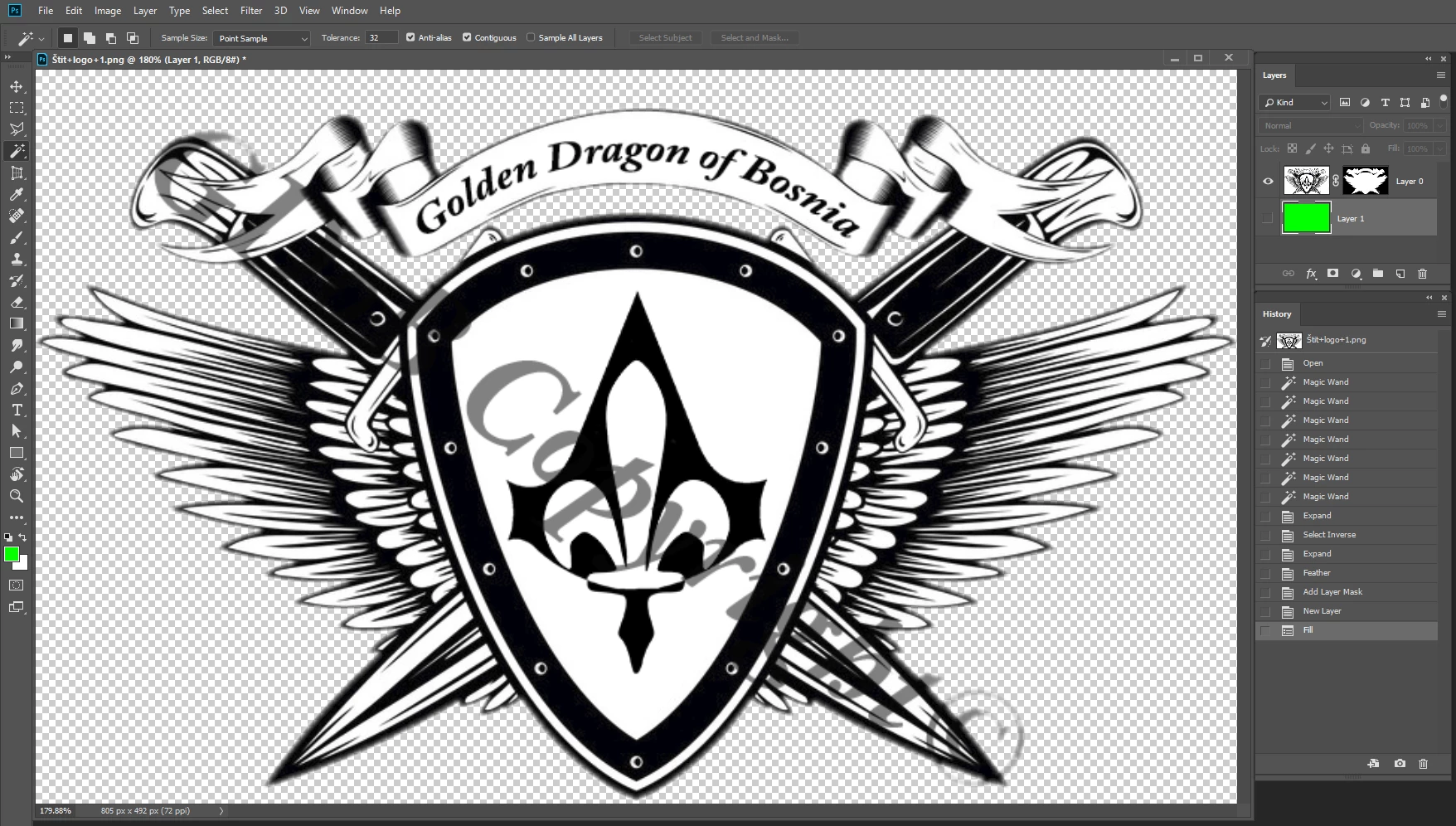
Well I need to change the background of the Picture from white to black, BUT I want white parts inside the logo (wings, shield, ribbon, lillie...) to stay white, like this:

But there is a problem... 
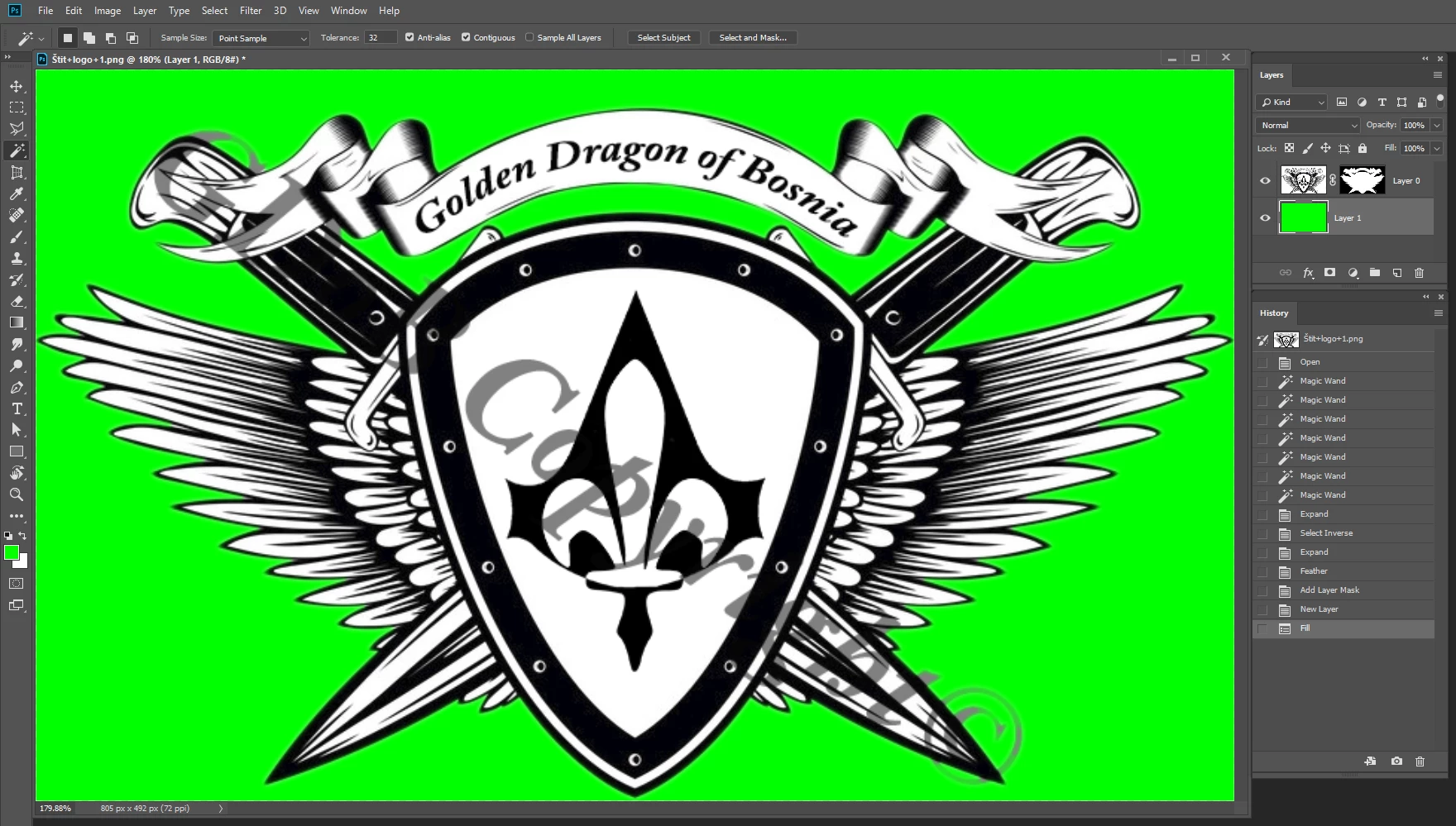
As you can see beetwen the logo and the background there is a gray and on some parts even white border so it kinda looks bad.
I tried a lot of things, like selecting pixled by pixel, but after selecting couple of them, photoshop automaticly selects a couple of more and it doesn't help...
I tried magic wand tool, but still, there is white pieces between wings left.
I tried after transforming the backround to remove these green-white borders with selecting tool color rangem but that didn't finish well... it actually made me a bigger problem...
I searched for solution for hours, and tthis forum is my last hope.
Please guys help me, I'll apprichiate that so much.
(If there is someone who could finish this for me, (but for free... I spent a lot of money on stock pictures, and I can't spend more) and send me the finished Picture, please contact me vie mail on:)
Thanks in advance!
Message was edited by: Bojan Živković Removed email address
 AdChoices