
Participant
April 18, 2020
Question

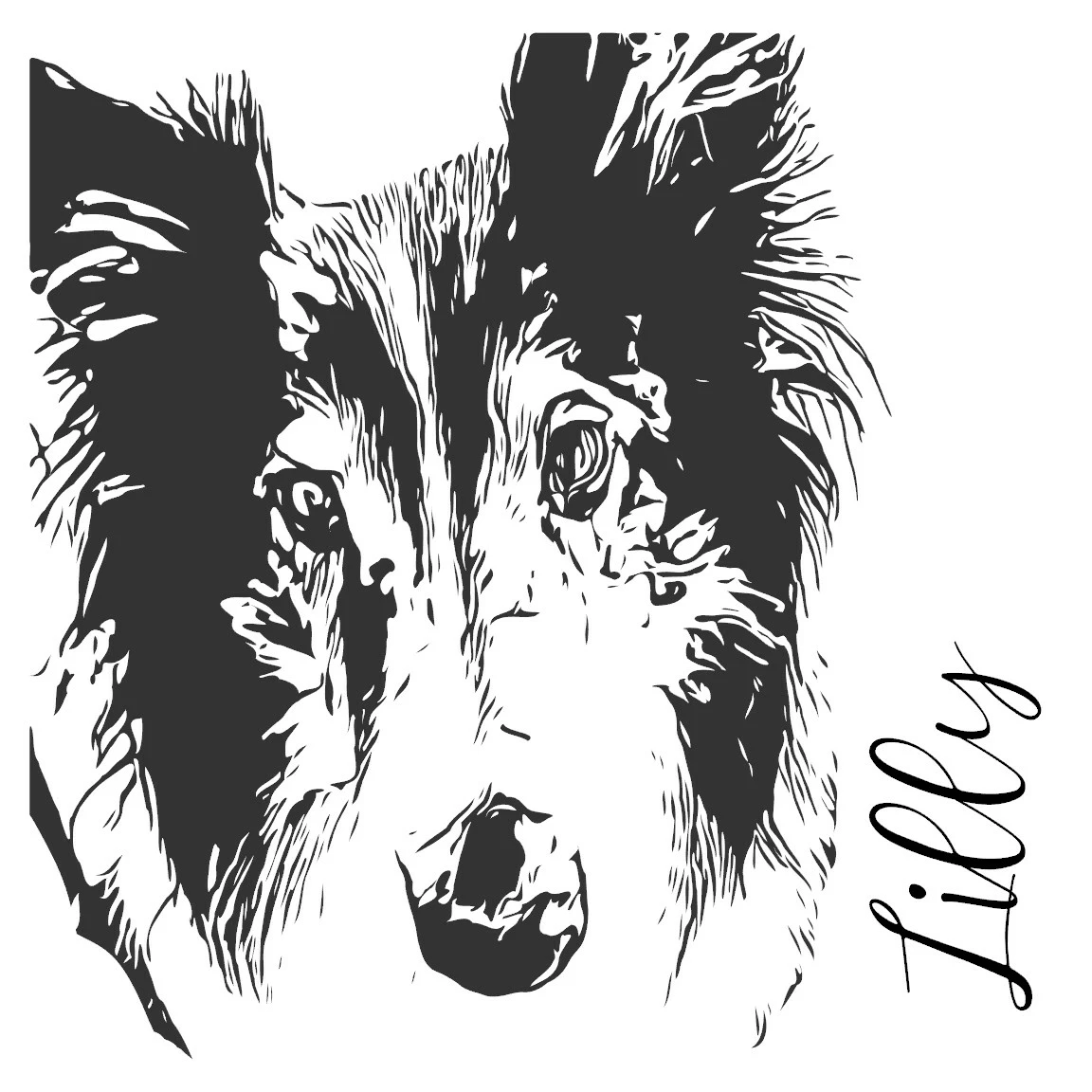
How to turn photo into black and white ink design

  • April 18, 2020
  • 2 replies
  • 5543 views

I haven't done any graphic design in FOREVER so I have forgotten most of what I learned... way back when!!
I have been using crapy apps on my phone to create a black ink image from a photograph but I am 1000% sure there is a way to do all of this in PS that I can get exactly what I want. Can someone please walk me through how to do this properly?????????

This topic has been closed for replies.

2 replies

JonathanArias
Legend
April 18, 2020

you may enjoy this way of doing it:

https://www.adobe.com/products/capture.html


Adobe capture allows you to import a photo from the phone, and it will vectorize it for you. plus you have control over how much it will do for you.

check it ou:

https://www.youtube.com/watch?v=tchQaLTTRXA


davescm
Community Expert
Community Expert
April 18, 2020

Hi

Open your image in Photoshop.

Open your library panel (Window library)

At the bottom of the library panel click the + sign and choose create from image.

In the dialogue that opens choose and adjust the detail slider - also smooth on save

When done click save to CC libraries

You now have a shape in the library graphics that you can drag into a document as a shape layer


Dave