April 15, 2019
Question

How to use image as a color

  • April 15, 2019
  • 2 replies
  • 591 views

Hello all,

I need some help with recoloring image

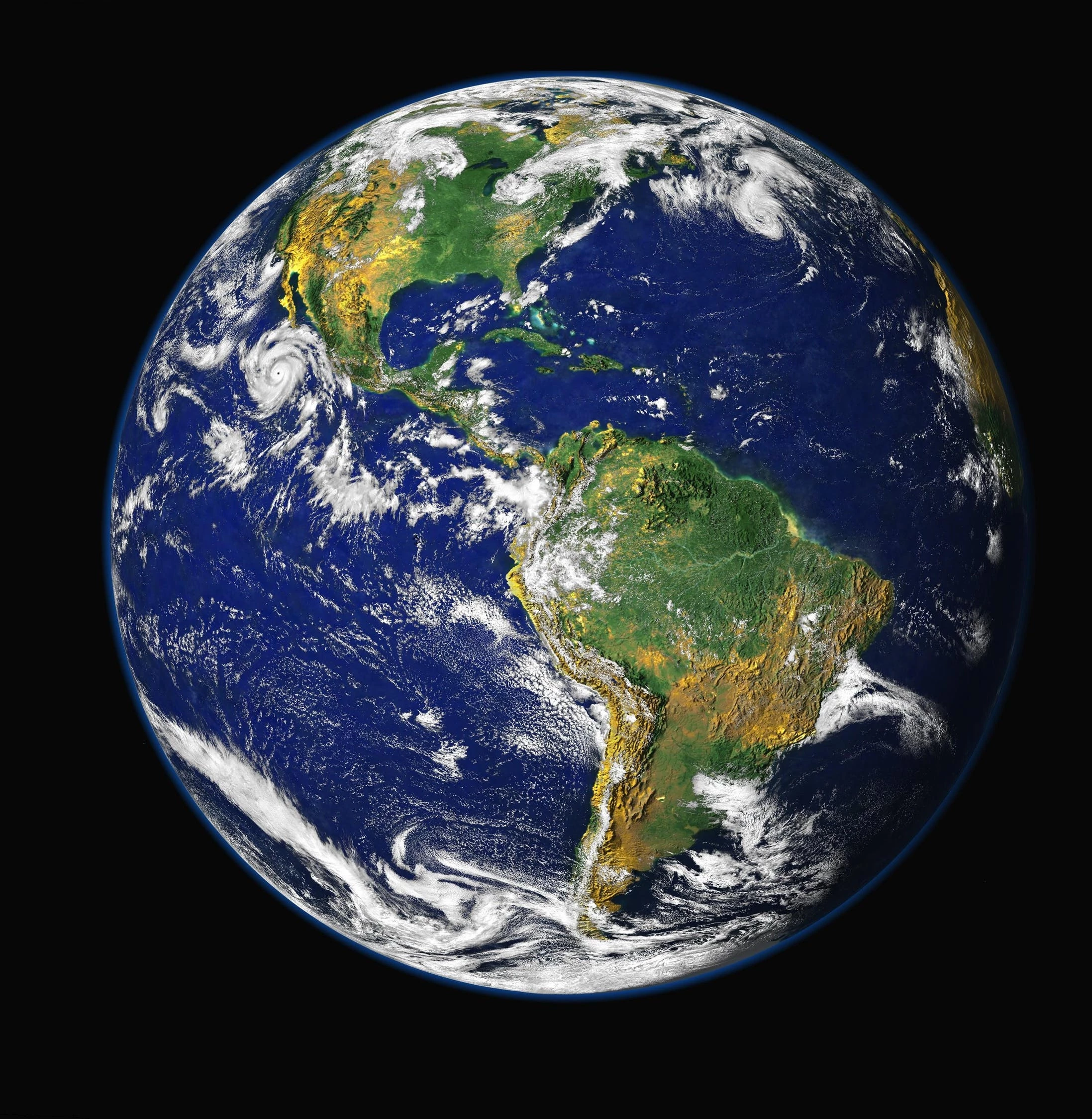
I have an image of strawberry with some texture, and i want to change the color with another image (example : earth).

But, i don't want the strawberry's seed and its texture to be gone. Can you lend me some help?

This topic has been closed for replies.

2 replies

c.pfaffenbichler
Community Expert
Community Expert
April 15, 2019

Linear Light is another option (for a desaturated copy).

Trevor.Dennis
Community Expert
Community Expert
April 15, 2019

I'm thinking that masking is going to play a big part in this, and you can make a decent alpha mask with a copy of the Green Channel, and the usual trick of touching up with the brush set to Overlay.  It took me five minutes to do this, and it was strangely therapeutic.  If I was any more chilled out, I'd have to type this while asleep.

April 16, 2019

thank you for the trick,Trevor.Dennis

davescm
Community Expert
Community Expert
April 15, 2019

Hi

Try something like this

Put the earth layer in a smart object above the strawberry

Distort the earth layer so it roughly matches the strawberry and then mask it.

Duplicate it.

Set the lower earth layer to blend mode color

Set the upper earth layer to blend mode pin light and opacity around 90%

Dave

D Fosse
Community Expert
Community Expert
April 15, 2019

Excellent. And then for the final touch, mask out the individual seeds from the earth layers.

davescm
Community Expert
Community Expert
April 15, 2019

Good idea Dag :

Dave