Participant
January 15, 2021
Answered

How to use spot healing brush to remove yellowed strip from old photo

  • January 15, 2021
  • 3 replies
  • 1165 views

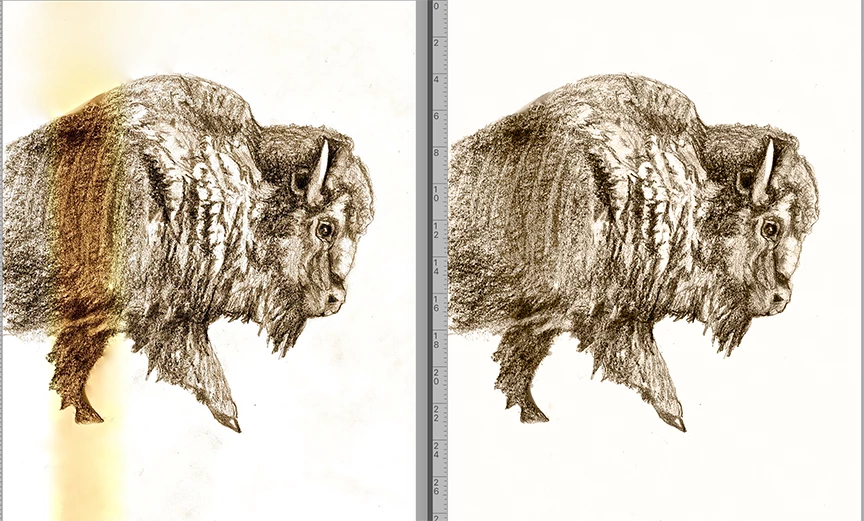
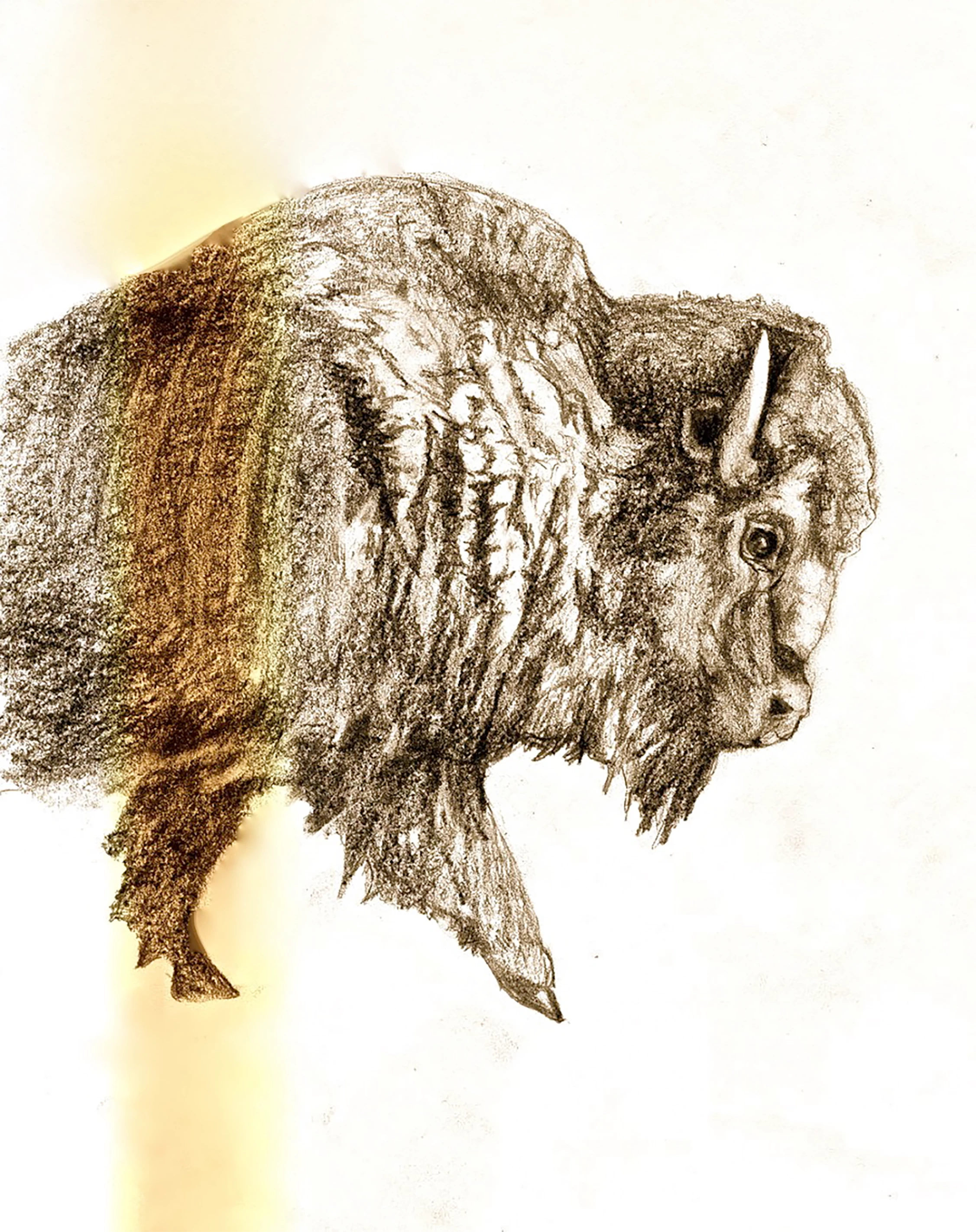
I have an older image, but not the priginal drawing. There is a yelloewed strip through part of it that I want to remove, recolor to match the rest of the photo. I cannot find how to accomplish this using photoshop, can someone please advise?

This topic has been closed for replies.
Correct answer Norman Sanders

1. Duplicate the Background layer

2. Use the Magic Wand set to 32, Contiguous. Hold down the Shift key as you select the entire area surrounding the animal. Then Select > Inverse to Select the animal.

3.  Filter > Blur > Average. Then Eyedropper-click on the flat brown color to make it the Froreground Color. Next, Edit > Undo Average 

4. Edit > Fill > Foreground Color. Blending Mode set to Color  

5. Select > Inverse Selection. Choose a white area with the eyedropper so that it is the Foreground color and Edit > Fill with the Blending Mode set to Normal Then, Deselect the Selection

6. Use the Lasso tool with a 4 pixel Feather to Select the dark area that had carried the orangre stain and use Curves to lighten it.  



3 replies

Norman Sanders
Norman SandersCorrect answer
Legend
January 15, 2021

1. Duplicate the Background layer

2. Use the Magic Wand set to 32, Contiguous. Hold down the Shift key as you select the entire area surrounding the animal. Then Select > Inverse to Select the animal.

3.  Filter > Blur > Average. Then Eyedropper-click on the flat brown color to make it the Froreground Color. Next, Edit > Undo Average 

4. Edit > Fill > Foreground Color. Blending Mode set to Color  

5. Select > Inverse Selection. Choose a white area with the eyedropper so that it is the Foreground color and Edit > Fill with the Blending Mode set to Normal Then, Deselect the Selection

6. Use the Lasso tool with a 4 pixel Feather to Select the dark area that had carried the orangre stain and use Curves to lighten it.  


didiermazier
Community Expert
Community Expert
January 15, 2021

Great tip!

didiermazier
Community Expert
Community Expert
January 15, 2021

here is what I would do t… Not the best but it could save the day

First extract the buffalo from the background (select subject) and replace the background with a white layer.

Then  add an adjustment layer > Hue and saturation and fix the saturation and luminosity more or less as follow

After that you could colorize the buffalo to recover the brownish tint if needed

hope it helps


Mylenium
Legend
January 15, 2021

Nothing to do with spot healing brushes or whatever. That's what adjustment layers are for. All that may be required is a Hue/ Saturation layer limited to the yellowed parts with a strip-like layer mask and limited to the yellow ranges.


Mylenium