This topic has been closed for replies.

2 replies

Inspiring
July 8, 2019

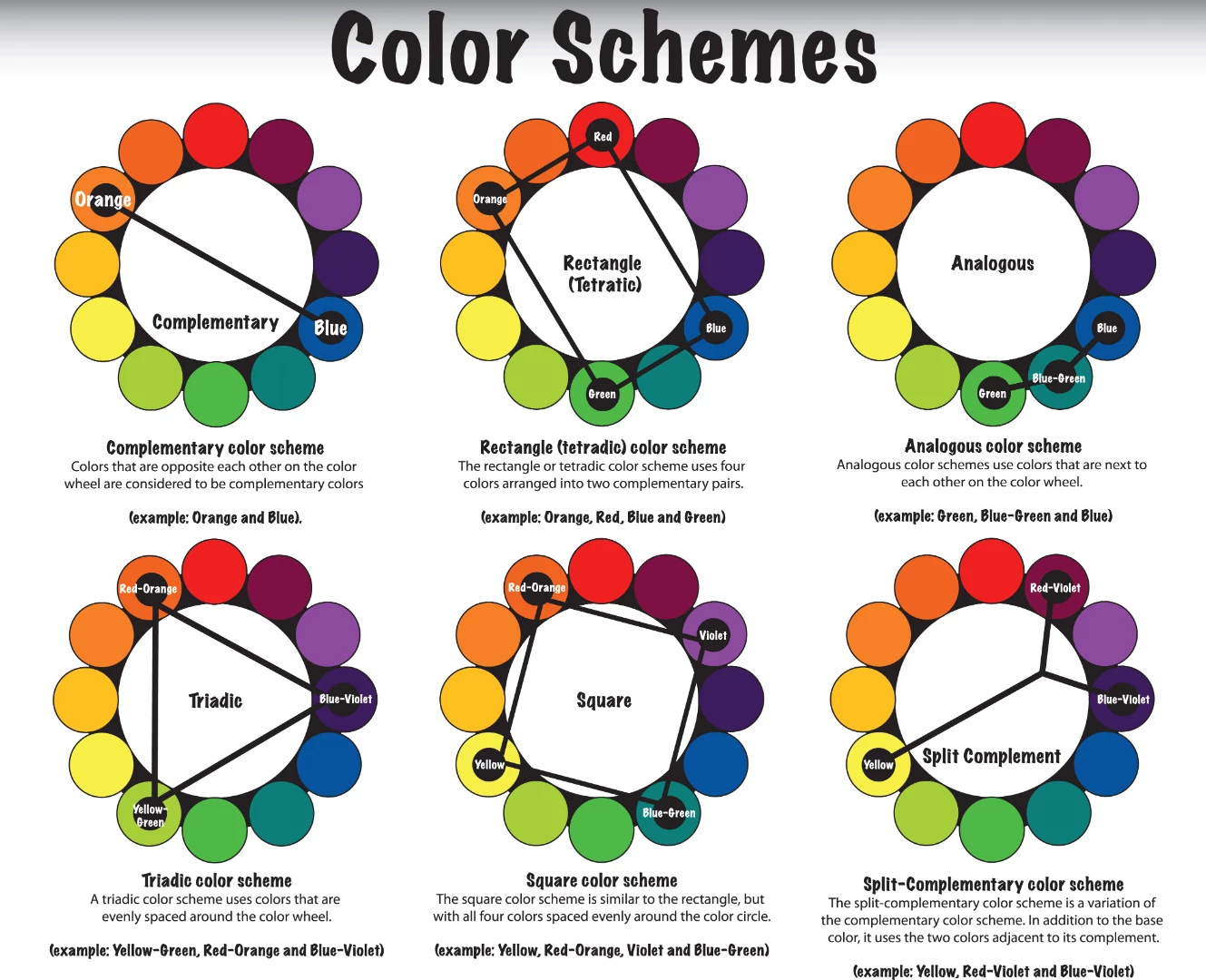
The color wheels in post #0 are wrong

The color wheels in the link in #1 are wrong:

https://www.diyphotography.net/work-color-harmonies-improve-photos/

Even Johannes Itten, the inventor of color harmony, had used wrong color wheels:

http://www.farbtabelle.at/farbkreis/

And Adobe offers as well a wrong color wheel:

https://color.adobe.com/de/create

Why are they all wrong?

A complementary color in the wheel is 180° opposed, and mixed 1:1 with the

original color or eventually with a slightly varied mixture proportion, it delivers

a neutral gray, that is a gray in the respective RGB colorspace.

Opposed to Red is Cyan, oppposed to Yellow is Blue, opposed to Green  is

Magenta, opposed to Cyan is Red ...

In all the mentioned examples this doesn't hold true.

Where are correct color wheels?

Color wheel - Wikipedia

this one:

File:Hsv color circle.svg - Wikipedia

Nevertheless, based on correct color wheels, the idea of "harmony" might have

some importance.

Best regards --Gernot Hoffmann

Sahil.Chawla
Adobe Employee
Adobe Employee
July 8, 2019

Hi Rahat,

As you're looking to work with Color Harmony to enhance the color of your projects, please check some useful article & videos I've found on the internet:

How I work with Color Harmonies to improve my photos - DIY Photography

How to Use Complementary Colors in Photoshop - YouTube

Gradient Maps and Color Harmony in Photoshop - YouTube

Regards,
Sahil