Participant
October 9, 2020
Question

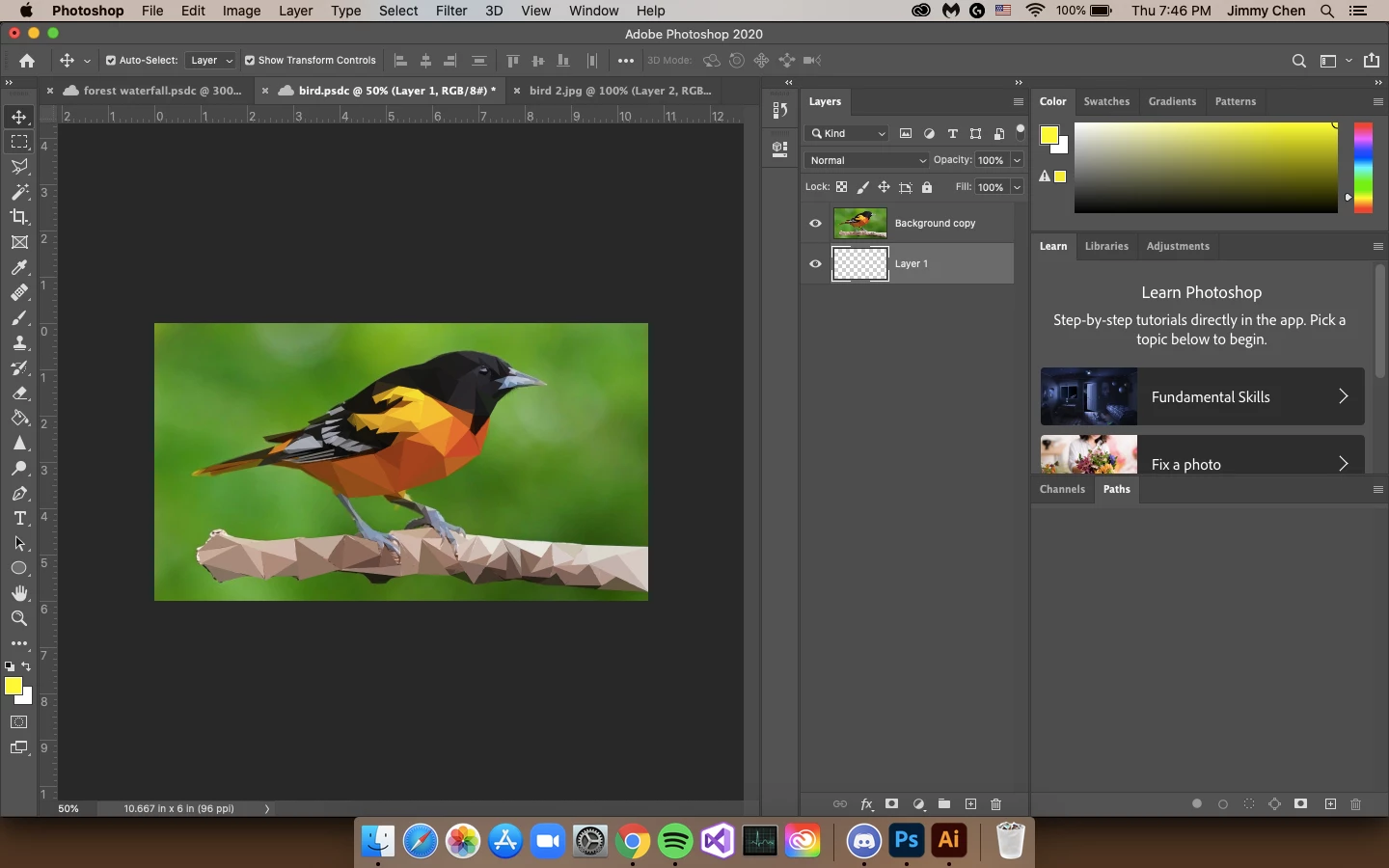
How to uses colors from a different layer to a blank one?

  • October 9, 2020
  • 2 replies
  • 182 views

Hello! I am a student trying go a bit above the requirements for my assignment creating a low poly illustration in Photoshop. I did one version they way that was shown in class where you do the shapes straight onto the layer. If there is a way to do my triangles on a differernt layer while still being able to get the averages please let me know! Thank you so much!
This topic has been closed for replies.

2 replies

Chuck Uebele
Community Expert
Community Expert
October 9, 2020

I forget all the step to do a low poly, but I think there is a step to make the triangular selection then use the average filter. So you would just press ctrl/cmd-J to move those pixels, while still selected to a new layer. I guess you could either blur them on the original layer or do it after you copy them to a new layer. However, if you copy them first, you would want to lock the transparency of the layer.

Jimmy5E25Author
Participant
October 9, 2020

Sorry if this question is confusing. I don't know any other way to phrase it. ;(