tomer-n
Participating Frequently
September 28, 2018
Answered

hue saturation adjustment on a marquee rectangular selection

  • September 28, 2018
  • 1 reply
  • 335 views

hello

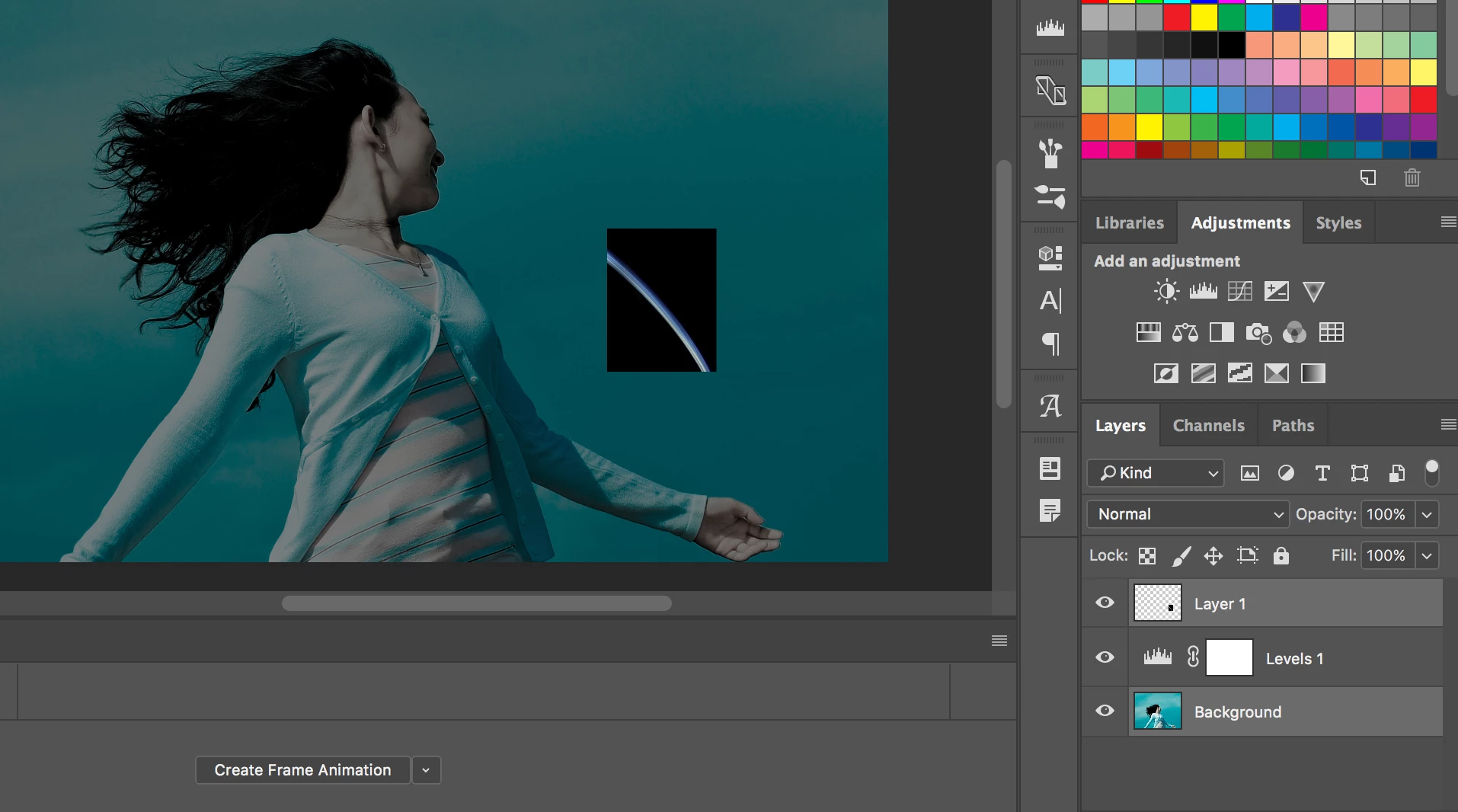
why when moving a selection between files the, hue/saturation effect disappear?

the selection was made by the marquee rectangular selection tool.

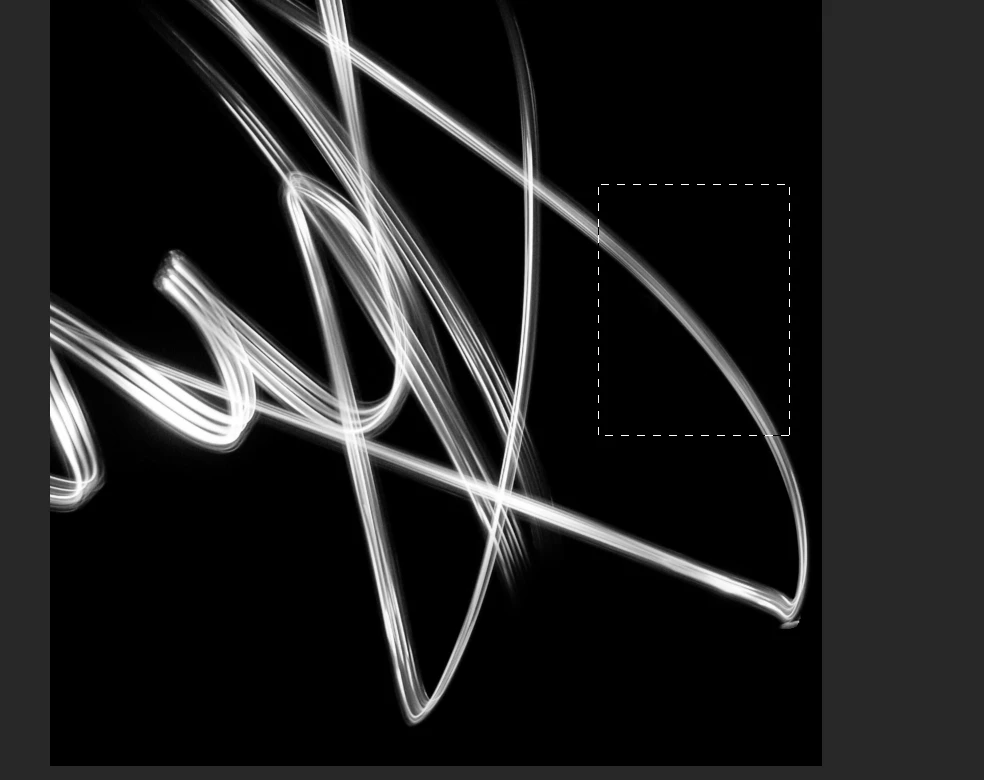
I attached 2 pictures. 1- see the grey selection i will move to the picture with the girl.  2- when the selection goes to the picture, it loses its hue/saturation effect and returns to be blue.

1
2
This topic has been closed for replies.
Correct answer macpawel

You need to merge Hue Saturation and target layer - Select both and Convert to Smart Object or use CTRL+E command to Merge

1 reply

macpawel
macpawelCorrect answer
Participating Frequently
September 28, 2018

You need to merge Hue Saturation and target layer - Select both and Convert to Smart Object or use CTRL+E command to Merge

tomer-n
tomer-nAuthor
Participating Frequently
September 29, 2018

thanks macpawel​ it worked!

I also discovered i can apply adjustment from the image menu, and it applies the effect to the layer itself without opening a new layer adjustment

thanks