Answered
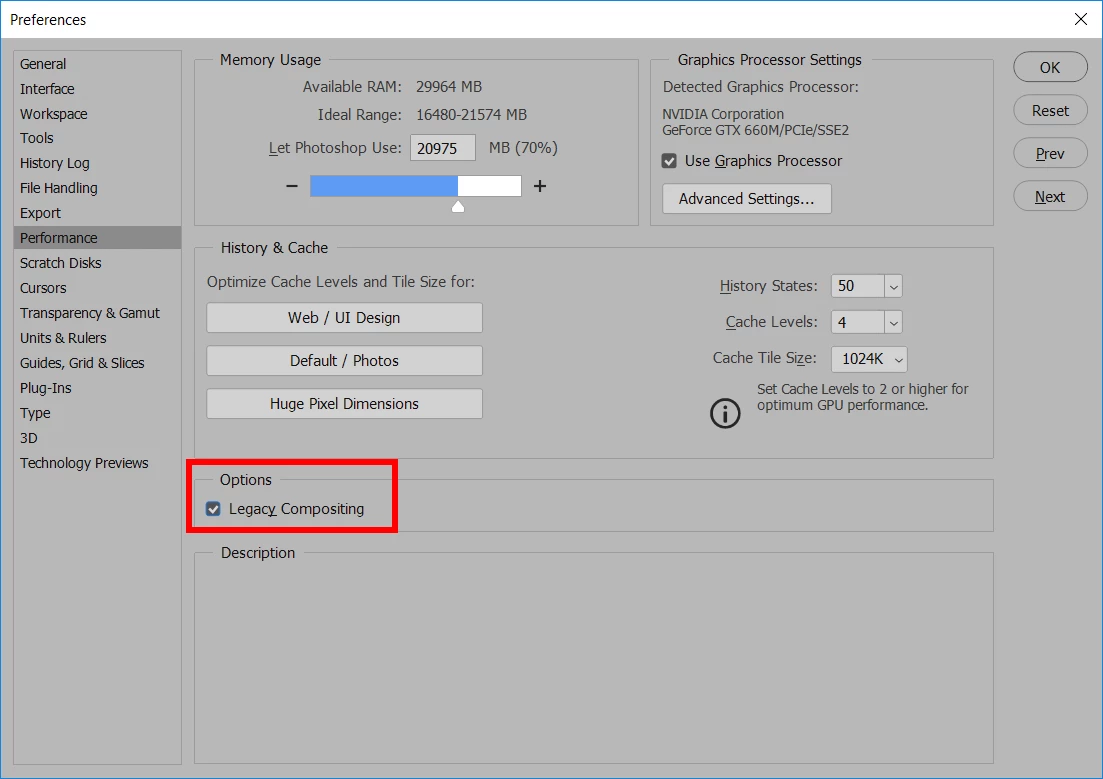
Hue Saturation malfunction with CC 2019 update
I've been having an issue with Hue Saturation adjustments (command + U) since updating to CC 2019. About half the time I use this adjustment to change the color of a layer, some kind of glitch happens where it changes the layer to a bunch of garbled colors or just changes it to some random color nowhere near what I intended.
If I flip the canvas, the glitch goes away and I can see the color shift as I wanted it to be but this is extremely distracting and problematic when screen casting for students.
Does anyone know of a solution to this issue?
Thanks
 AdChoices