
Answered
Huion Pen Pressure Caps at 30% in Photoshop
So, I'm having a rather interesting problem with my Huion KAMVAS, I have the drivers installed, and the "Enable Windows Ink" option checked, but in photoshop it's capping the pen at about 30% pressure. (I have included a picture of the effect) The weird part is, it works fine in Krita and in the driver software's test area, just not photoshop. So far I've tried resintalling the drivers and photoshop but to no avail.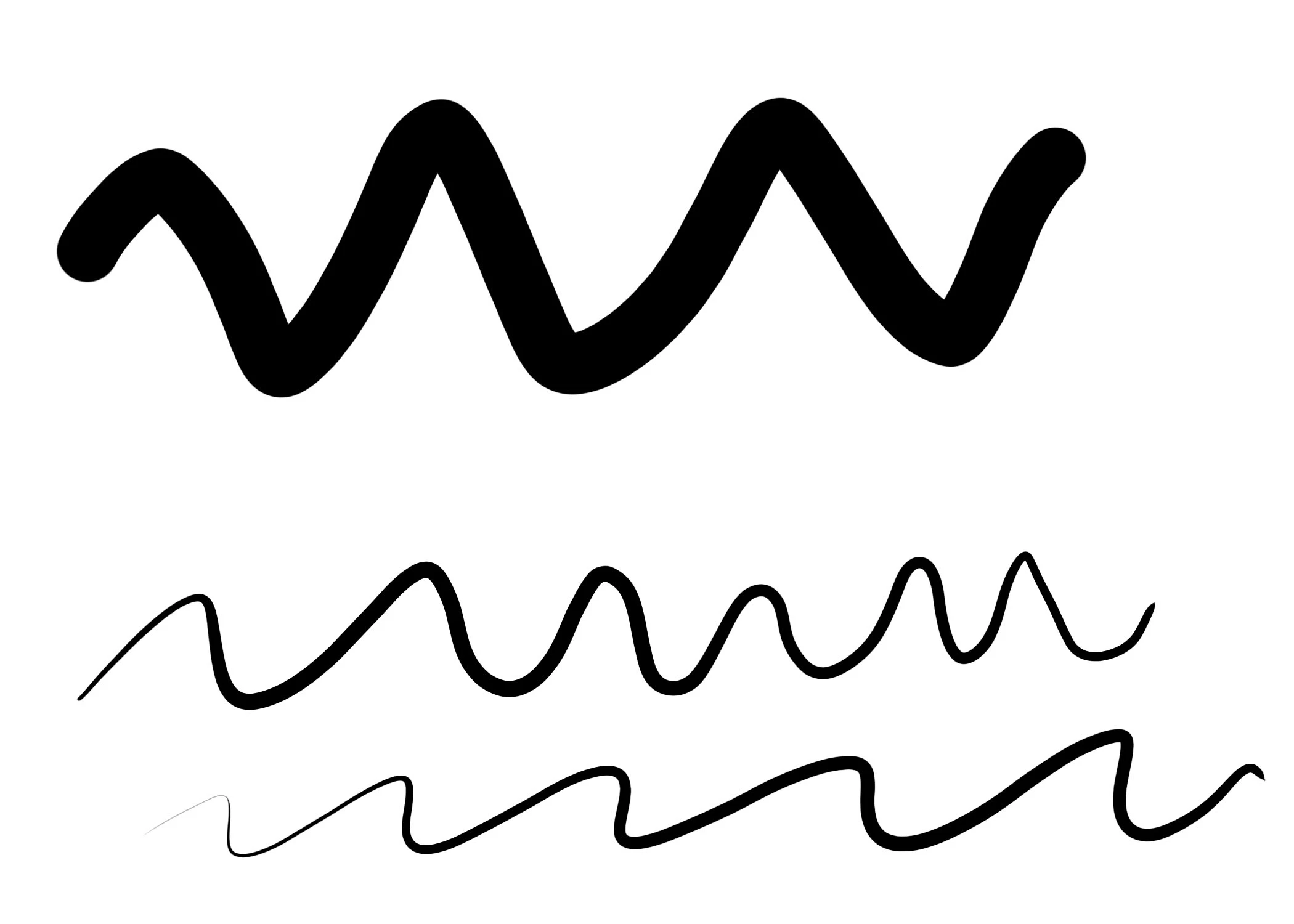
(Top stroke is a brush using the pen, bottom strokes are the exact same brush but using my pen and driving it as hard as I can into the tablet)
 AdChoices