
Participating Frequently
September 17, 2020
Question

I am having 2 issues with photoshop, please can someone help

  • September 17, 2020
  • 2 replies
  • 235 views

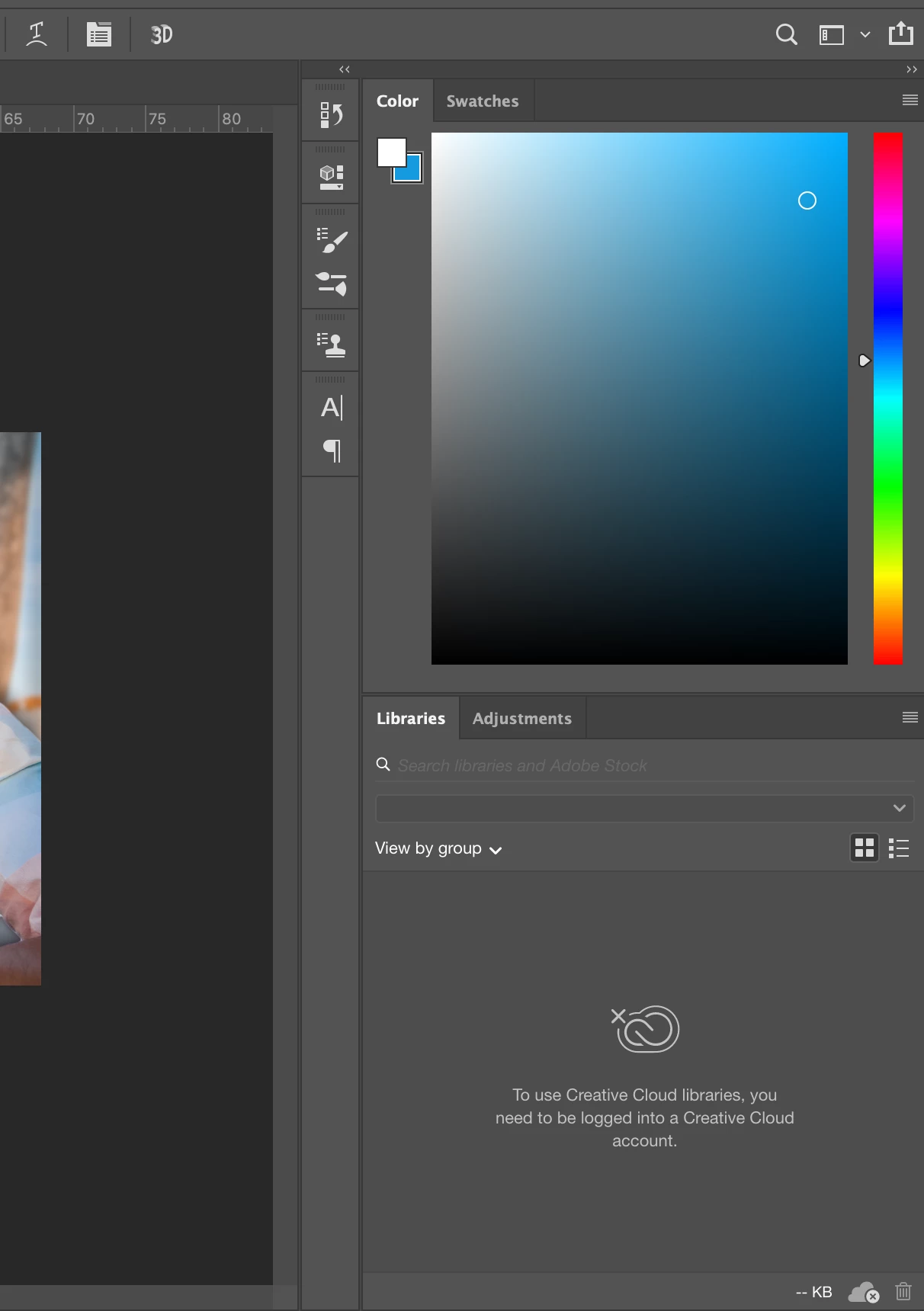
Firstly, my edit layesrs seem to have dissappeared from bottom right and i cannot seem to make them reappear.


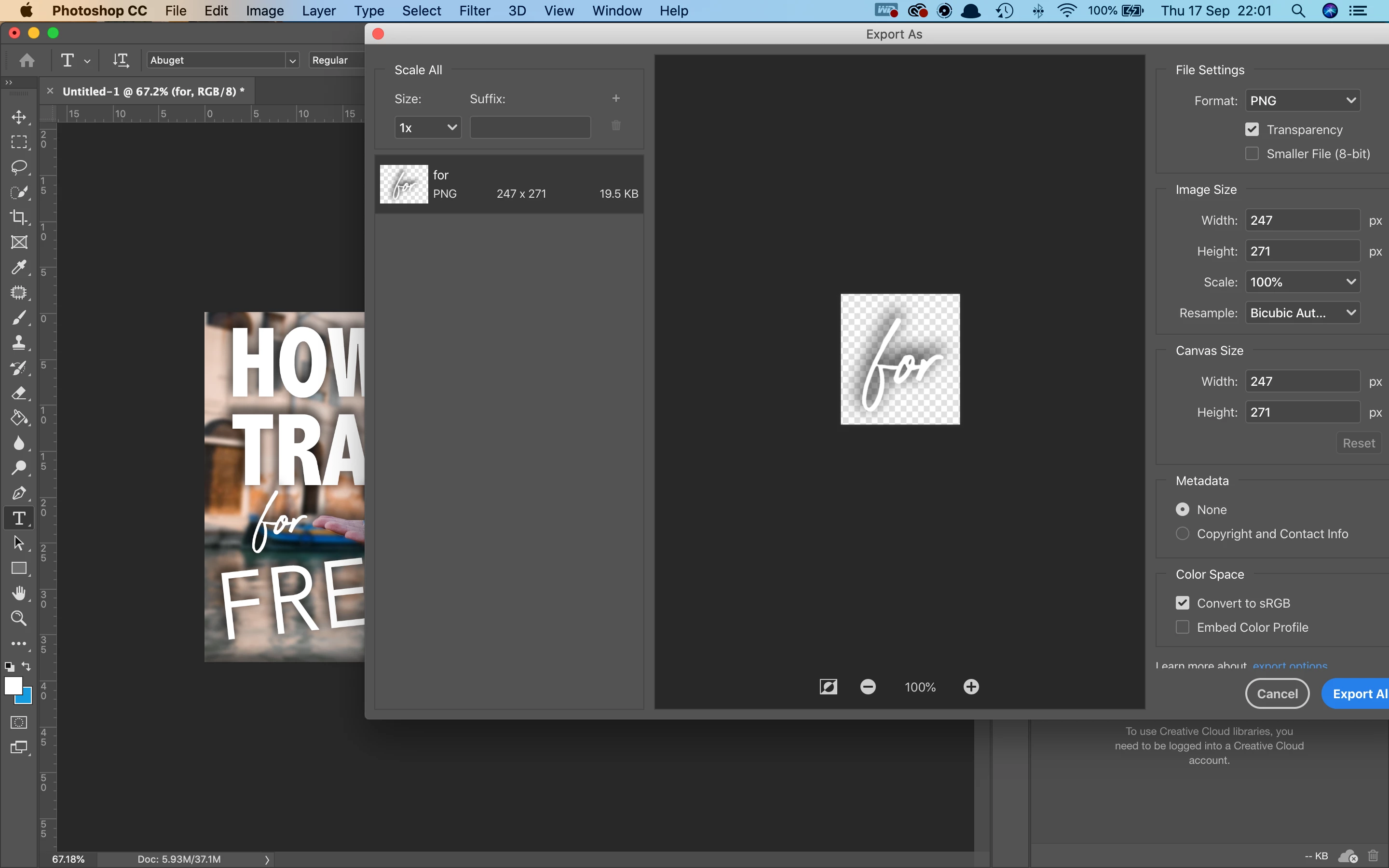
Secondly, I cannot seem to just simply export my entire image, it is only for some reason selecting a single layer to export... I want to export the whole image not the word...
 

This topic has been closed for replies.

2 replies

MarekMularczyk
Community Expert
Community Expert
September 18, 2020

When you're exporting, it seems like you're exporting just the layer you have selected, which could be caused by you right-clicking on the layer and selecting Export Layer...

When you use File > Export > Export As... Photoshop will export the entire image/document

Adobe Community ExpertAdobe Certified Professional
melissapiccone
Community Expert
Community Expert
September 17, 2020

You can bring up your layers panel by going to the window drop down menu. You can also set your own personal layout in the upper right coner of PS and then just click that button to reset your layout anytime you accidentally close a panel. 

https://helpx.adobe.com/photoshop/using/workspace-basics.html


To export your entire file, not just a single layer you need to either create a flattened copy of your image or you can "stamp image"

Stamp multiple layers or linked layers

When you stamp multiple selected layers or linked layers, Photoshop creates a new layer containing the merged content.

  • Select multiple layers.
  • Press Ctrl+Alt+E (Windows) or Command+Option+E (Mac OS).

To stamp all visible layers, do the following:

  • Turn visibility on for the layers you want to merge.
  • Press Shift+Ctrl+Alt+E (Windows) or Shift+Command+Option+E (Mac OS).

    Photoshop creates a new layer containing the merged content.

     --- copied from the help files. 


    OR just do a file SAVE AS...

Melissa Piccone | Adobe Trainer | Online Courses Author | Fine Artist