
I am having trouble trying to upload a 3D model in Adobe Photoshop 2024
Hi guys! How you doing? Hope you doing great.
I am having an issue trying to upload a 3D model in Photoshop 2024. A coworker of mine here in my company was the one who taught me how to use it, he's a 3D modeler. So basically he created this 3D model in Maya so we could place it in simple images in Photoshop, uploading as an .obj file, as we could rotate and place it where it should be and save us a lot of time.
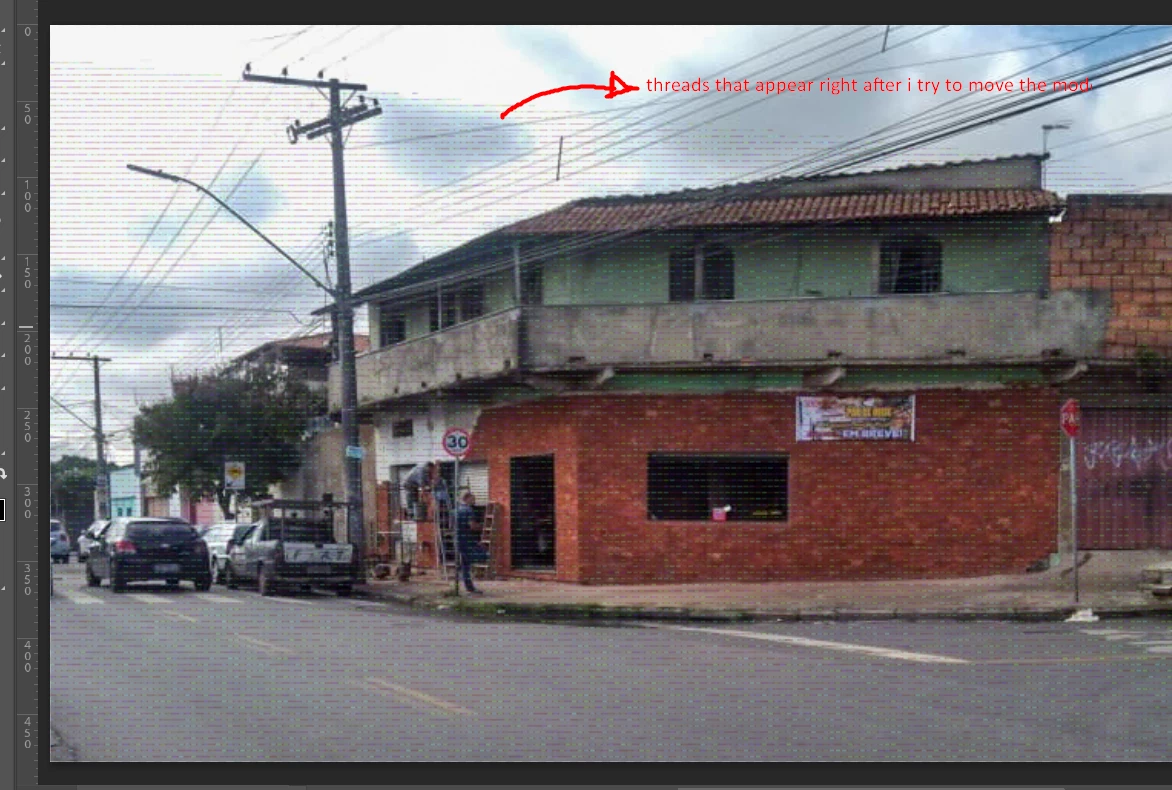
In his computer it worked well, he could upload the file, rotate, place it where he wanted and create the image we need. But when I tried in mine it seems that the file got a bug or something as I cannot visualize it, only when I press the button to renderize the image. I got you some screenshots so you can see that the model itself is not showing in my pre visualization, only in renderizing process. Also, there is a screenshot that shows some threads on the image, it happens when I try to click the model after cancelling the rendering process.
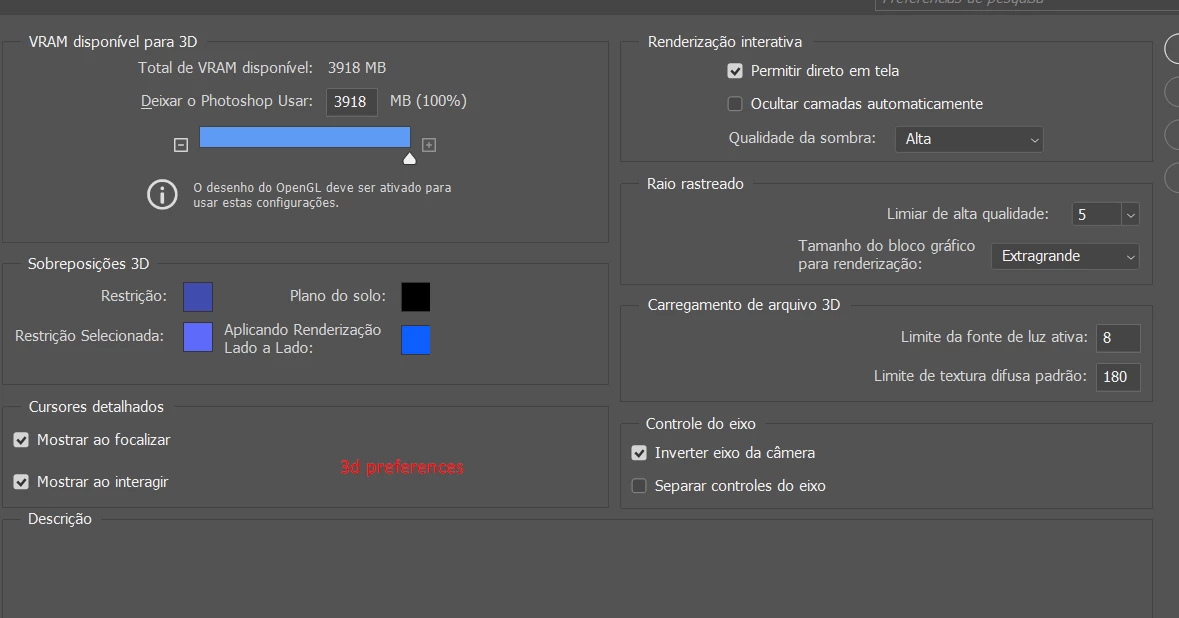
I am using the 3D desktop in Photoshop and I didn't find anything related to pre visualization in the preferences. So maybe if you could help me I would thank lots 🙂
I imagine that those infos may be helpful, so my laptop settings are:
CPU: Intel(R) Core(TM) i5-10300H CPU @ 2.50GHz 2.50 GHz
RAM: 32GB
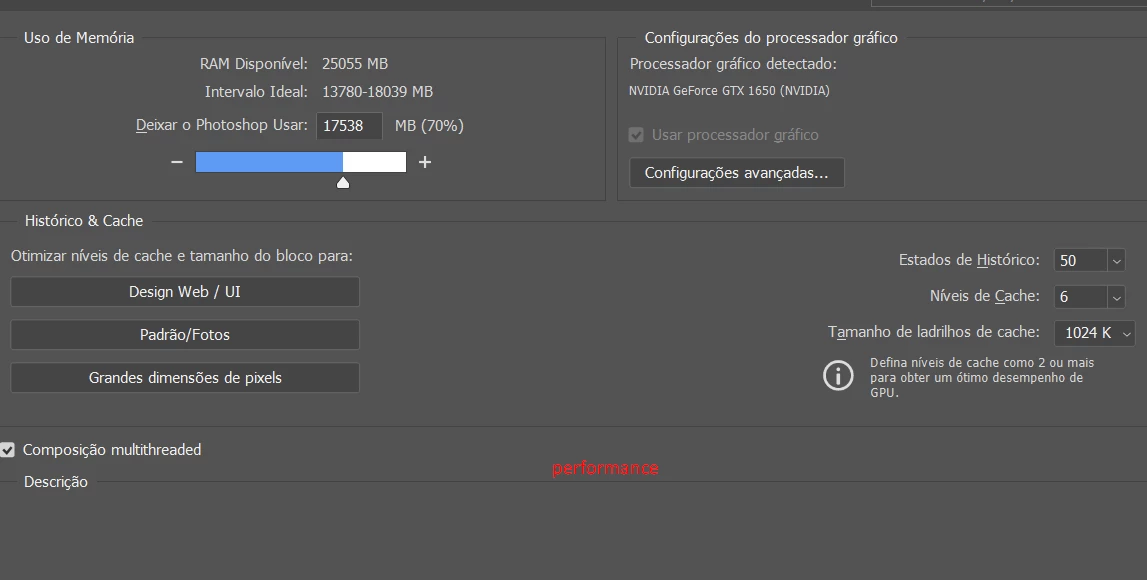
GPU: NVIDIA GeForce GTX 1650
Version of the app: Photoshop 2024
Platform: Windows 11
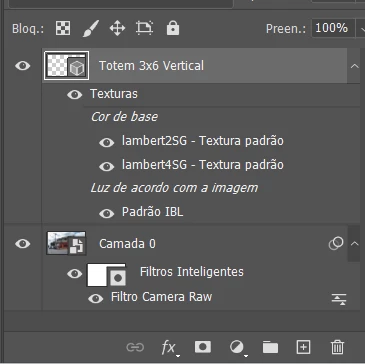
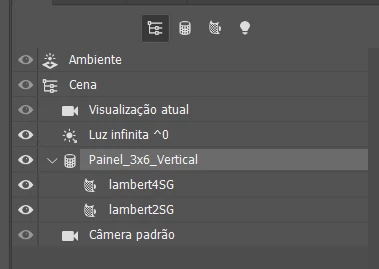
My screenshots are in portuguese as it is the main language I use in Photoshop. If you need any translation just let me know. The 3D model file name is the "Totem 3x6 vertical". I am also uploading screenshots of the Performance and 3D preferences.
 AdChoices