Participant
October 11, 2020
Question

I am looking for someone help me replicate a "look" I found on IG

  • October 11, 2020
  • 1 reply
  • 265 views
 
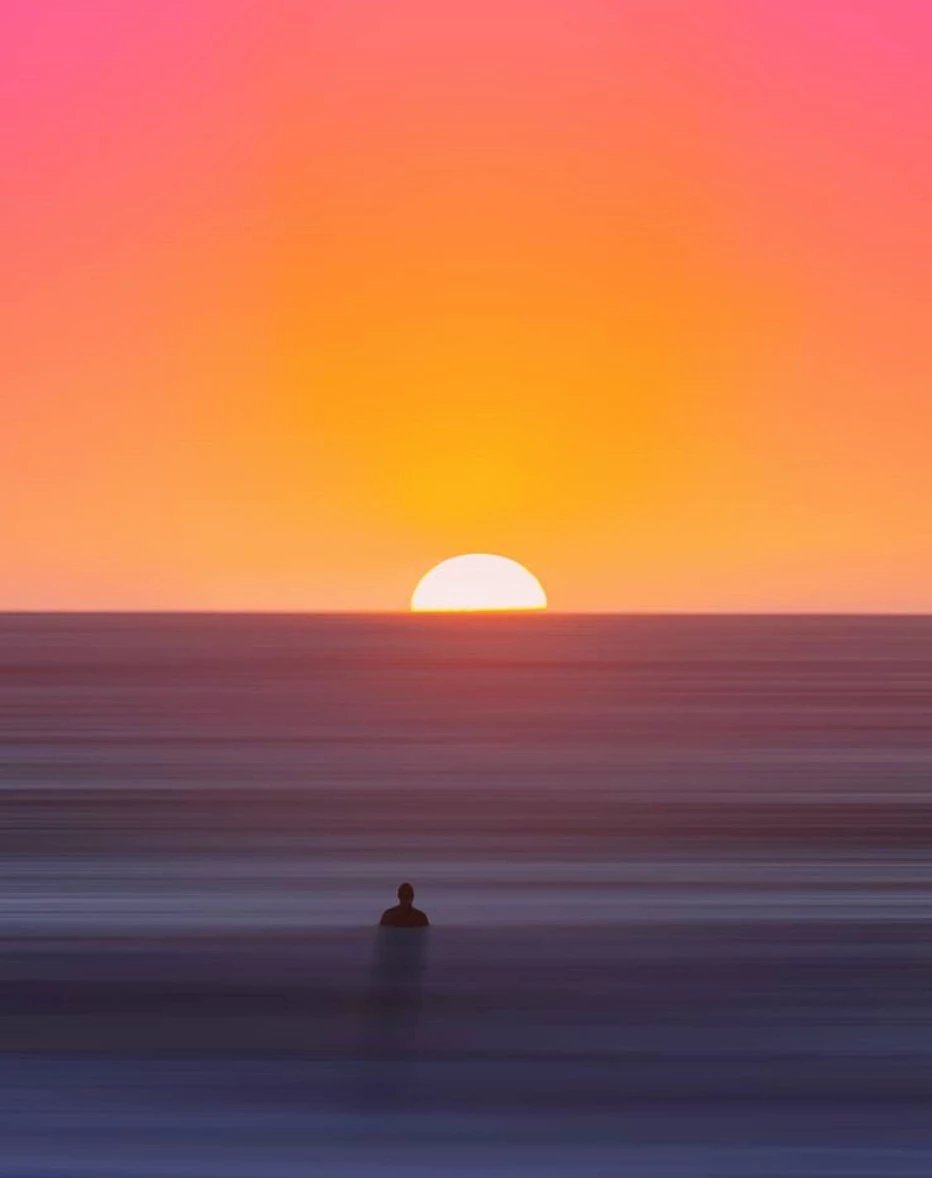
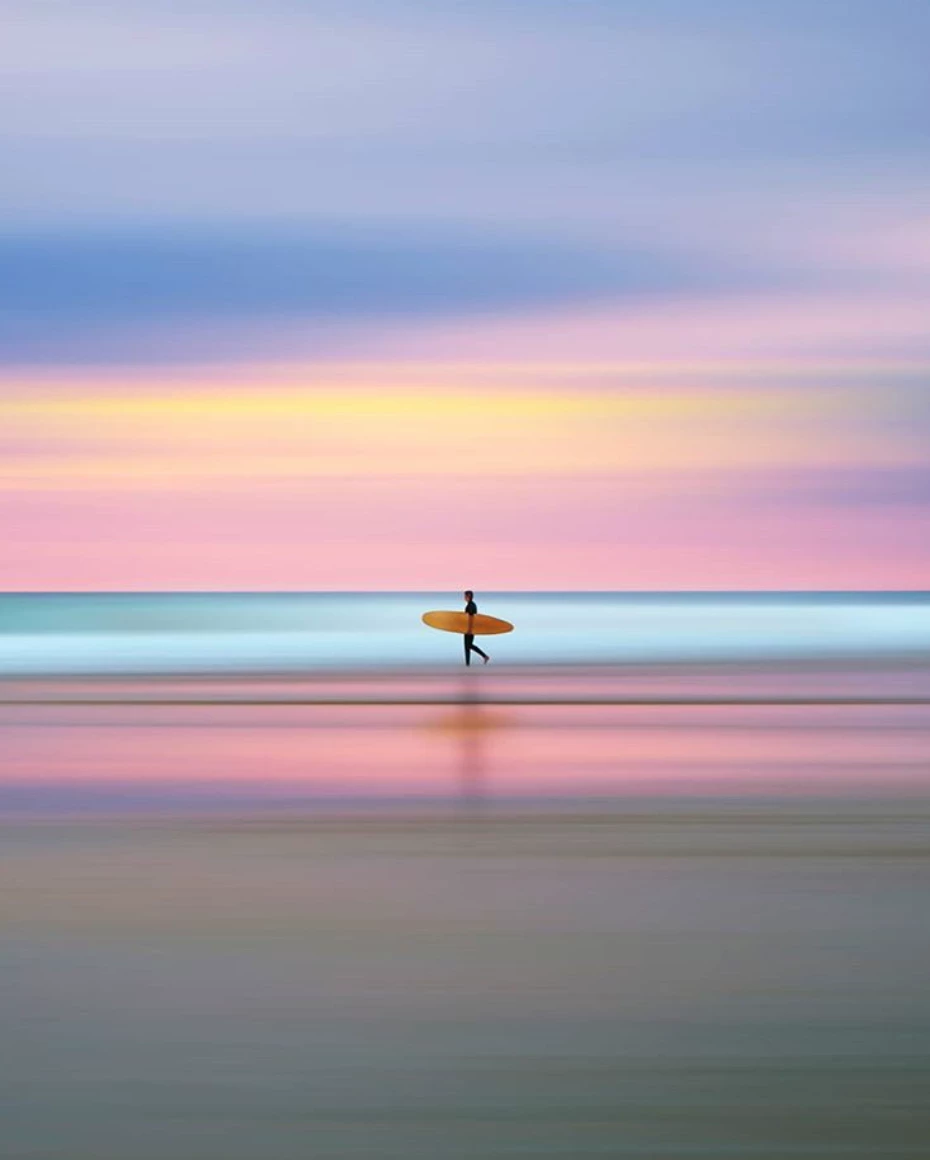
I found this photographer/graphic designer on Instagram:
 
#Tomasfotomas 
 
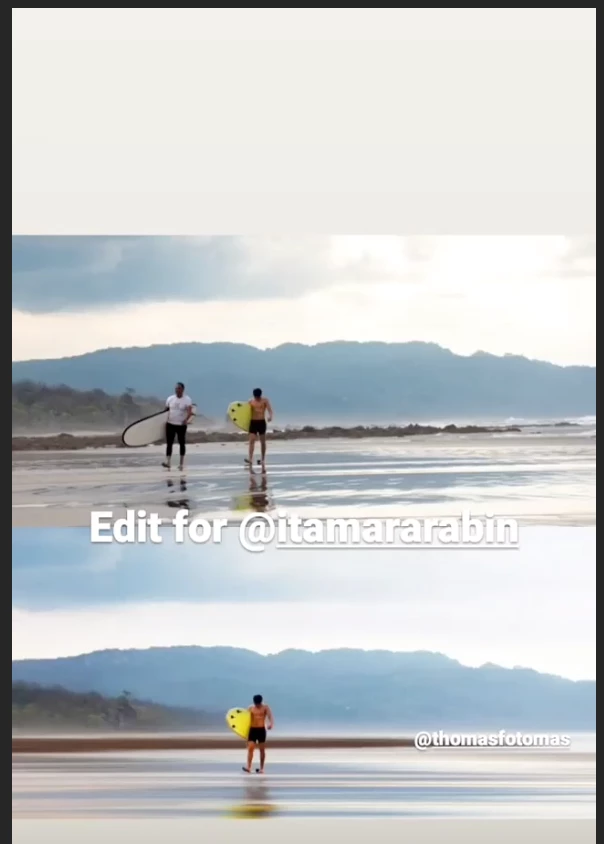
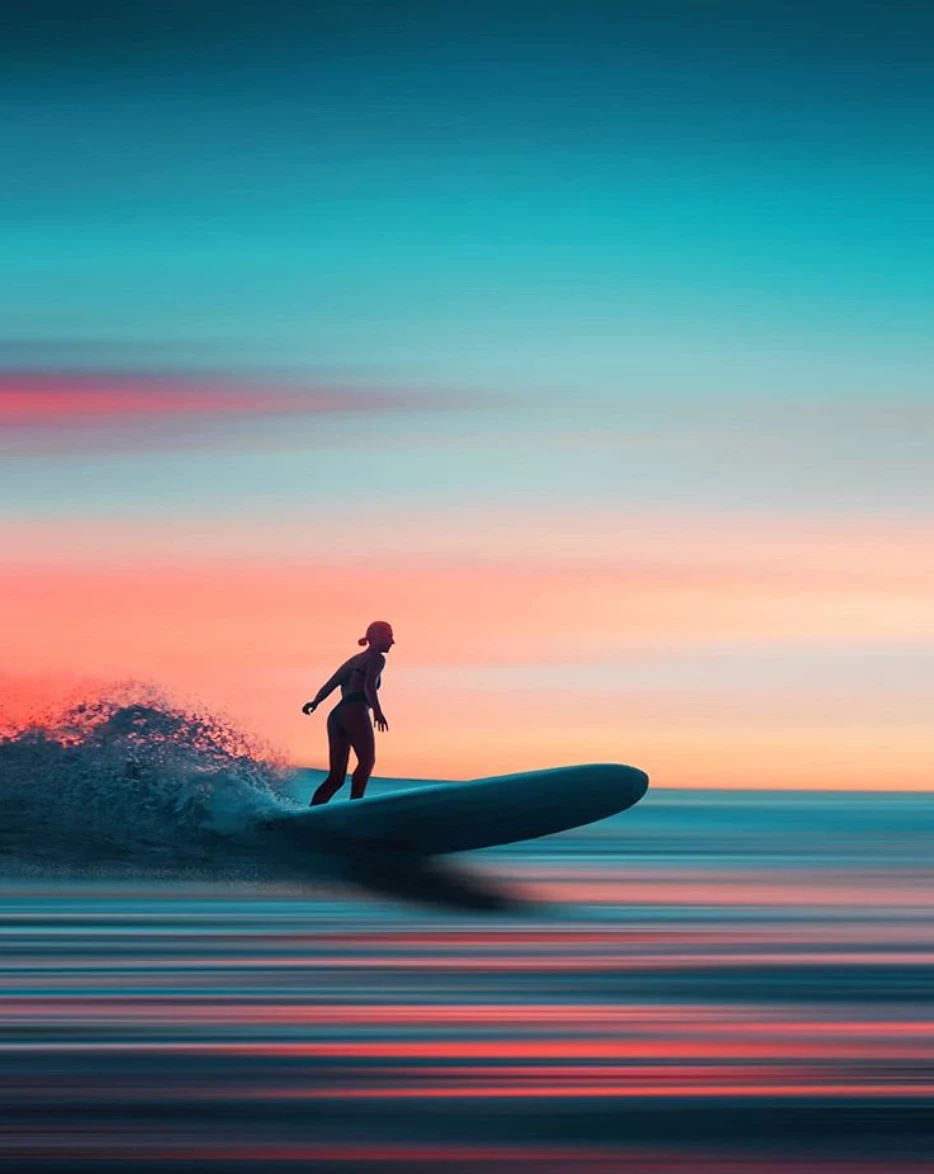
Here is a sample and I am desperately attempting to figure out how he does this, I live in southern California and I would love to create similar images and am still learning PS.
 
 
There are many more on his  IG site, and if you click on the “edit” button at the top there is a short vid of him “drawing the lines” as he calls it...


Any help would be great!
 
Thanks in advance,
 
Dave


This topic has been closed for replies.

1 reply

Mylenium
Legend
October 11, 2020

The "lines" could be as trivial as a directional blur/ motion blur, the rest are just extreme color corrections and other manipulations like adding some very obvious fake shadows. In any case, it will always require you to cut out/ mask the main subject first to isolate it and be able to freely manipulate the rest.


Mylenium

Participant
October 11, 2020

Thank you so much for responding, I'm just learning about these forums and I'm so amazed that people take the time to actually respond to questions from a beginner like me.


I totally understand I'll have to cut out the subject if there is one, and I'm going to study about motion blur's and directional blurs because I don't understand that quite yet; I guess my main question is: do you think he's just painting in a line of color and then blurring that? Because it seems that there are actual colors and the final product they don't even exist in the original.


thanks!


Dave


War Unicorn
Community Expert
Community Expert
October 11, 2020

Adding to what Myl said, there could be other trickery going on, like using Content-Aware Scale. Quick example:

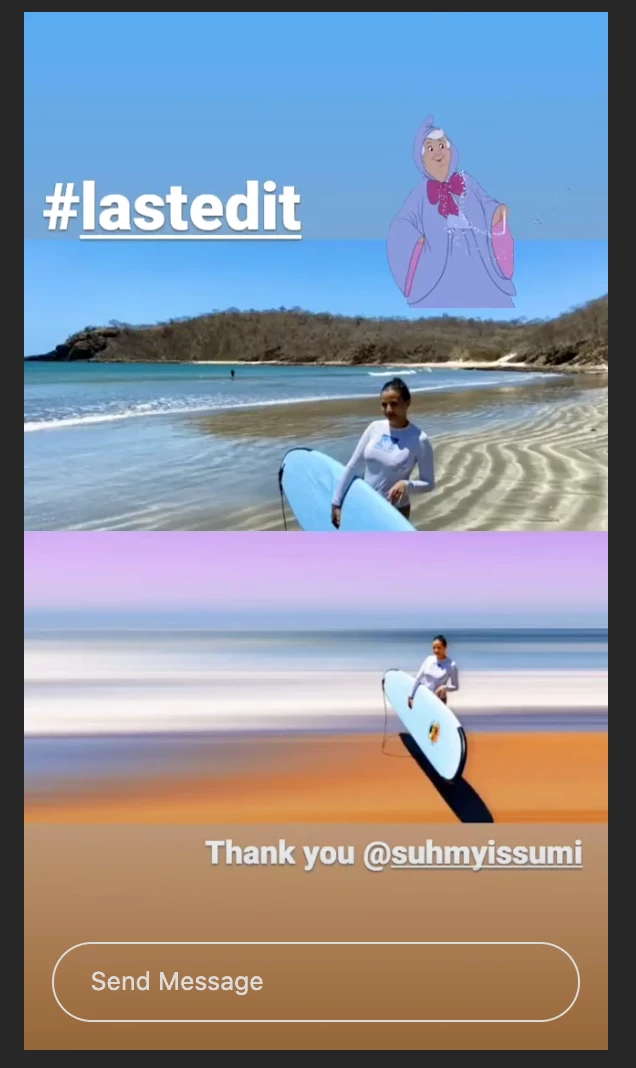
All I did was make a selection, then used Edit > Content-Aware Scale on the menu bar. (Make sure to hold down Shift while dragging a side handle or Photoshop will assume you want to scale proportionately.) No further edits. I could probably use other tools like Motion Blur as Myl mentioned and take it a step further with other effects like color ramping and/or simply painting using various blending modes. The sky's the limit.


Have you tried contacting this artist? Does he not want to share how he goes about doing this?