Participating Frequently
March 3, 2023
Question

I am unable to open or save files in latest version of Photoshop

  • March 3, 2023
  • 12 replies
  • 2067 views

Hi!

Opening, Saving, and other commands that would normally open the file explorer on Windows are instead bringing up a blank grey dialog box with only the option to close it. I have restarted Photoshop and my computer, but so far have had no luck fixing the issue. Does anyone have any idea what's going on? Thanks!
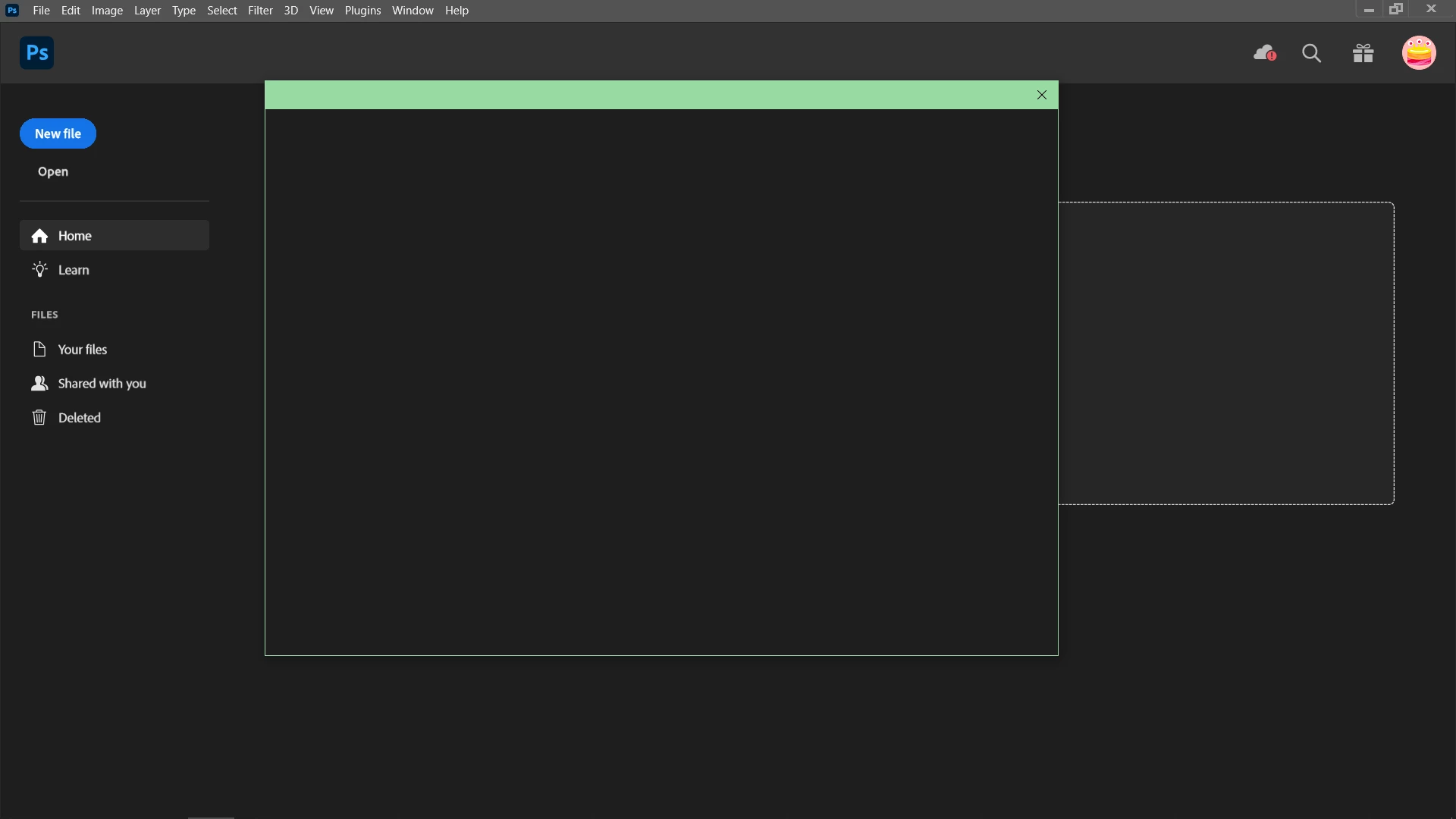
 

Version 24.2 on Windows

This topic has been closed for replies.

12 replies

Kevin Stohlmeyer
Community Expert
Community Expert
March 3, 2023

No but normally when the run in Admin mode resolves, its because the account doesnt have correct permissions.

Glad the shortcut worked for you though.

djbromleyAuthor
Participating Frequently
March 3, 2023

Hmm my account seems to be set to Administrator already. Also, if I'm leaving the realm of Adobe expertise, let me know. You've been an enormous help!

Kevin Stohlmeyer
Community Expert
Community Expert
March 3, 2023

Hi @djbromley that tells me that your user account on your Windows machine is not set as an Administartor -so you are having permissions issues read/write to resource folders. Make sure your account is an Admin.

https://support.microsoft.com/en-us/windows/create-a-local-user-or-administrator-account-in-windows-20de74e0-ac7f-3502-a866-32915af2a34d

djbromleyAuthor
Participating Frequently
March 3, 2023

That works!!

Kevin Stohlmeyer
Community Expert
Community Expert
March 3, 2023

Try going to the Photoshop.exe - shift+right-click and choose Run as Administrator. Any difference?

djbromleyAuthor
Participating Frequently
March 3, 2023

Unfortunately, no improvement after resetting preferences

Kevin Stohlmeyer
Community Expert
Community Expert
March 3, 2023

After you do the driver updates, try resetting your PS Preferences. Go to Preferences/General and click the reset button.

djbromleyAuthor
Participating Frequently
March 3, 2023

Ok, so I think I successfully updated the drivers through Nvidia's site. I'm now able to create a new file and save it, but can't use Open still. 

Kevin Stohlmeyer
Community Expert
Community Expert
March 3, 2023

I would check the nvidia site for a direct download. Sounds like there may be some issues with your current drivers.

djbromleyAuthor
Participating Frequently
March 3, 2023

Hi Kevin, I have tried updating the drivers through Device Manager, but it tells me they are up to date when I go to Device Manager>Display Adapters>Update Drivers>Search Automatically for Drivers. Is there another way to update them?