Answered
I-beam or wavy dotted line not showing for text in rectangle
I am trying to wrap words within a rectangle like you would in a circle. I click on the Path Selection Tool to move the text and it does not change to I-beam?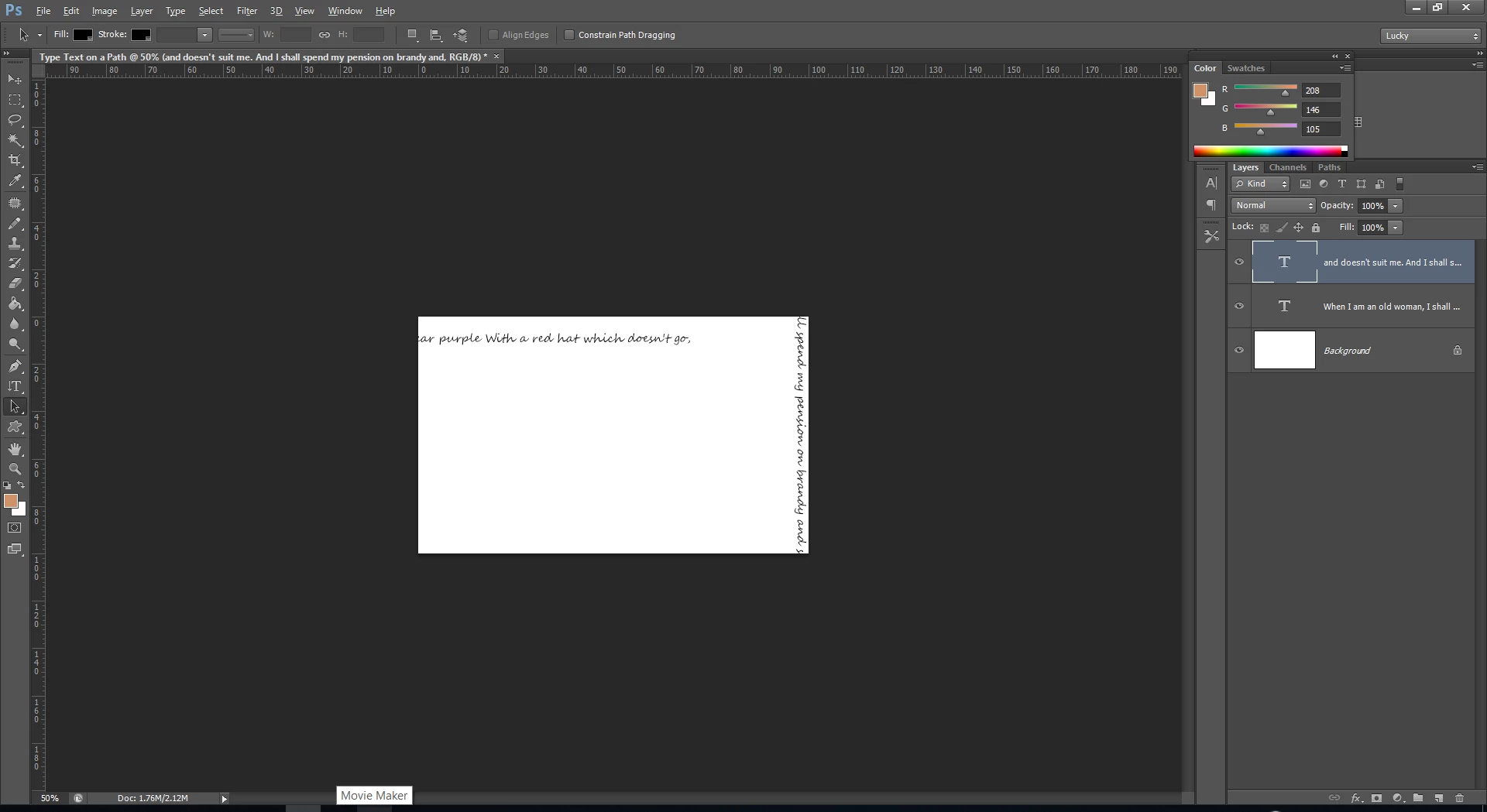

I am trying to wrap words within a rectangle like you would in a circle. I click on the Path Selection Tool to move the text and it does not change to I-beam?
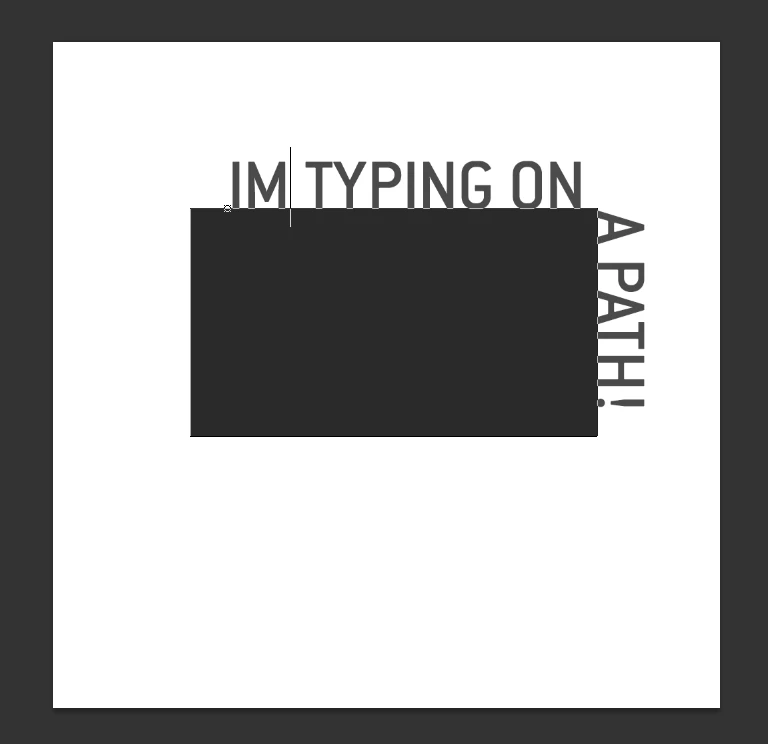
You will need to draw a rectangle using the shape tool. Then with your type tool click to start your text on the boarder of the shape
Already have an account? Login
Enter your E-mail address. We'll send you an e-mail with instructions to reset your password.
 AdChoices