
Participant
December 31, 2019
Question

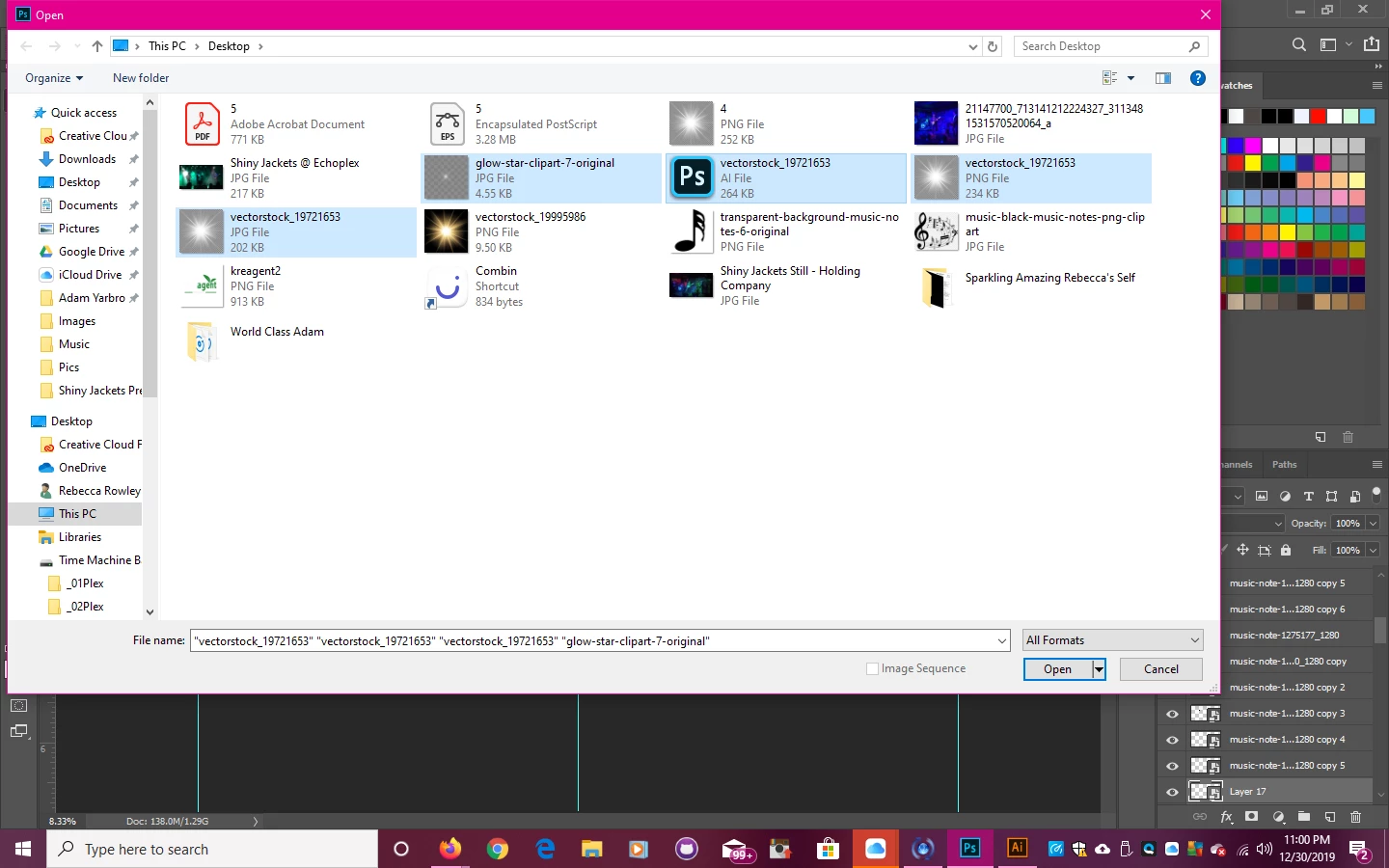
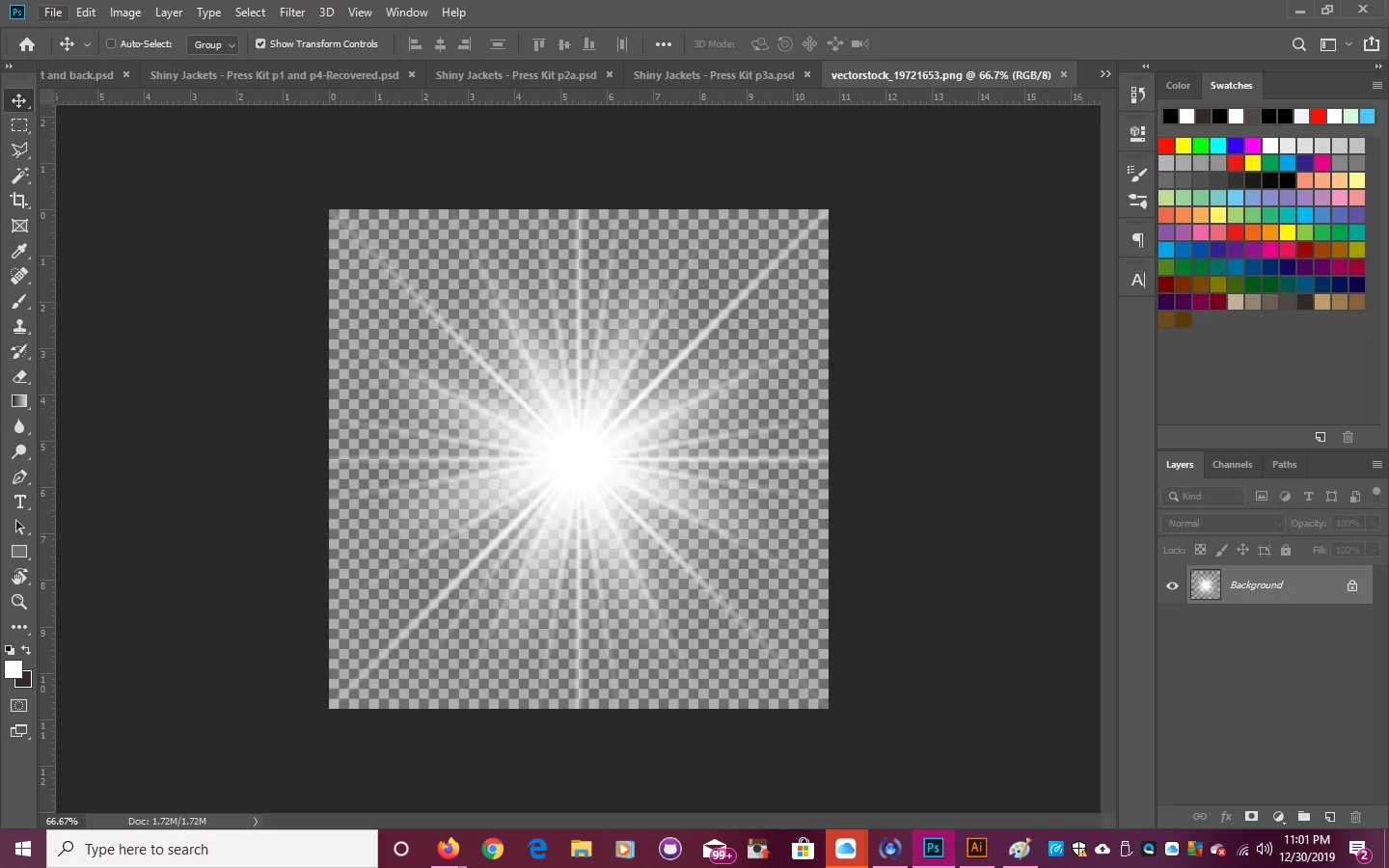
i bought two images of a Star Burst to open in photoshop and the transparent background isn't transp

  • December 31, 2019
  • 2 replies
  • 450 views

Please help. One is a PNG one is a JPG and the other is a EPS and I can't remove the star burst from the "so called trasparent background" See photos attached.
This topic has been closed for replies.

2 replies

Mohammad.Harb
Community Expert
Community Expert
December 31, 2019

if you are planning to use it in a composition and could not find transparent background, try searching for any star burst with black background and place it on any image you want to, then  use "screen" blending mode it will hide the black background.

otherwsie, I would recommend using a third party plugin in called Knoll Light factory for photoshop where you can create your custom made star burst.

Chuck Uebele
Community Expert
Community Expert
December 31, 2019

I would contact whomever you bought them from, as they weren't saved properly. Was that the format in which the files came?

Participant
December 31, 2019

YES.