
Answered
I can not find Preferences in edit list
this is my first time to use photoshop 2017
I can not find Preferences 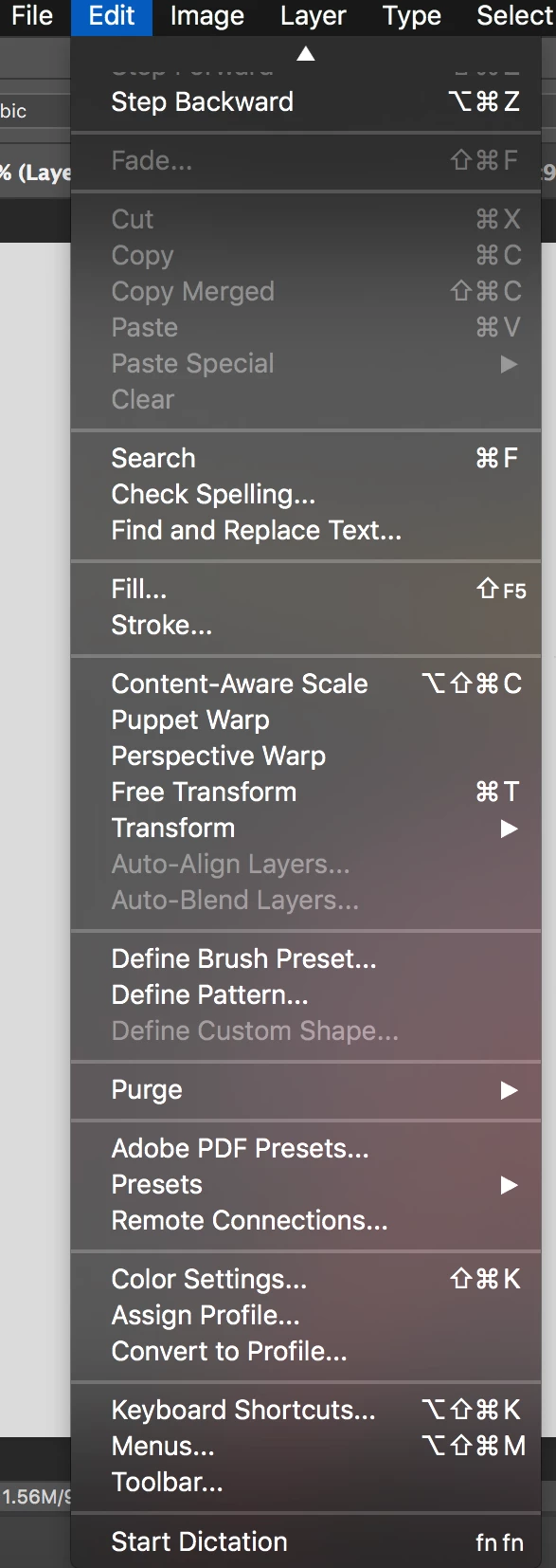
this is my first time to use photoshop 2017
I can not find Preferences
On a Mac the prefernces are the Photoshop menu item on the left next to the Apple symbol. The Windows version has the edit menu option.
Already have an account? Login
Enter your E-mail address. We'll send you an e-mail with instructions to reset your password.
 AdChoices