
Participant
September 3, 2020
Answered

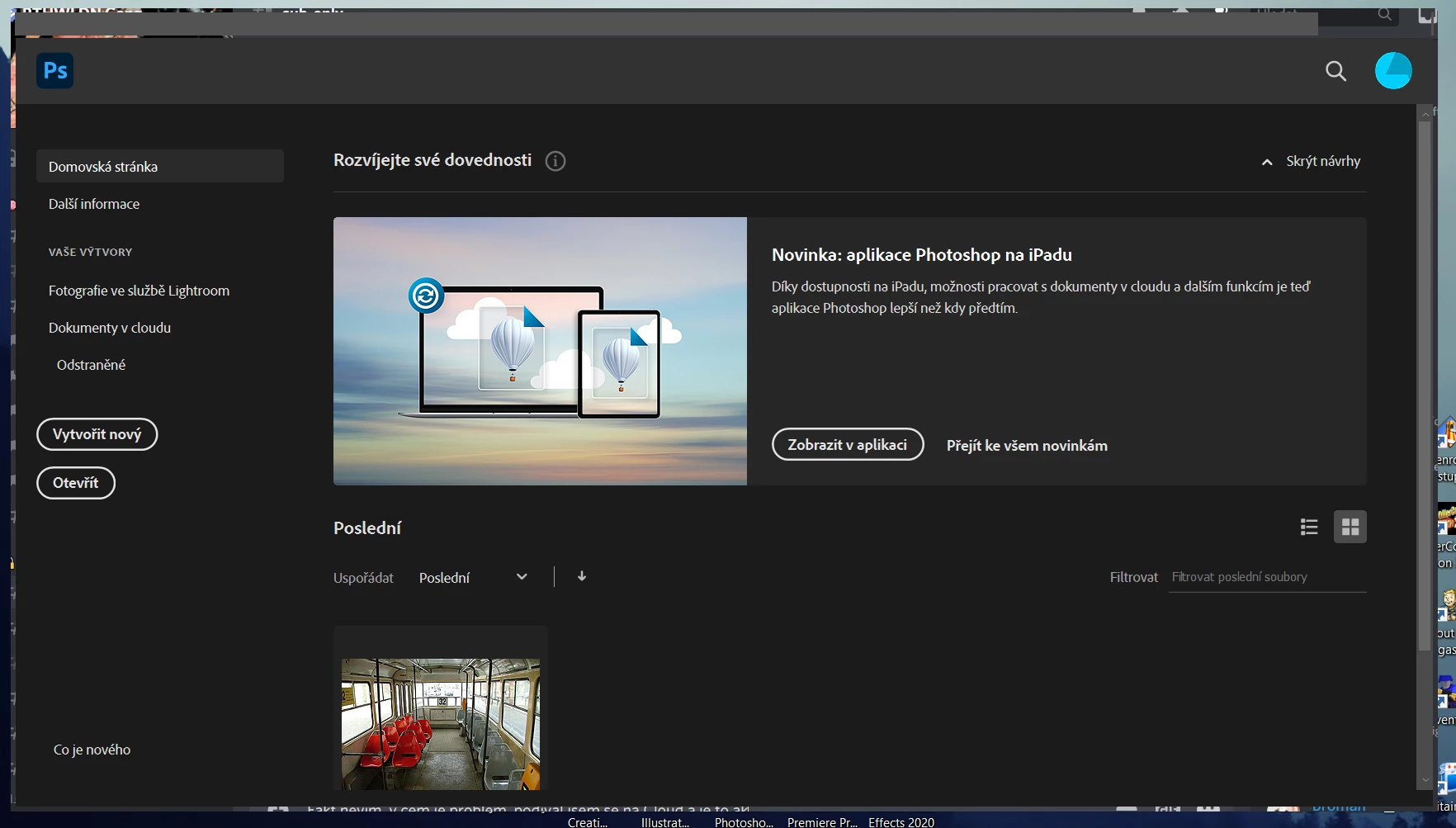
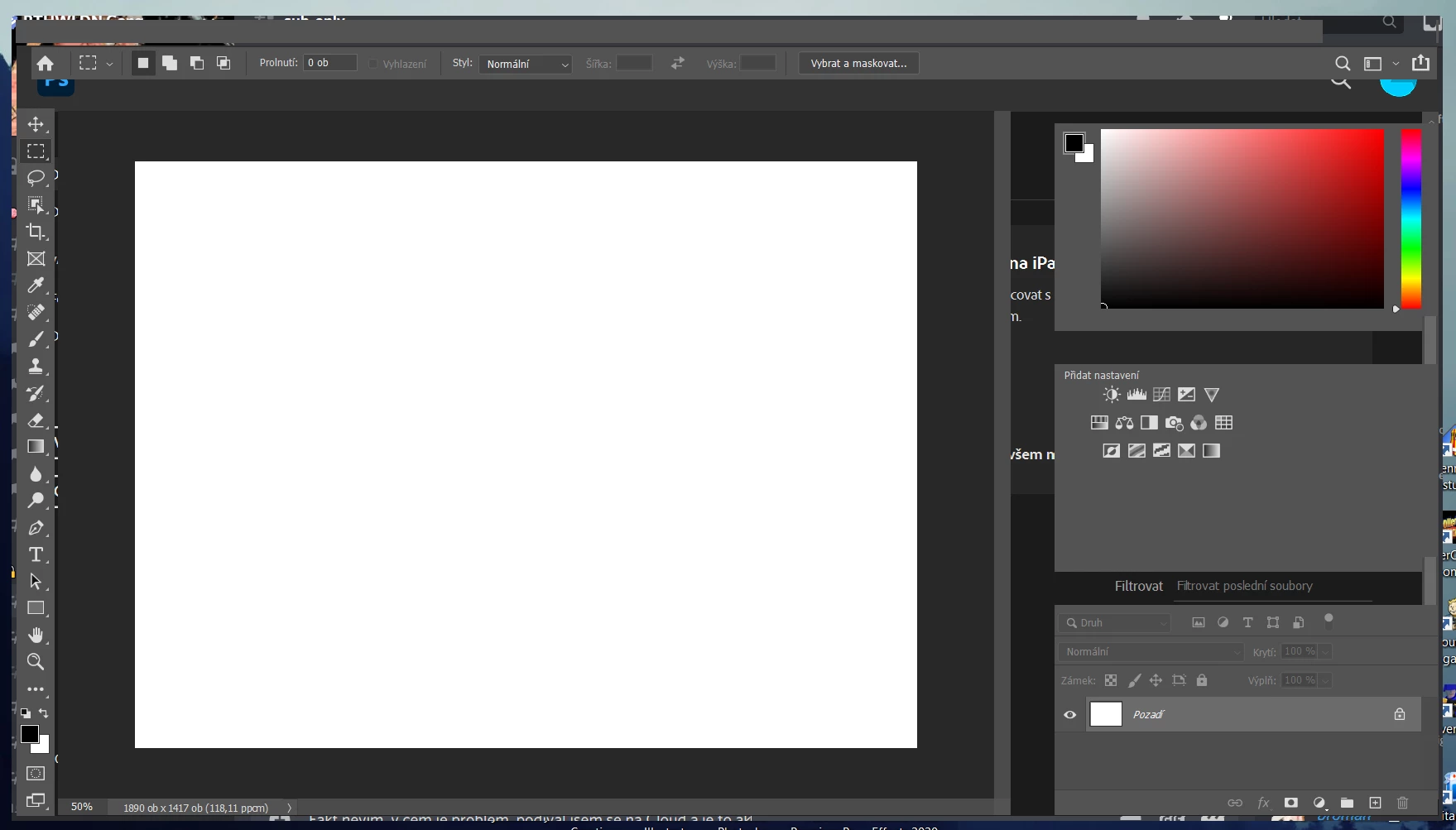
I can't see icons and it seems like Photoshop is glitchy

  • September 3, 2020
  • 1 reply
  • 359 views

Yesterday, I got my own school account for Adobe software and I installed Photoshop on my notebook. Today, when I opened it, it looked like this. I tried closing it and opening it back, I also tried re-installing Photoshop and tried other Adobe programs, which worked perfectly. Is this just my problem? How can I fix this?


Edit: I have just now tried installing older version of Photoshop and I have the same problem here.
This topic has been closed for replies.
Correct answer

Hi

It could be an issue with your GPU driver, have you tried updating that from the manufacturers website, it will either be Intel, AMD or Nvidia

1 reply

Correct answer
September 3, 2020

Hi

It could be an issue with your GPU driver, have you tried updating that from the manufacturers website, it will either be Intel, AMD or Nvidia

Roman5C9EAuthor
Participant
September 3, 2020

Yes, you're right, it was because of the GPU, I just realized it a few minutes ago. But thank you.