Participant
October 8, 2020
Question

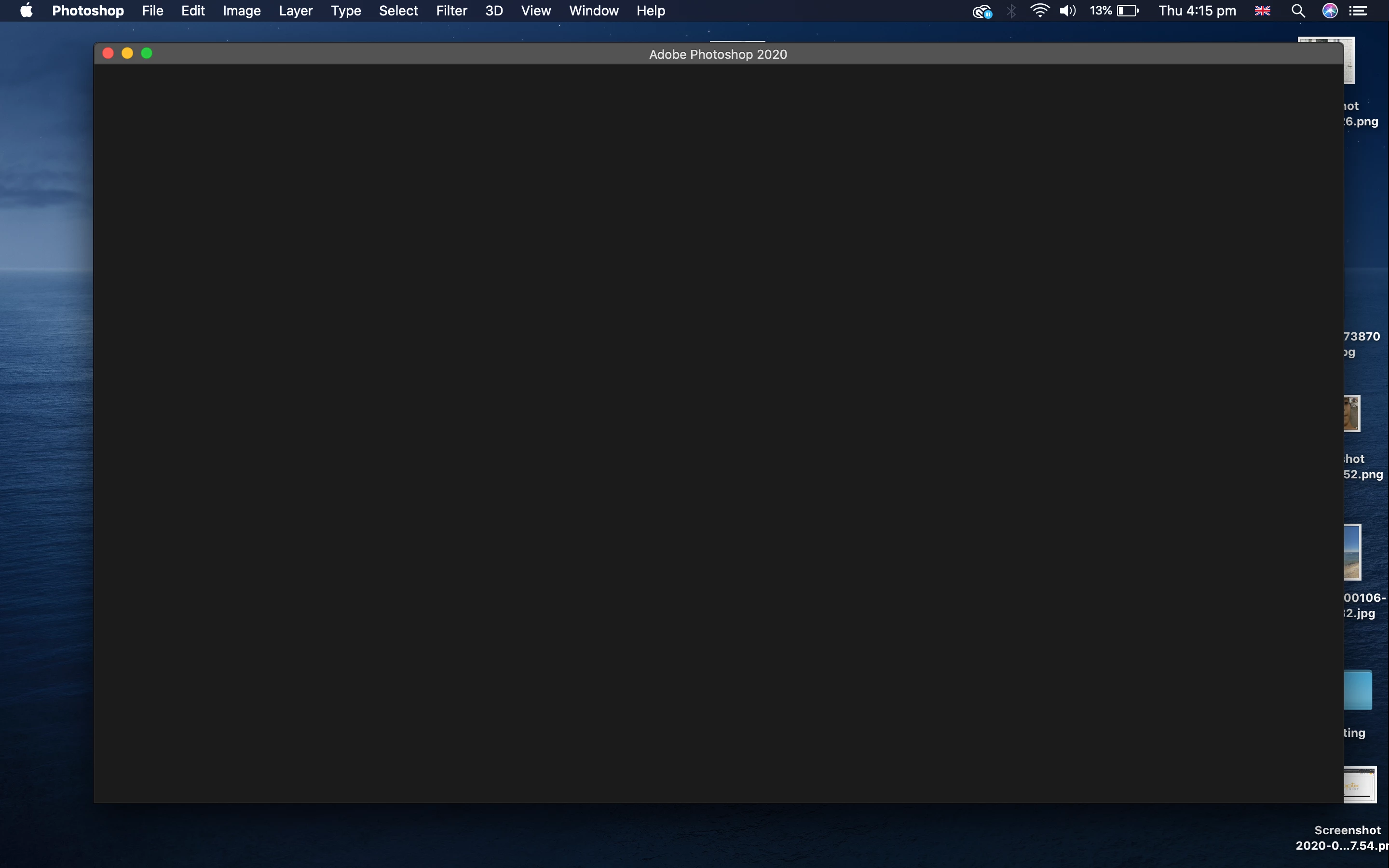
I can't see the homescreen also I can't save any work in Photoshop 2020 on macOS
  • October 8, 2020
  • 1 reply
  • 207 views


{Thread title edited by moderator}

This topic has been closed for replies.

1 reply

nikunj.m
Legend
October 8, 2020

Hi,


We're sorry about the trouble with Photoshop. Would you mind telling us which macOS version are you working on? Did you start experiencing the issue after an update to Photoshop or to macOS?


For the blank home screen issue, you can try the steps suggested here: https://helpx.adobe.com/photoshop/kb/troubleshoot-home-screen-issues.html


Please let us know if it helps!

Regards,

Nikunj

Participant
January 7, 2021

I have the exact same problem. 


I have a brand new Macbook pro and downloaded my Photoshop to it. Now I can't save anything, open a new file, or see anything on the home screen. Please advise

Amal5E85Author
Participant
January 7, 2021
Hey, I contacted adobe and they controlled my screen and deleted adobe
programs completely from my laptop and then downloaded them again. But they
didn't delete any work I've done.

--


This email, and its attachments if any, may be confidential or legally
privileged and is intended to be seen only by the person to whom it is
addressed. If you are not the intended recipient, please notify the sender
immediately, delete it from your system and do not copy, disclose or
otherwise act upon any part of this email or its attachments. 


The views
expressed herein are those of the author and should not be taken as those
of Ravensbourne University London, unless this is specifically stated. 


Ravensbourne University London is a higher education corporation under the
terms of the Education Reform Act 1988 and the Further and Higher Education
Act 1992. The institution is an exempt charity for the purposes of the
Charities Act 2011. Ravensbourne University London’s address is 6 Penrose
Way, Greenwich, London, SE10 0EW


Please consider the environment before
printing this email.