Participant
August 20, 2023
Question

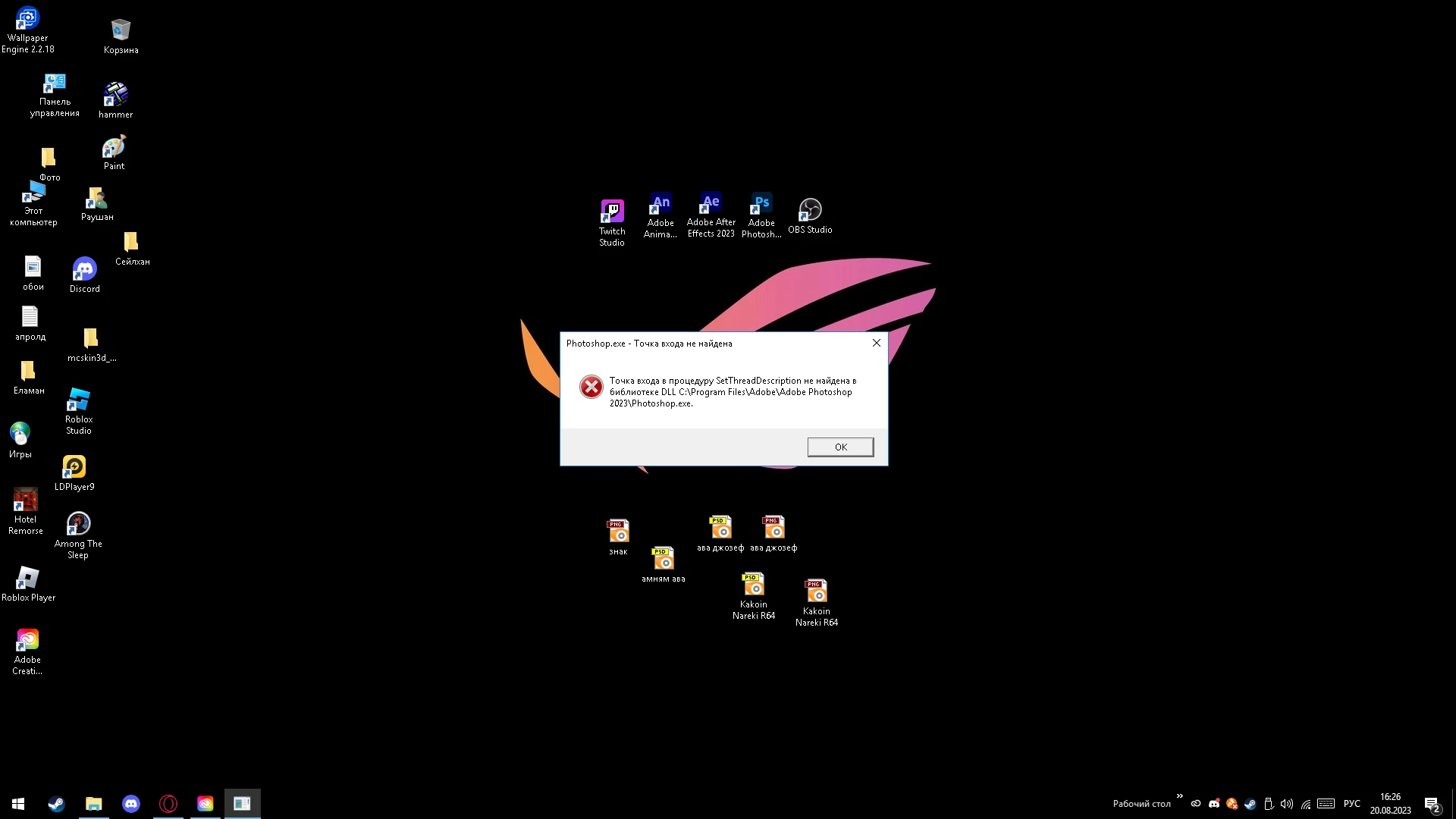
i cant open Photoshop

  • August 20, 2023
  • 2 replies
  • 298 views

This topic has been closed for replies.

2 replies

AxelMatt
Community Expert
Community Expert
August 20, 2023

Please try to reset the preferences of Photoshop using the steps described here:

Preferences in Photoshop (adobe.com)

Please backup your settings before resetting the preferences. You can check:

Migrate presets, actions, and settings (adobe.com)


If this doesn't help, we need more informations about your system. Maybe you can post your Photoshop system info. In Photoshop goto Help > System Info and hit the copy button. Then paste the entire informations into this thread.


Is your system up-to-date? Do you have installed all recent updates, patches and drivers for your operating system and hardware devices, especially your graphic card?


My System: Intel i7-8700K - 64GB RAM - NVidia Geforce RTX 3060 - Windows 11 Pro 25H2 -- LR-Classic 15 - Photoshop 27 - Nik Collection 8 - PureRAW 6 - Topaz Photo AI
jane-e
Community Expert
Community Expert
August 20, 2023
quote

i cant open Photoshop

By @Tr0yrodn1_Papa


We need more information if you want us to try to assist. Please answer all of these questions.

  • Did Photoshop work before?
  • What version (exact) of Photoshop?
  • Did you just install PS or has it been installed?
  • Did you just update?
  • What version of Windows?
  • Does your computer meet or exceed the recommended system requirements for Photoshop?
    https://helpx.adobe.com/photoshop/system-requirements.html
  • Please type out the error message for us (we can translate)


Jane

Participant
August 20, 2023

yes, photoshop used to work, it stopped working after updating version 24.7 I have Windows 10


Participant
August 20, 2023

Error message: the entry point to the SetThreadDescription procedure was not found in the DLL C:\Program Files\Adobe\Adobe Photoshop 2023\Photooshop.exe .