Answered
I don't see "Beta Apps" in my Creative Cloud menu
I don't see "Beta Apps" in my Creative Cloud menu--thanks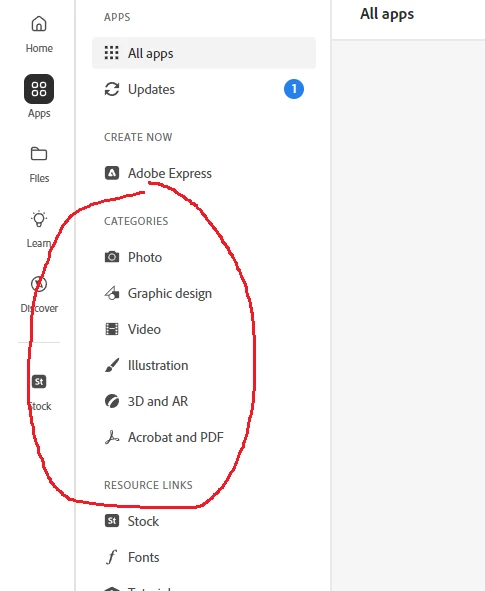
I don't see "Beta Apps" in my Creative Cloud menu--thanks
Navigate to Windows: C:\Program Files (x86)\Common Files\Adobe\OOBE\Configs\ServiceConfig.xml, find the <category>beta-apps</category> and above it change <enabled>false</enabled> to <enabled>true</enabled>, save file. You will need admin password to do that. Restart your system and Beta apps will appear.
Already have an account? Login
Enter your E-mail address. We'll send you an e-mail with instructions to reset your password.
 AdChoices