Participant
November 26, 2019
Question

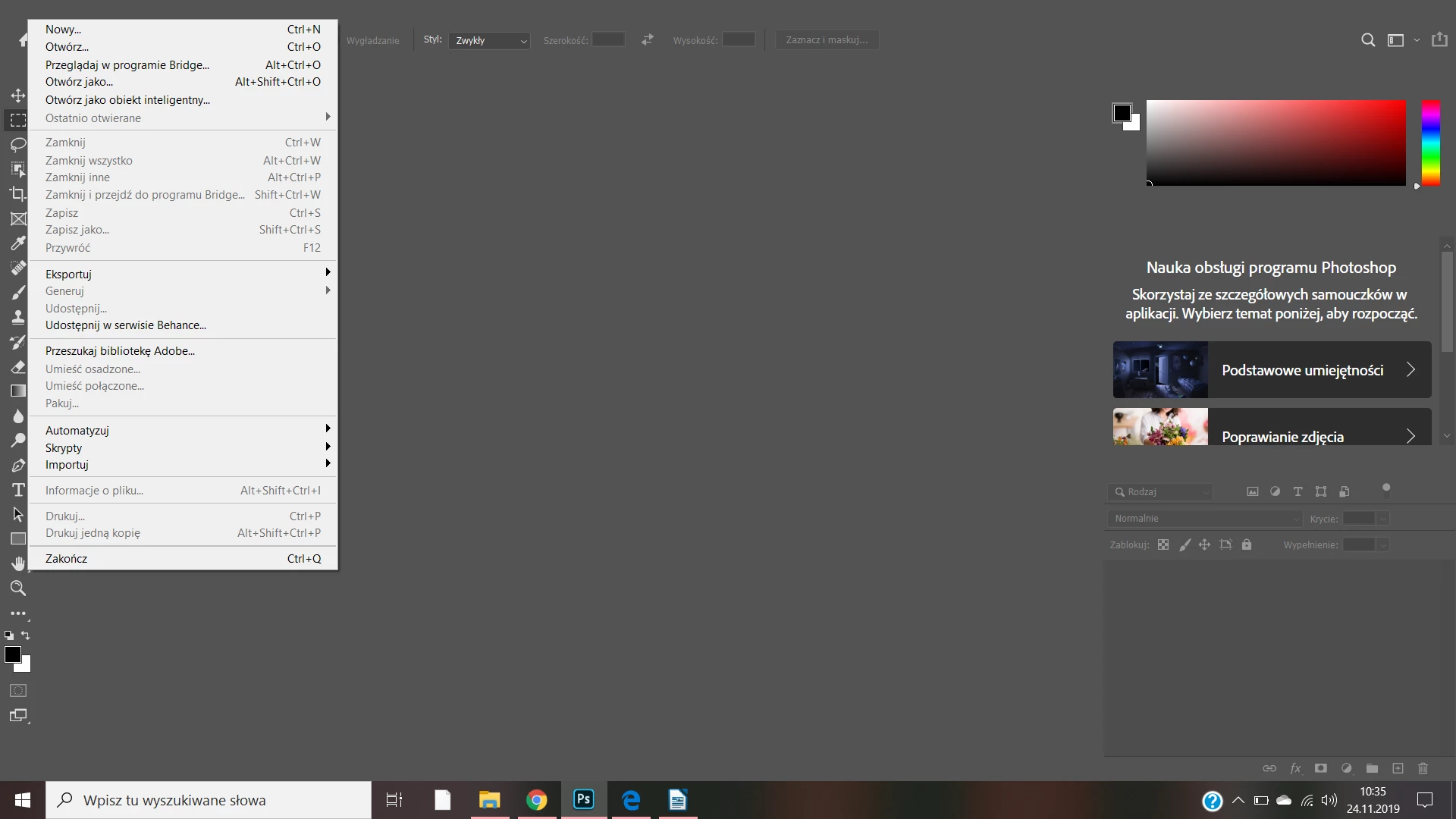
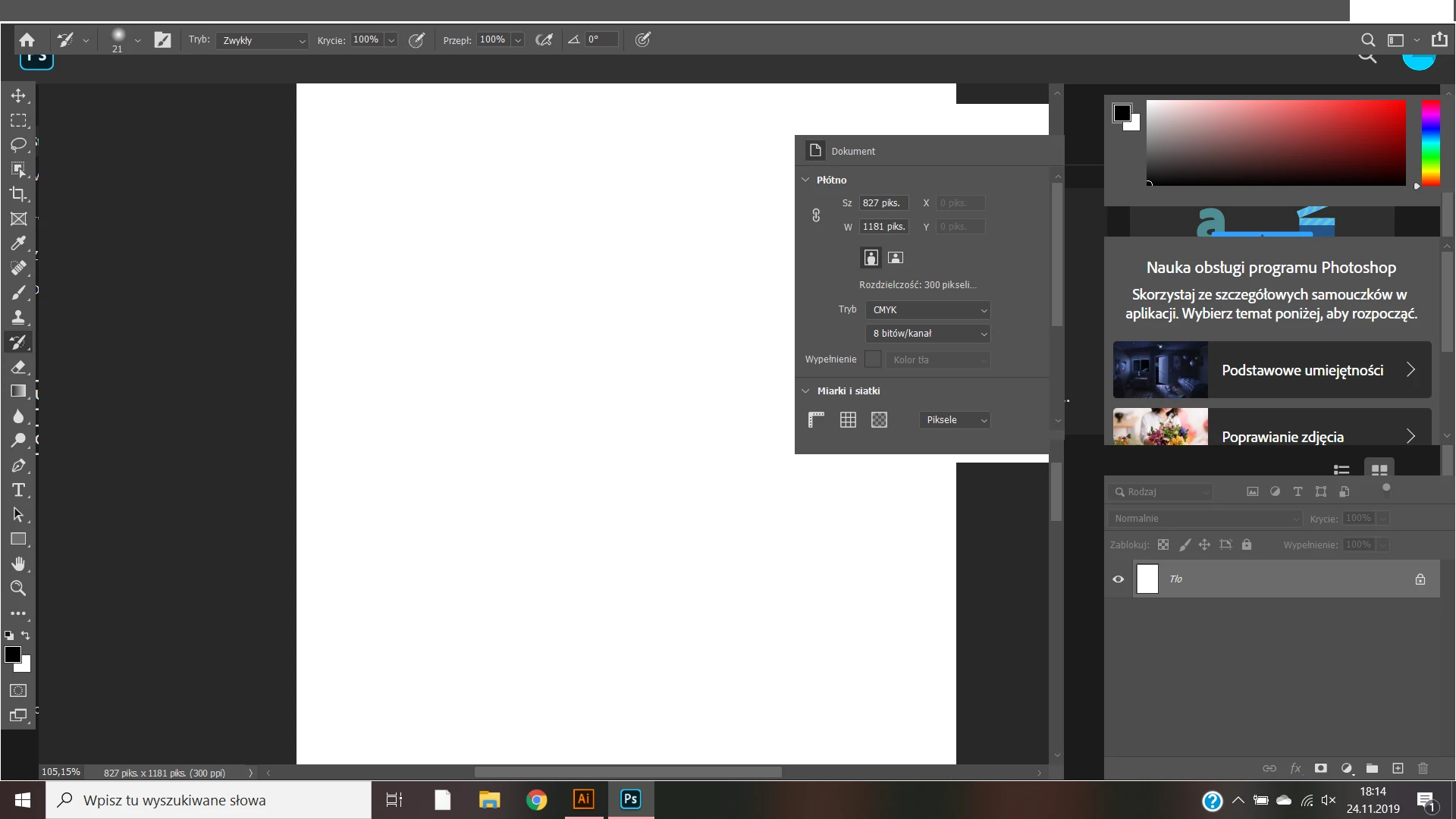
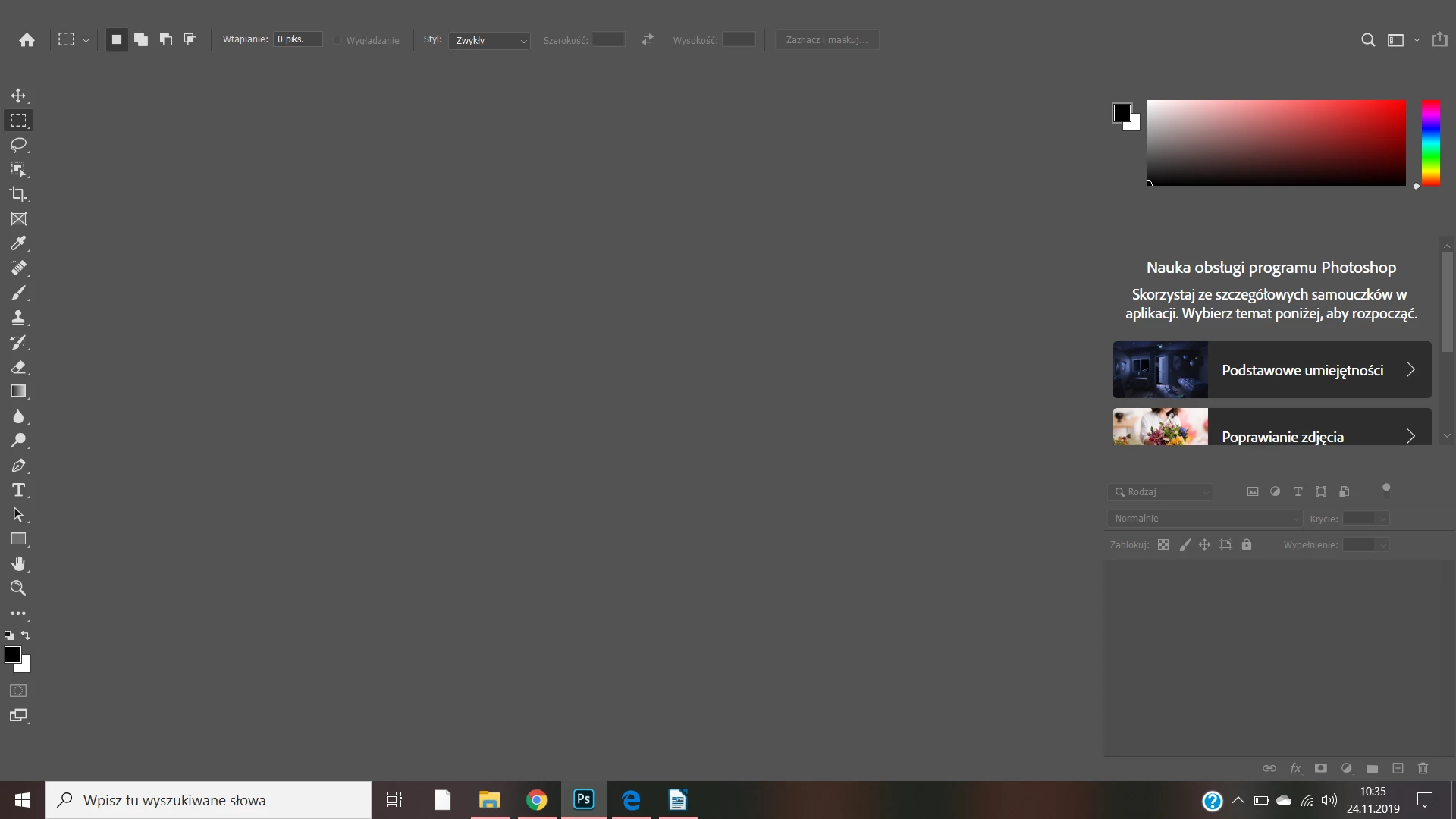
I don't see the top menu window file edit image layer type what to do?
  • November 26, 2019
  • 4 replies
  • 2231 views

I contacted support, but we stopped renaming (location C: \ .....) the Adobe Photoshop 2020 Prefs file to Adobe Photoshop 2020 Prefs.old, but I can't find it in my folder. Please help me 😞

This topic has been closed for replies.

4 replies

Participant
November 5, 2022

Hi, I'm facing the same problem as you. Can you fix it? If it can be solved, can you tell me how?

Semaphoric
Community Expert
Community Expert
November 27, 2019

Check if you have two graphics adapters active, like one for your video card and one for the motherboard's on-board graphics, and disable the on-board one.

Peru Bob
Community Expert
Community Expert
November 27, 2019

Try resetting the preferences:

To manually restore preferences to default:

To restore preferences quickly using a keyboard shortcut:

  • Press and hold Alt+Control+Shift (Windows) or Option+Command+Shift (Mac OS) as you start Photoshop. You are prompted to delete the current settings. The new preferences files are created the next time you start Photoshop.

Note: Using the keyboard shortcut, preference files for custom shortcuts, workspaces, and color settings will also be reset to default.

To manually restore preferences to default:

To restore preferences quickly using a keyboard shortcut:

  • Press and hold Alt+Control+Shift (Windows) or Option+Command+Shift (Mac OS) as you start Photoshop. You are prompted to delete the current settings. The new preferences files are created the next time you start Photoshop.

Note: Using the keyboard shortcut, preference files for custom shortcuts, workspaces, and color settings will also be reset to default.


jane-e
Community Expert
Community Expert
November 26, 2019

Hi
I’ve moved this from “Get Started” to “Photoshop” where you are more likely to get a proper response.
~ Jane