Participant
October 18, 2018
Answered

I get black pic when exporting JPEG

  • October 18, 2018
  • 2 replies
  • 7126 views

Hi, I just downloaded the new Photoshop release 20.0.0. I'm working on a new photo a have trouble exporting in jpg (and probably the problem is more extensive).

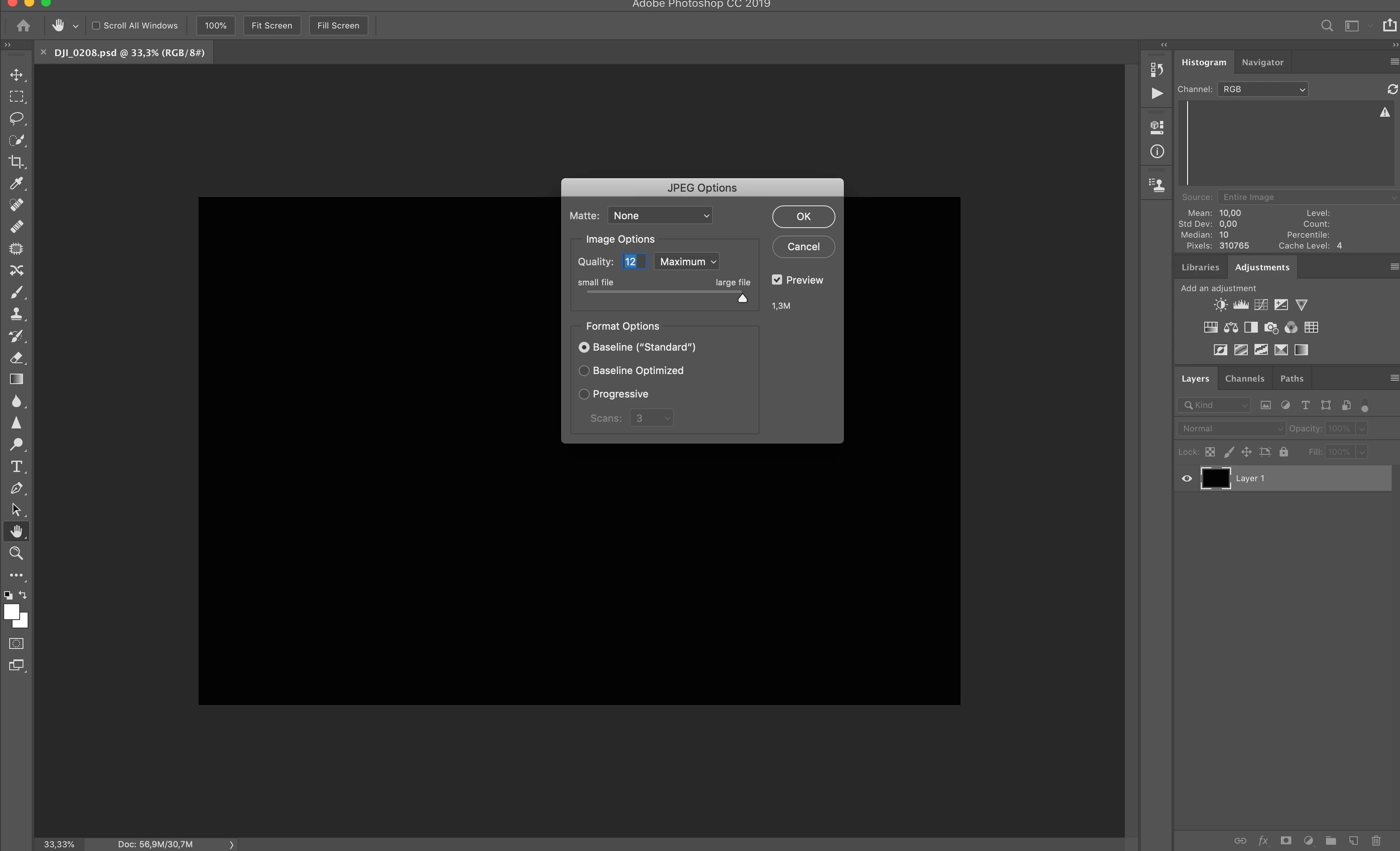
I worked as usual with my levels, then exporting in JPG I get a black frame. I don't understand why.

Now refreshing the instogram top right I see I get only the 100% at 10...10 level. Looks like the pic is complitely black, but I can clearly see it in my working space.

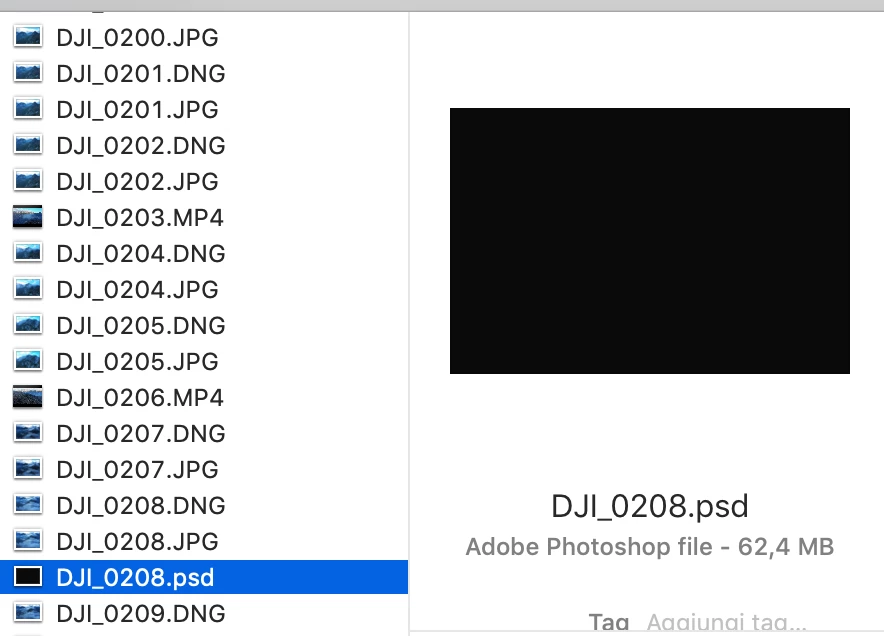
Also my psd preview in finder looks all black...

Really don't understand what's going on.

All other pictures work fine, but I need to work on this particular one.

Enclosed 3 screenshoots:

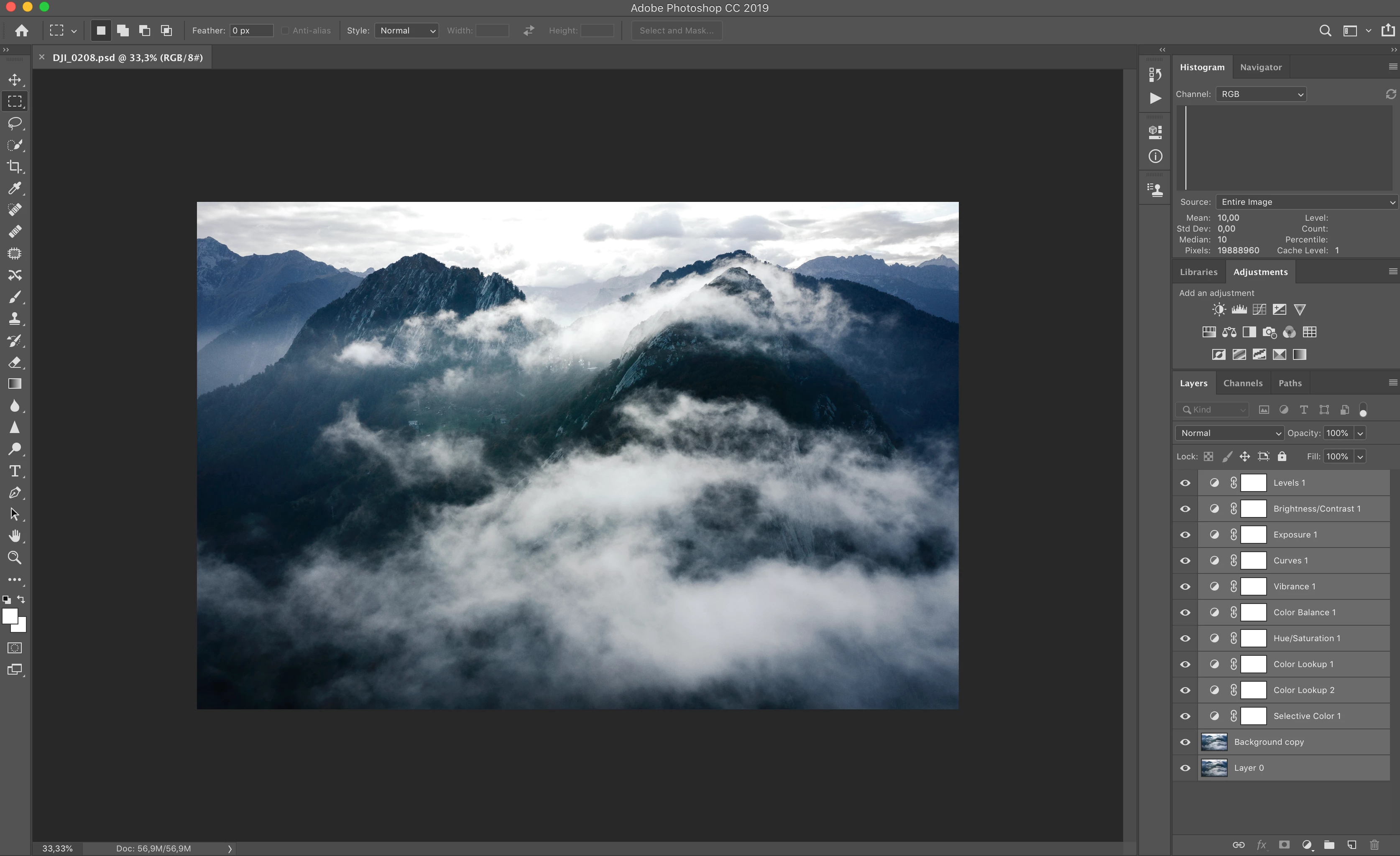
- what I see while I work

- what I see while I try to export in JPG

- what I see in finder

Anybody can help me?
This topic has been closed for replies.
Correct answer luca_mountainscape

EDIT: I discovered the problem was in the layer Background copy layer.

This layer was copied from Layer 0 (before "Background") to make a work on the lights using Filter-Render-Lighting Effect tool. When I used this tool first time I saw my image with no problems, but if now I reopen it, I get a full black pic, that exactly what is exported. But the crazy thing is that when I see the layer Background Copy in my layers, I can see the image with no problems, and I see the changes I did in my first edit of the layer.

2 replies

luca_mountainscapeAuthorCorrect answer
Participant
October 18, 2018

EDIT: I discovered the problem was in the layer Background copy layer.

This layer was copied from Layer 0 (before "Background") to make a work on the lights using Filter-Render-Lighting Effect tool. When I used this tool first time I saw my image with no problems, but if now I reopen it, I get a full black pic, that exactly what is exported. But the crazy thing is that when I see the layer Background Copy in my layers, I can see the image with no problems, and I see the changes I did in my first edit of the layer.

Participant
November 5, 2018

How did you get it to export full color? I'm having the same issue.

October 18, 2018

Hi

Two things to try, enable this option in preferences and restart Photoshop

If that doesn't help try setting the Drawing Mode to Basic