Participant
July 31, 2018
Question

I have got an error while opening .mp4 or .avi format file in PS CS5 version 12.0

  • July 31, 2018
  • 1 reply
  • 1830 views

I click on File--> Open--> add .mp4 file and I have got an error "Could not complete your request because it is not the right kind of document."

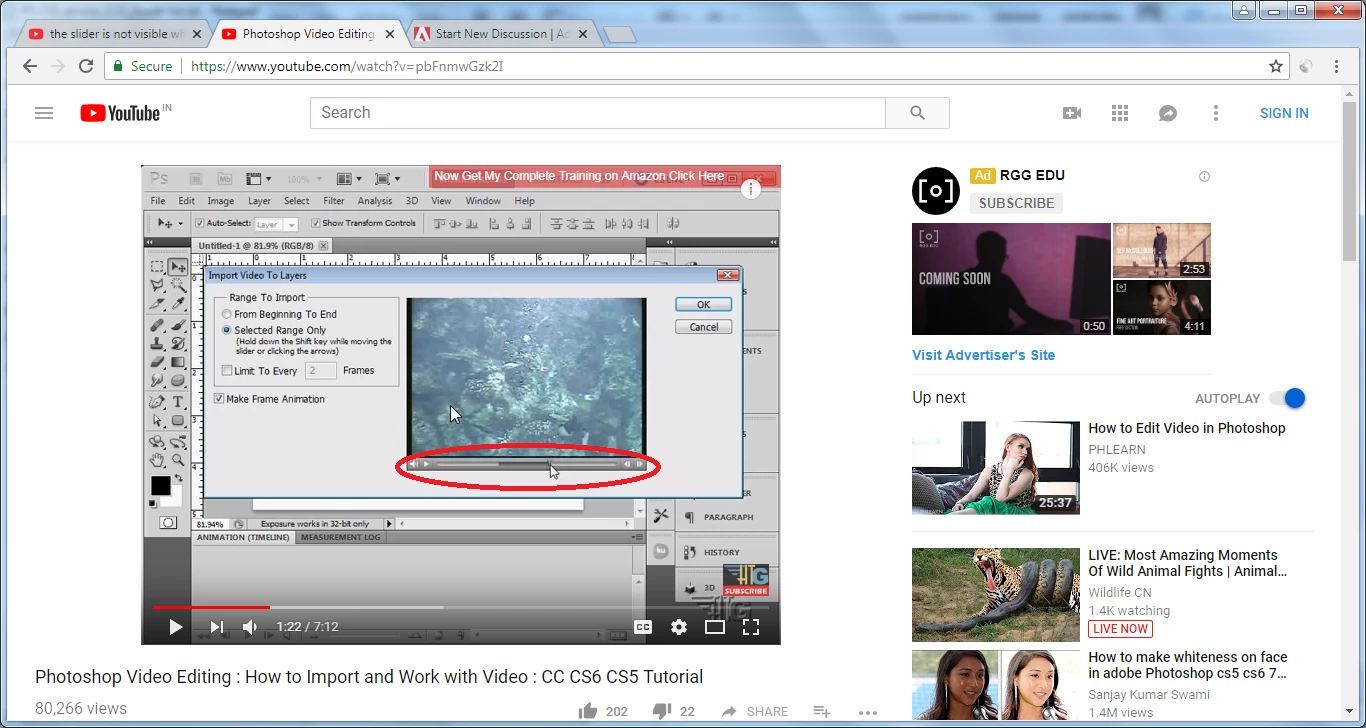
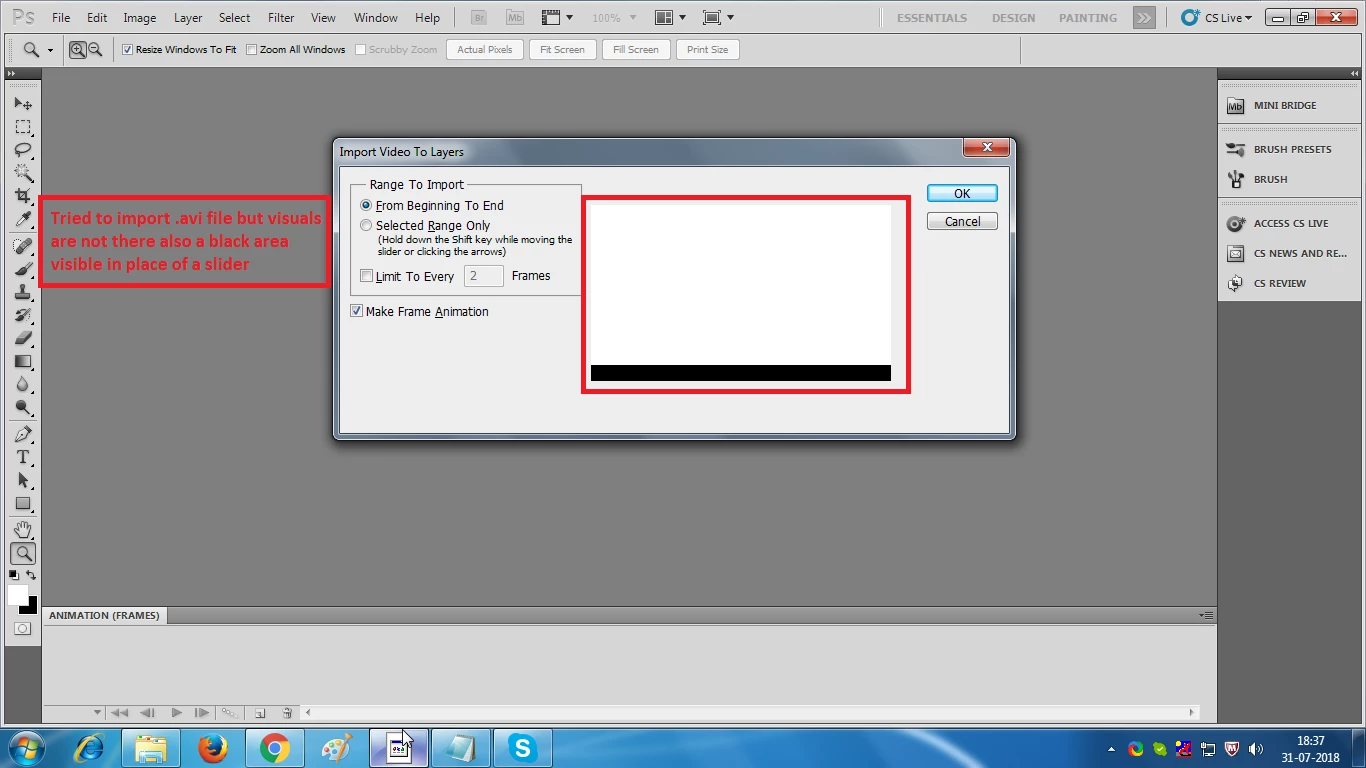
Then I tried to add .avi format file through importing a file and Photoshop is able to open anything that quicktime can read(To parse the video files). I tried mp4 but the audio is missing than I tried .avi format, here the video and audio both are missing. Also the slider is missing at the time of importing the video.
    This topic has been closed for replies.

    1 reply

    JJMack
    Community Expert
    Community Expert
    July 31, 2018

    Is your licence serial for CS5 Standard or CS5 Extended.  I no longer have CS5 installed.  When I open CS6 I see CS6 Extended. When you open CS5 do you see something that states  CS5 Extended.   There is a big differences between opening a Video in Photoshop and Importing Frames to Layers.  Layers do not have audio you have not opened a video importing frames as layers you have imported Frames from a video into a Photoshop document as image pixel layers.  Photoshop Video support I believe first appeared in CS3 Extended.  Photoshop Video Support was a Photoshop extended feature and not available for use in Photoshop standard additions..

    Open an MP4 in CS6 You see a video group, a video layer and a video timeline that has an audio track.

    Importing Frames as Layer can create Animated Gif will have no audio have a Frame Animation Timeline not a video timeline.

    JJMack