kalliopea88366948
Participant
November 25, 2022
Answered

I have to scroll to reach the photo I am working on. Help?

  • November 25, 2022
  • 3 replies
  • 1608 views

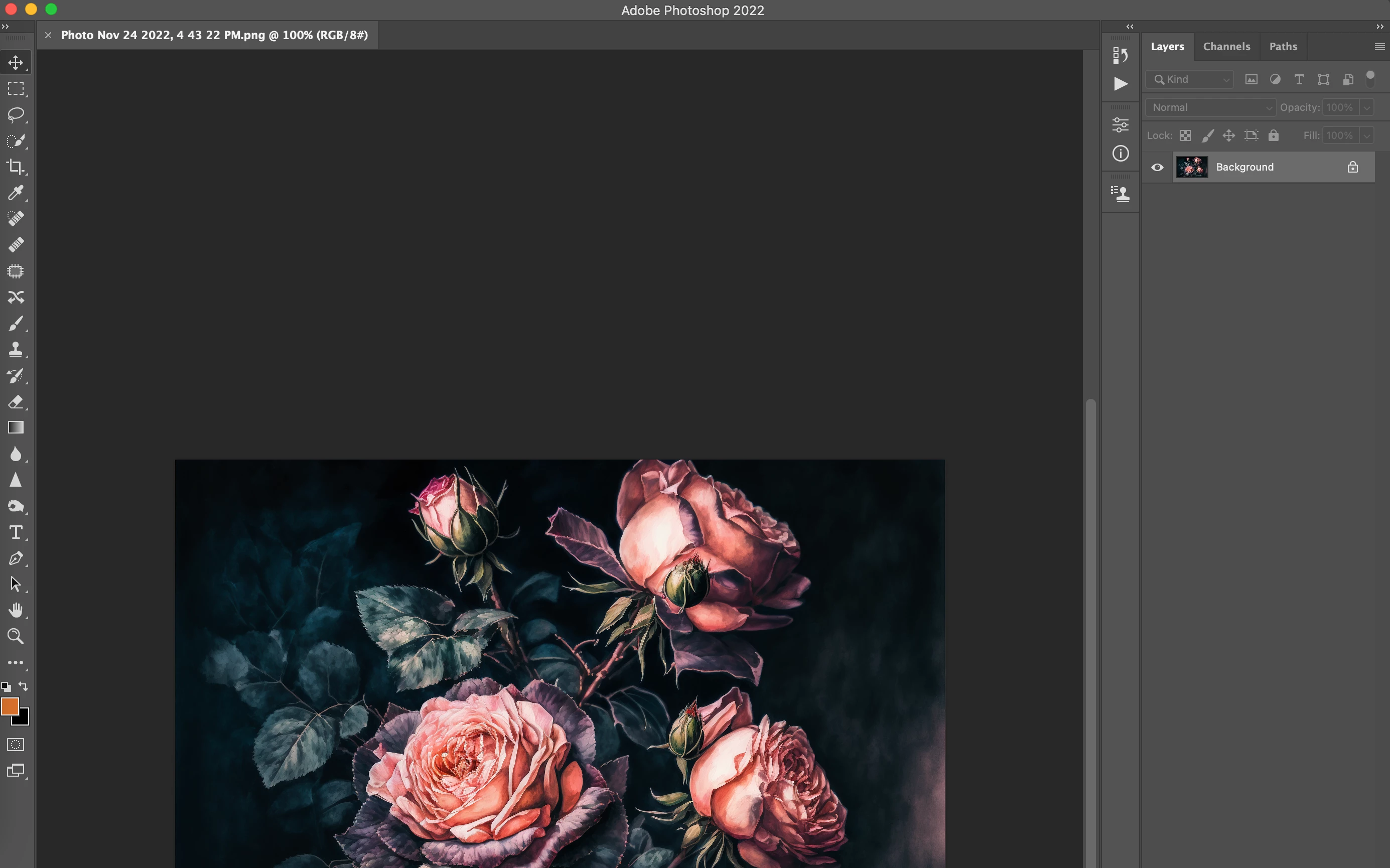
This is something that has just happened in the past hour and I have tried many things and cannot figure out what happened or how to fix it. I'm using the latest version of Mac OSX and Photoshop 24.0.1. I reverted back to 23.5.3 and have the same problem, so it must be something in my settings.


As you can see here the photo isn't at the top of the workspace as usual. I have to scroll all the way down. It also tends to glitch the image when I am scrolling. Any help appreciated!
 

This topic has been closed for replies.
Correct answer Jeff Arola

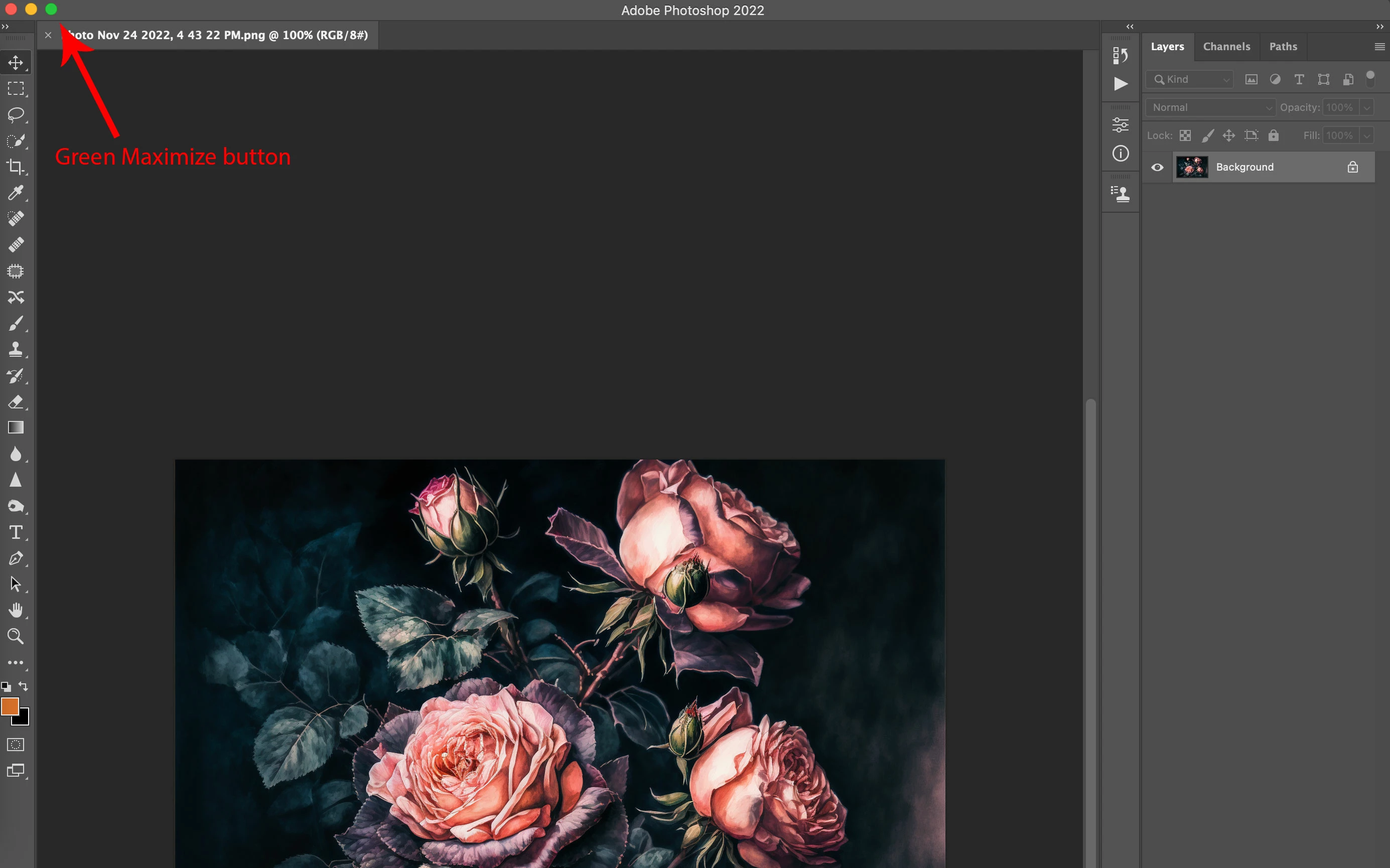
Green Maximize button


3 replies

Jeff Arola
Community Expert
Jeff ArolaCommunity ExpertCorrect answer
Community Expert
November 25, 2022

Green Maximize button


kalliopea88366948
Participant
November 25, 2022

That was it. Thank you!

Jeff Arola
Community Expert
Community Expert
November 25, 2022

Also i don't know if you just didn't include your whole screen in the screenshot or possibly photoshop is not fitting to your screen.


You can fit the photoshop interface to your screen by clicking on the Green Maximize button in upper left of the photoshop interface.

Jeff Arola
Community Expert
Community Expert
November 25, 2022

Go to Photoshop>Preferences>Tools and uncheck Overscroll

kalliopea88366948
Participant
November 25, 2022

It's already unchecked, so that's not it in this case.