Participant
September 13, 2020
Question

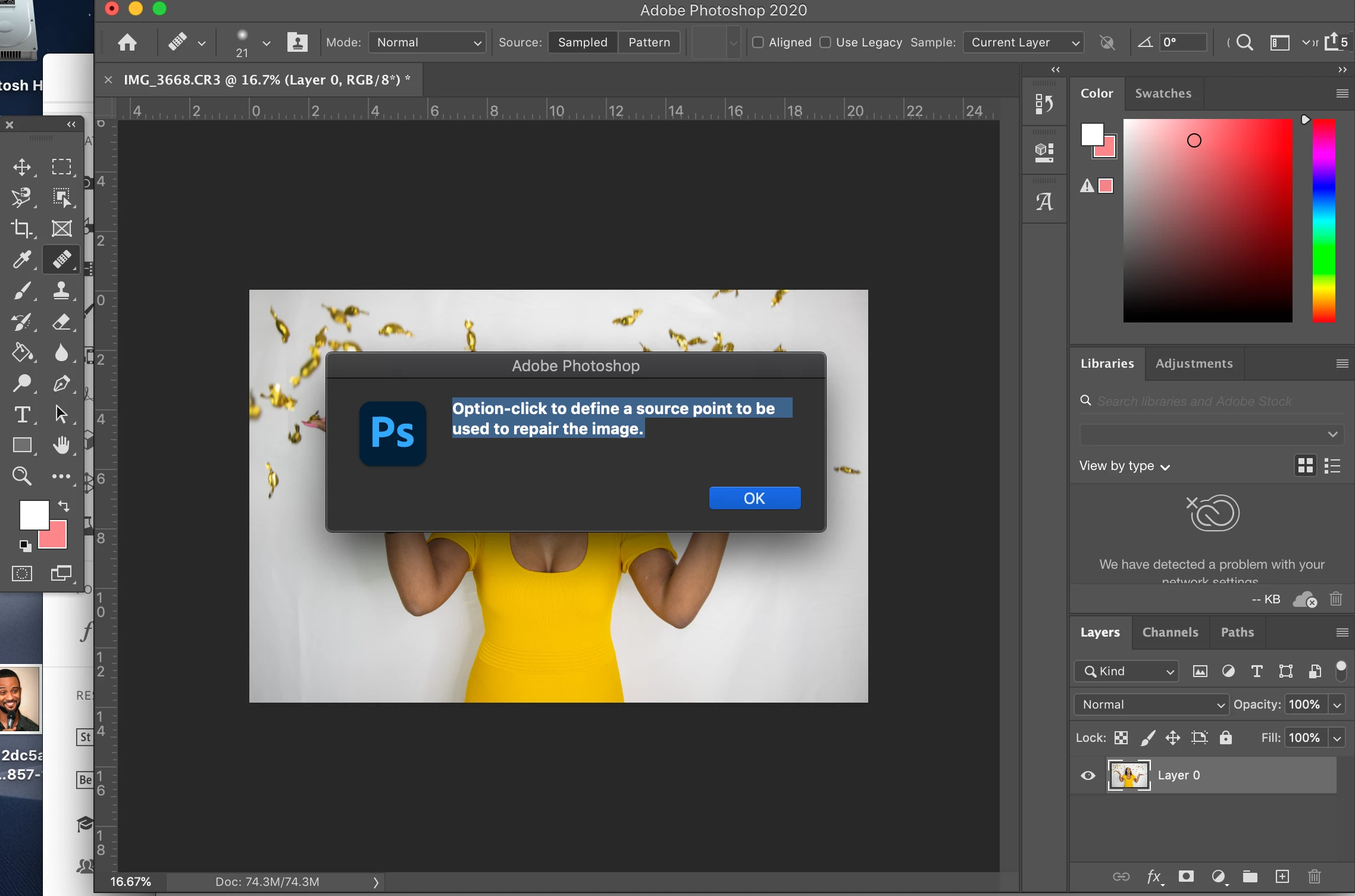
I Keep Getting This Error Message

  • September 13, 2020
  • 3 replies
  • 306 views

I Keep Getting This Messeage "

Option-click to define a source point to be used to repair the image.


Im New With Photoshop
This topic has been closed for replies.

3 replies

italosan
Community Expert
Community Expert
September 14, 2020

Hi, first you need to select the part you want to sample. To do this, hold down the ALT key on your keyboard and then click the mouse to take the desired sample. Once this is done, apply the sample you have just taken to the desired point.

MarekMularczyk
Community Expert
Community Expert
September 14, 2020

You have Healing Brush Tool selected in your tools panel.

For Healing Brush to work, you need to sample the area you want to sample from first and you do it by holding Alt key on the keyboard and clicking once to take a sample. Then, you move the cursor and click to apply the sampling point.

Adobe Community ExpertAdobe Certified Professional
Derek Cross
Community Expert
Community Expert
September 13, 2020

Rather like the Clone Stamp Tool, you option click on the area of the image you want to copy and trasfer to another part of it.

https://helpx.adobe.com/photoshop/key-concepts/clone.html

https://www.youtube.com/watch?v=c8Vo0_uEdUo