Answered
This topic has been closed for replies.
Hi Alec,
There are many ways to do this: What I did was use a content aware fill and cleaned up using the stamp and healing tools as cleanup. I also just did a duplicate a mirror of the other side of your frame to get that to look similar adn masked out potions of it.
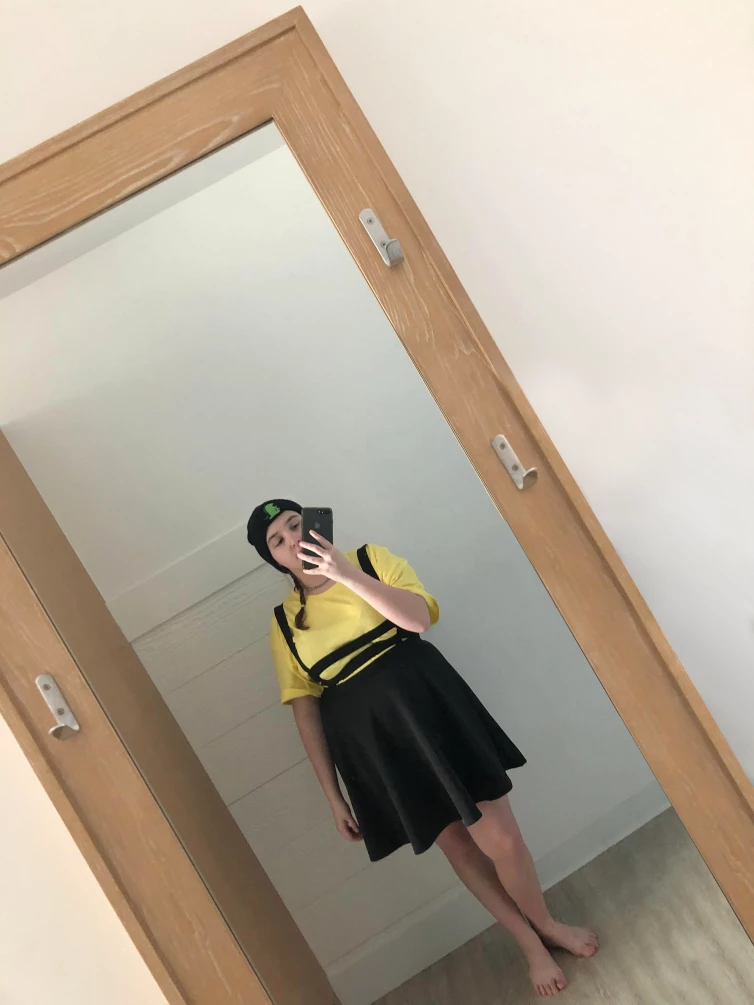
Here is how to use that content aware fill which seems to work well to get started
Best Way REMOVE PEOPLE or ANYTHING from Photo in 1 Min Photoshop Hidden - YouTube
A great video on the rest of the tools for clean up:
Remove Objects From Complex Textures in Photoshop | Object Removal 04 - YouTube
I have attached the photoshop file to you can reference and explore the work i did quickly. You can get as detailed as you want to make sure every little thing is perfect of course, but hopefully that will get you stared in the right direction.
Sign up
Already have an account? Login
To post, reply, or follow discussions, please sign in with your Adobe ID.
Sign inSign in to Adobe Community
To post, reply, or follow discussions, please sign in with your Adobe ID.
Sign inEnter your E-mail address. We'll send you an e-mail with instructions to reset your password.
 AdChoices