
Answered
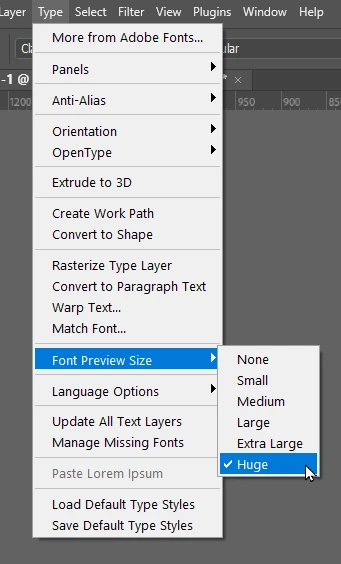
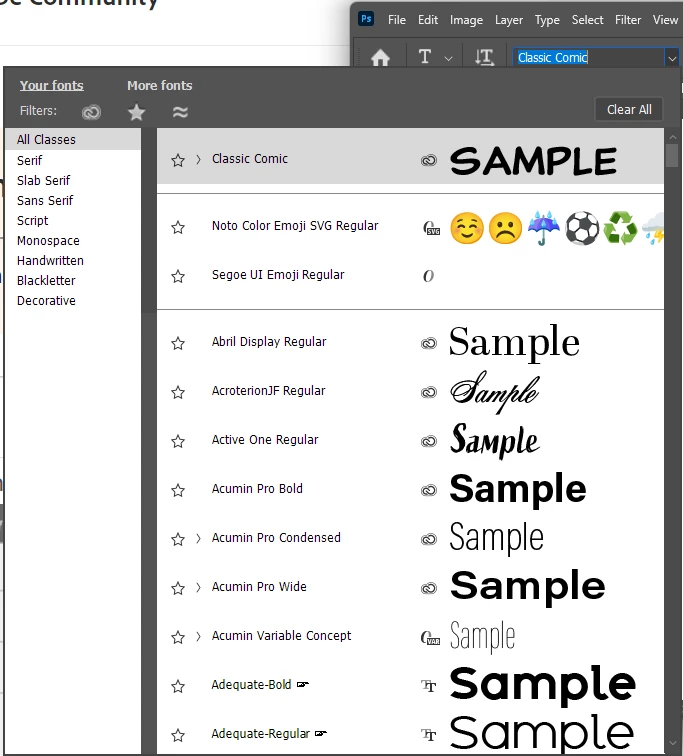
I need to increase the size of the TEXT DISLAY of fonts n the FONT MENUS in photos 2023 and 2024. C
I need to increase the size of the TEXT DISLAY of fonts n the FONT MENUS in photos 2023 and 2024
i got rid of an issue by asking photoshop to reboot with fresh standard preferences and the legibility of the text in the FONT menu noe appears to be a thing of the past. I need to find out how to increase the display list of fonts WITHIN the font menu
Thank you very much.
 AdChoices