
Participant
May 23, 2020
Question

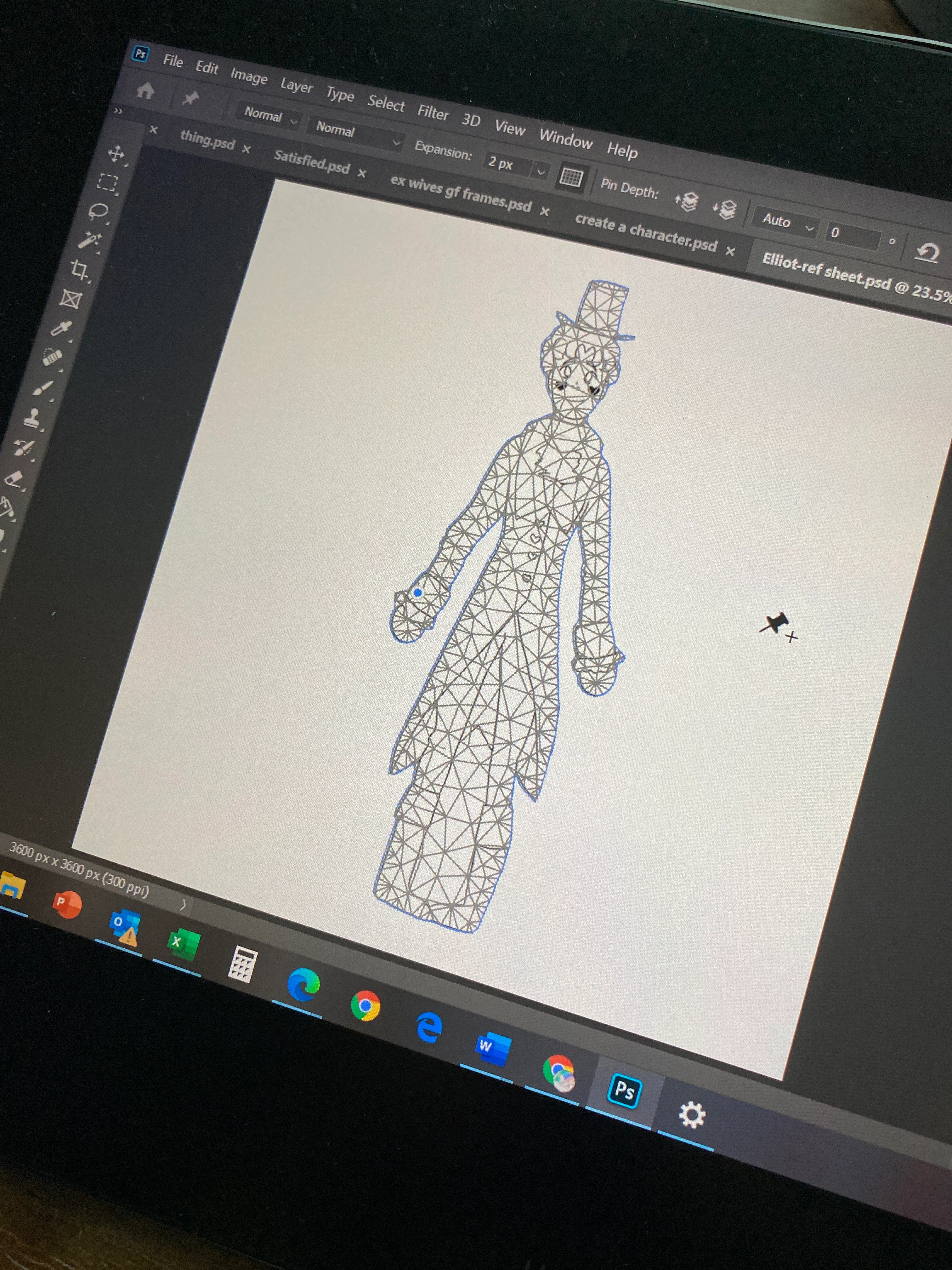
I pressed the pin transformation tool and now photoshop will not let me use it properly

  • May 23, 2020
  • 3 replies
  • 1293 views

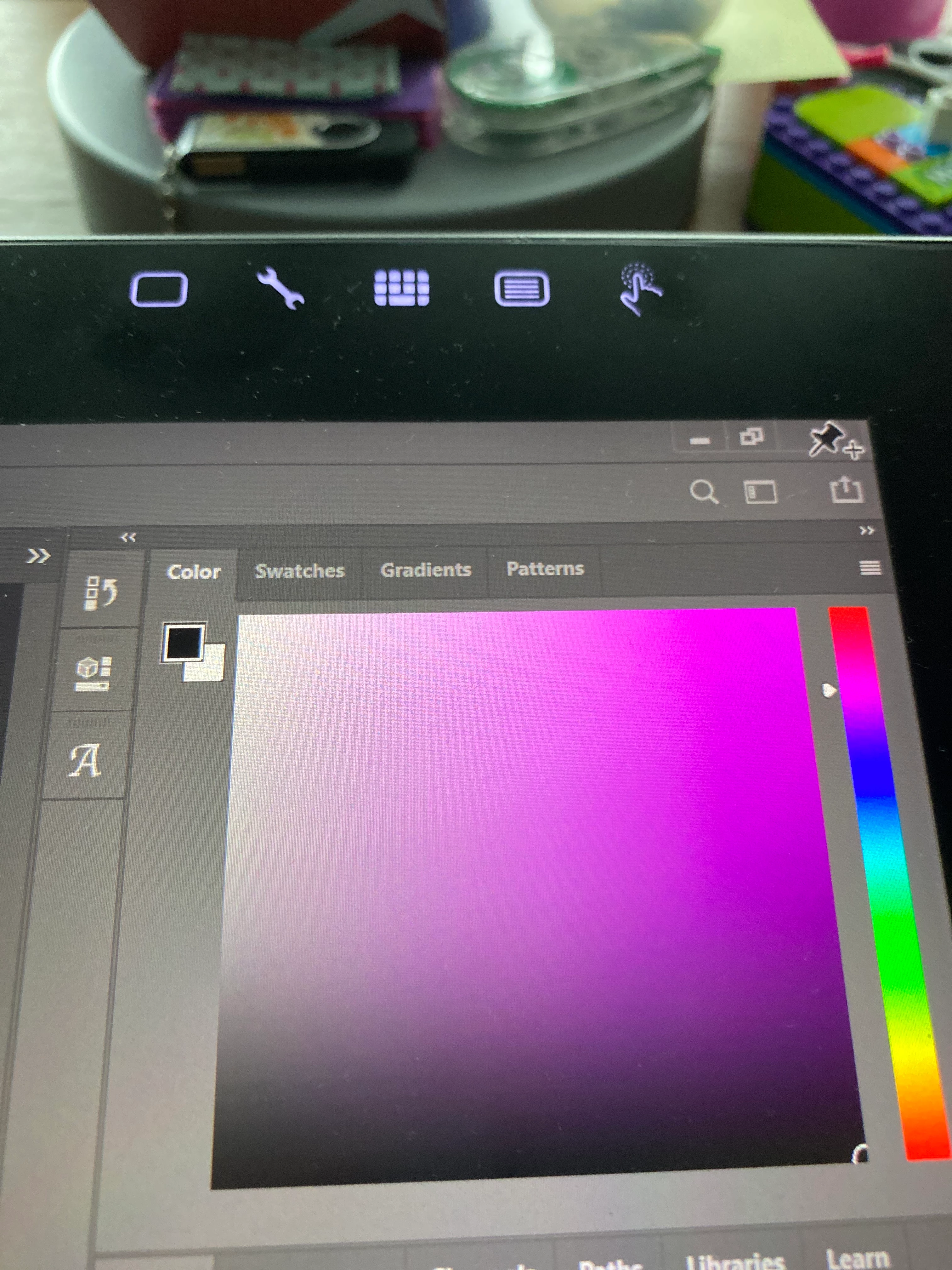
I'm an artist and I use photoshop for all my digital pieces, but I was working on some reference sheets for a comic I'm working on and I pressed the pin transformation and everything stopped working. I am unsure on how the pin transformation tool works, but however it does, I know what it's currently doing is not what's supposed to happen. My cursor is stuck as the pin icon and the only way I can exit the app is by going the the task bar and opening up a new browser. I can save or access any of my other files, my layers, tools, and brushes, and I can't exit out of the tab or save my project. I don't know if I did something or there's some curse with this transformation tool that I didn't know about. I'll add some photo examples and if anyone knows how to fix this, please let me know. Thank you.
 

This topic has been closed for replies.

3 replies

jane-e
Community Expert
Community Expert
May 23, 2020

As Bojan said, you are using Puppet Warp and need to accept or cancel. The same is true for several other Photoshop features, such as Text, Cropping, and more, so be sure to look in the options bar to see if you are using something that needs to be closed. In addition, if you make a Smart Object of the layer first, then Puppet Warp can be edited or deleted. Otherwise it is destructive editing.

https://helpx.adobe.com/photoshop/using/warp-images-shapes-paths.html


~ Jane

Bojan Živković11378569
Community Expert
Community Expert
May 23, 2020

You are using Puppet Warp. To exit press Enter/Return or click on checkmark in the Options bar. Have you tried to find some tutorial on how to use Puppet Warp feature?

c.pfaffenbichler
Community Expert
Community Expert
May 23, 2020

Please read this (in particular the section titled "Supply pertinent information for quicker answers"):

https://community.adobe.com/t5/Community-Help/Guidelines-Tips-for-the-Adobe-Forums/td-p/4788157


What have you done for trouble-shooting so far? 

Restoring Preferences after making sure all customized presets like Actions, Patterns, Brushes etc. have been saved might be a good starting point:

https://helpx.adobe.com/photoshop/kb/basic-trouble-shooting-steps.html


And as for screenshots: 

https://www.howtogeek.com/226280/how-to-take-screenshots-in-windows-10/