SolonPhotos
Participating Frequently
November 14, 2020
Answered

I want to add lines on canvas prints to mark the edges for wrapping

  • November 14, 2020
  • 3 replies
  • 695 views

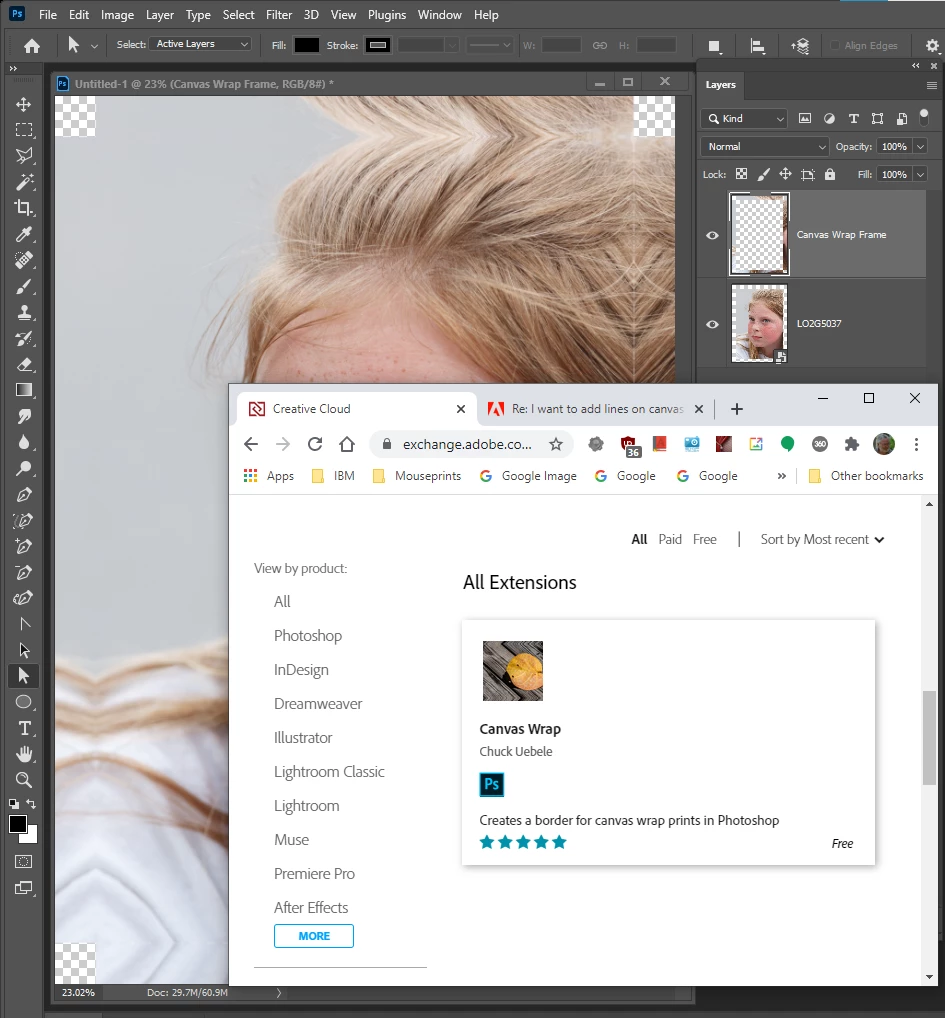
I create gallery wrap canvas prints by cloning the edges of the image - to be used to wrap around the stretcher bars.  I use Perfect Resize to create the cloned images.  The cloned parts are saved as layers. In Photoshop I add some canvas around the image and use the line tool to make marks on the outer edges at the layer edges -  and those will show me where to put the stretcher bars.   

I have been doing this for years - but lately I cannot keep the lines when I flatten the image or when I send it to my printer.  I used to flatten the image and the lines would reamin.  Now they disappear ... Did the line tool change???  
This topic has been closed for replies.
Correct answer JJMack

Yes Adobe broke the line tool in 2021. You can probably use the rectangle tool for your line will be vertical and horizontal.


Chuck's Canvas Wrap Frame Script  is quick, easy, free, but his script does not create any lines for position stretches

3 replies

SolonPhotos
Participating Frequently
November 22, 2020

Yes  The rectangle tool works --- 

Thanks

Stephen Marsh
Community Expert
Community Expert
November 14, 2020
Kukurykus
Legend
February 9, 2022

Is it Chuck Uebele site?

JJMack
Community Expert
JJMackCommunity ExpertCorrect answer
Community Expert
November 14, 2020

Yes Adobe broke the line tool in 2021. You can probably use the rectangle tool for your line will be vertical and horizontal.


Chuck's Canvas Wrap Frame Script  is quick, easy, free, but his script does not create any lines for position stretches

JJMack