alo334
Participant
January 19, 2018
Answered

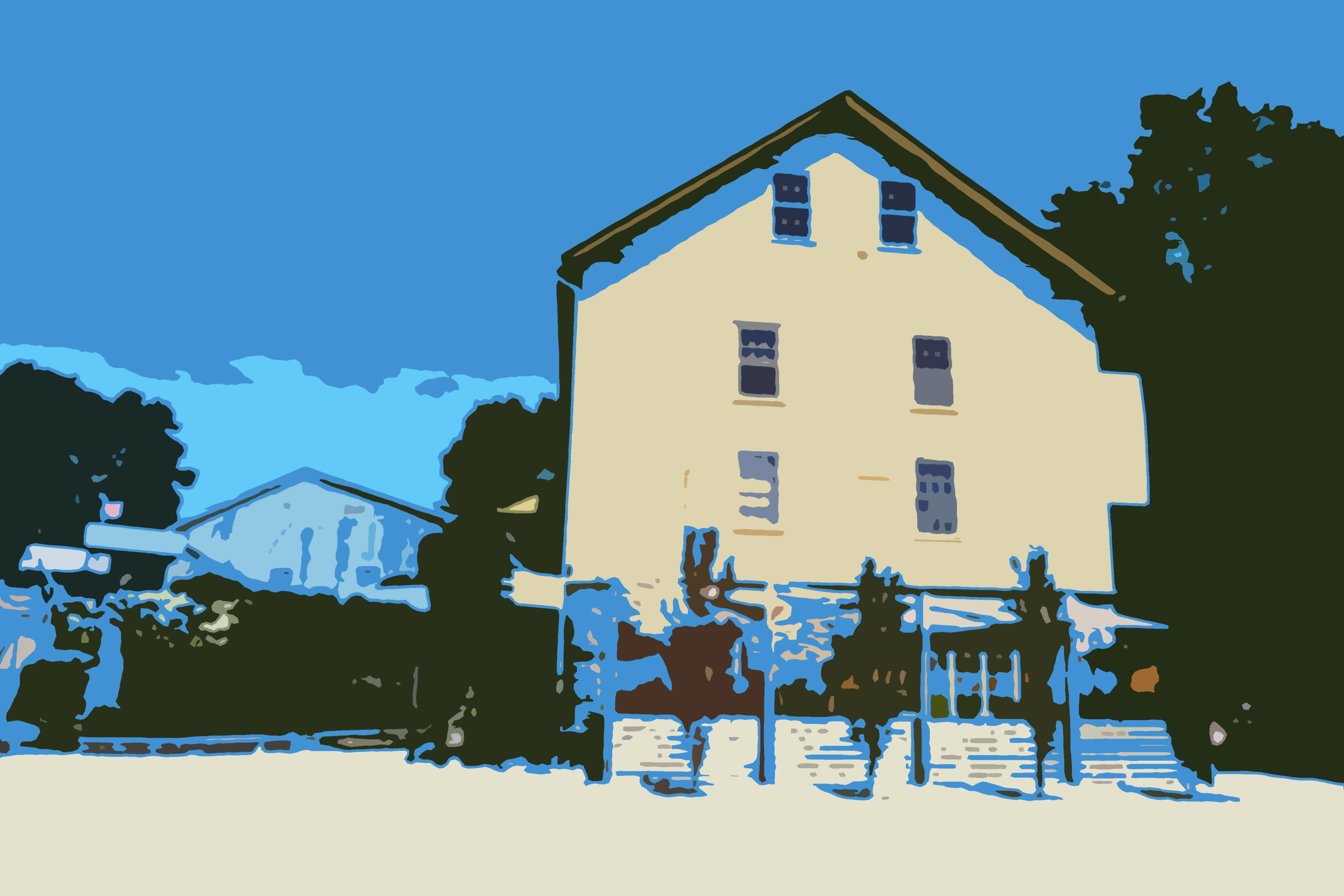
I want to go from a photo to a really simplistic image in as few steps as possible.
  • January 19, 2018
  • 2 replies
  • 363 views

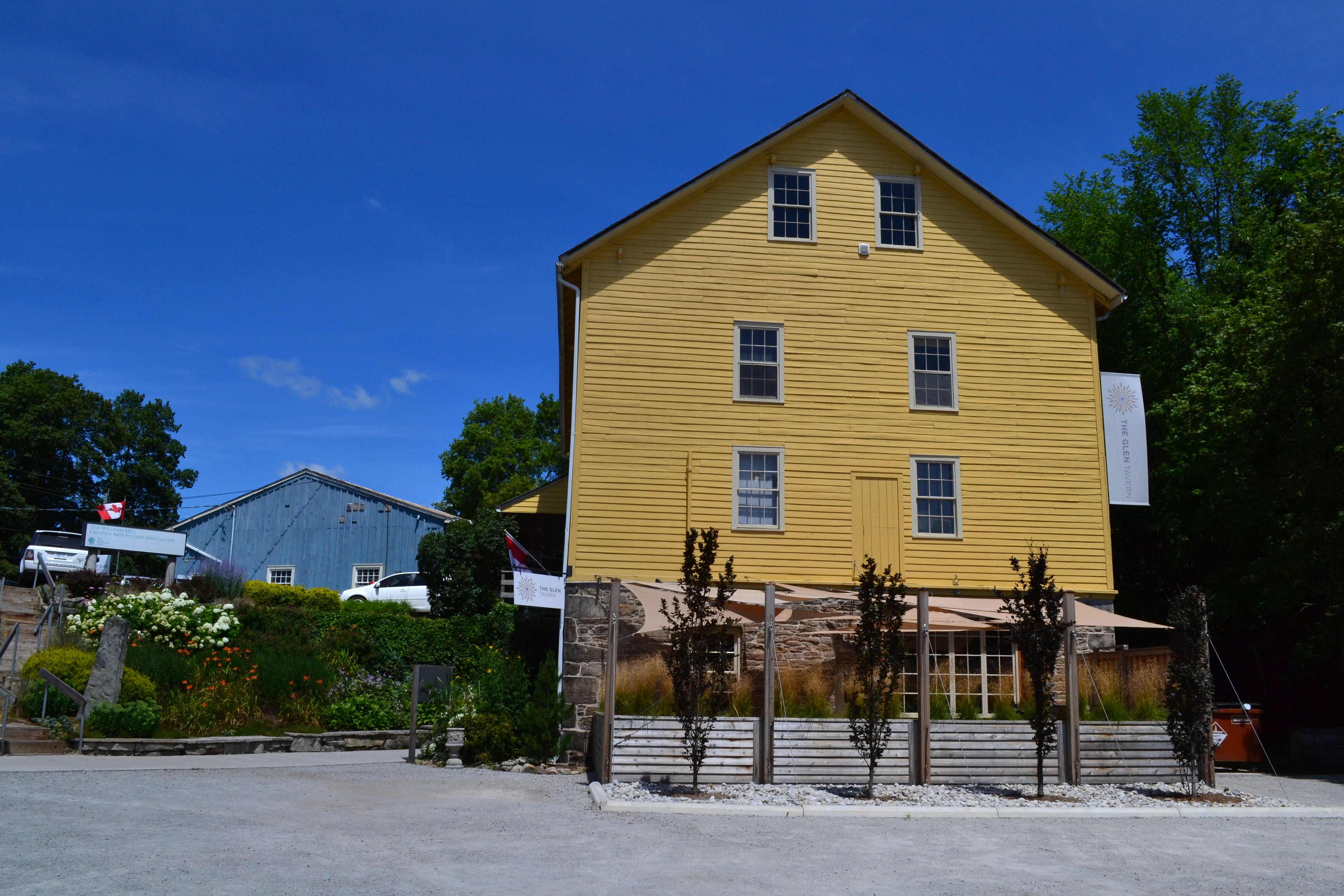
I did the conversion above using Artistic>Cutout and playing with the colors but I'm having trouble recreating the effect with other images.

I want to maintain enough detail such that the subject is recognizable. But I want the shapes to be simple enough that I can easily change the color of each section with a fill tool.

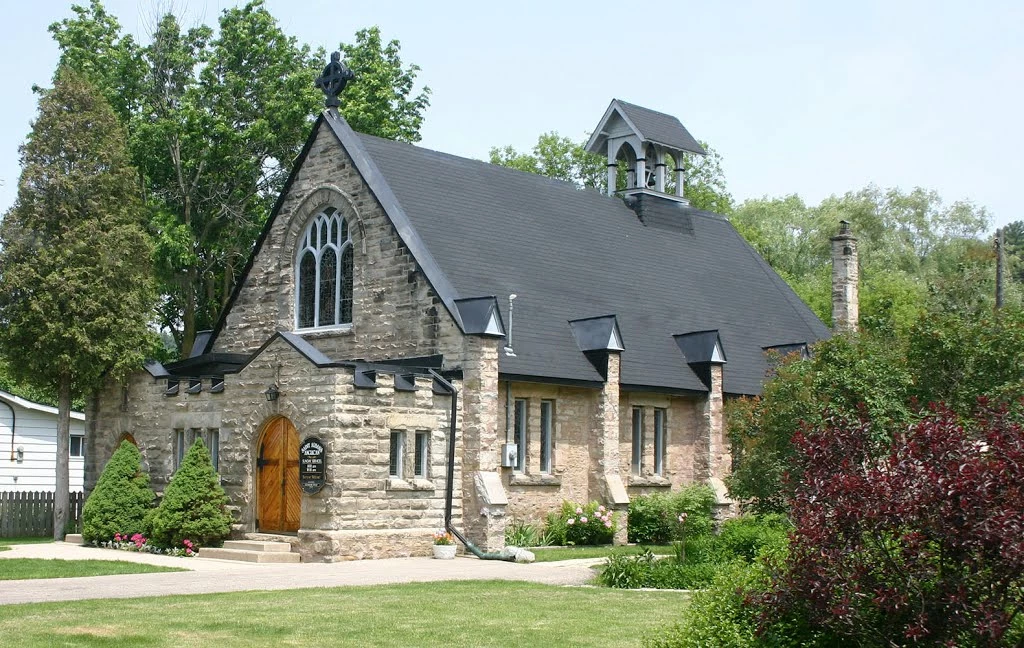
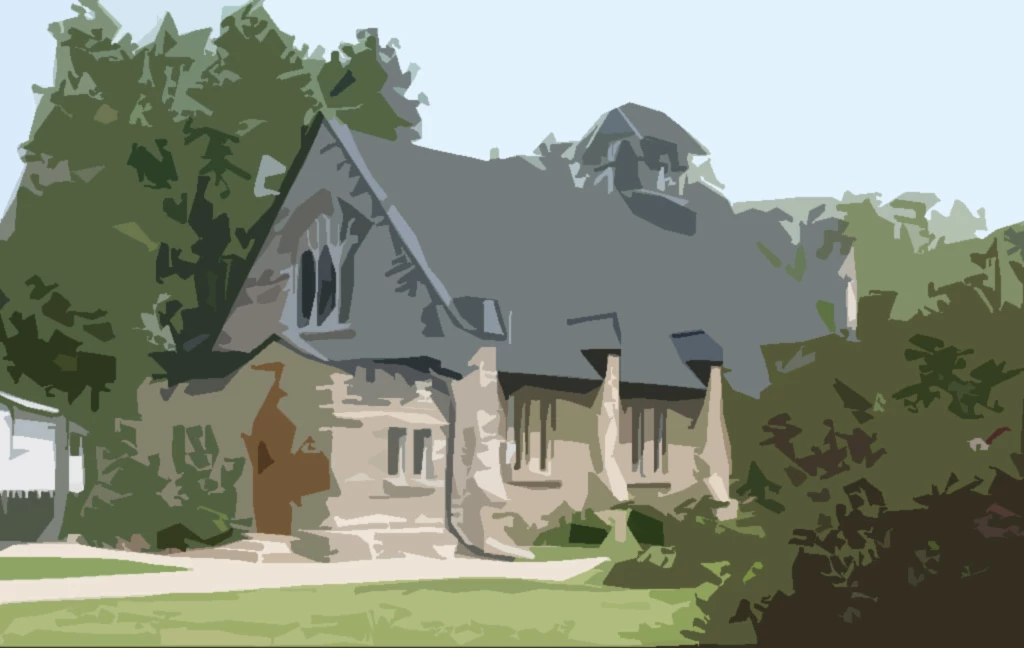
Any ideas for how to do this in a few steps with good results each time. I've tried with the image below but can't get it to work.
Thanks in advance.
    This topic has been closed for replies.
    Correct answer Norman Sanders

    Adjusting the sliders in Filter > Filter Gallery > Artistic > Cutout will provide a variety of levels and effects from which to choose.

    After that, it is a matter of using the Magic Wand to select a Level and Edit > Fill with another chosen color, if desired.


    2 replies

    Silkrooster
    Legend
    January 19, 2018

    If the colors are not to your liking, you can add a gradient layer.

    Norman Sanders
    Norman SandersCorrect answer
    Legend
    January 19, 2018

    Adjusting the sliders in Filter > Filter Gallery > Artistic > Cutout will provide a variety of levels and effects from which to choose.

    After that, it is a matter of using the Magic Wand to select a Level and Edit > Fill with another chosen color, if desired.