I've tried all of these and none of them have fixed it. It doesn't appear to do this on my desktop. I've uninstalled and reinstalled and still nothing. I've even tried updating my graphics drivers. Nothing.
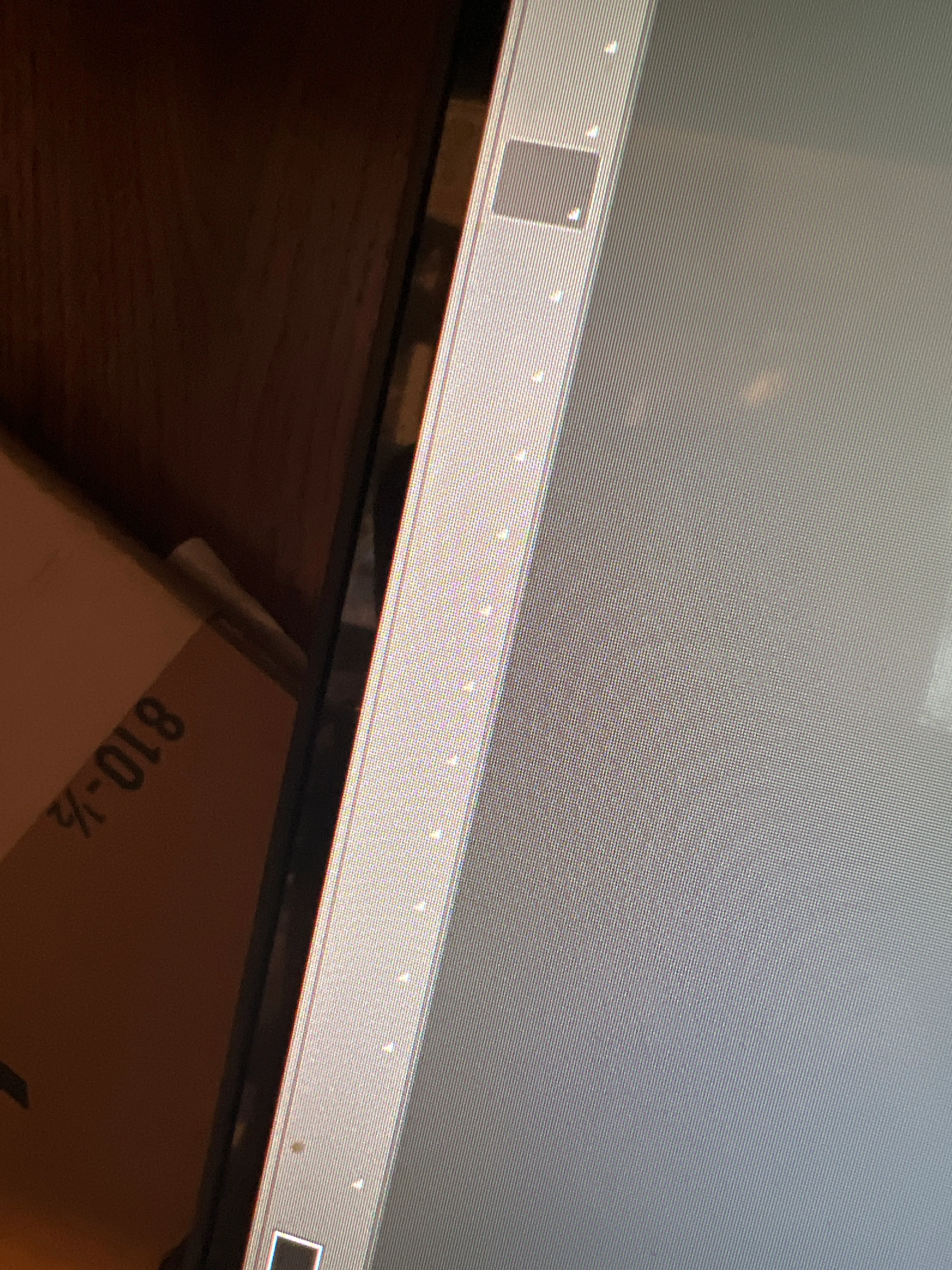
@KirstenSpencer, it looks like your toolbar icons are missing? Did this happen on a first launch session for you today, or out of the blue? Are you working with the 25.0.0 Release? What have you tried as a fix so far? I'll mention a few (in no particular order): switch to a different Workspace; from the Window menu at the top, look down all the way to the bottom of the list and uncheck and recheck Tools; close and relaunch Photoshop; quit all Adobe apps from Task Manager, reset your Preferences, reboot your computer, reinstall Photoshop. If none of these steps work, please post your System Info found under the Help menu, and we'll take a look to see what might be going on.
I have the same problem with the very latest PS. This started a couple months ago. The problem doesn't happen on the newest beta PS. I've reset many different settings for the toolbar and workspace. Any further ideas?


 AdChoices