
Participant
October 13, 2019
Answered

If i put a color, it will blend greyish and the color will pass trough.

  • October 13, 2019
  • 2 replies
  • 394 views

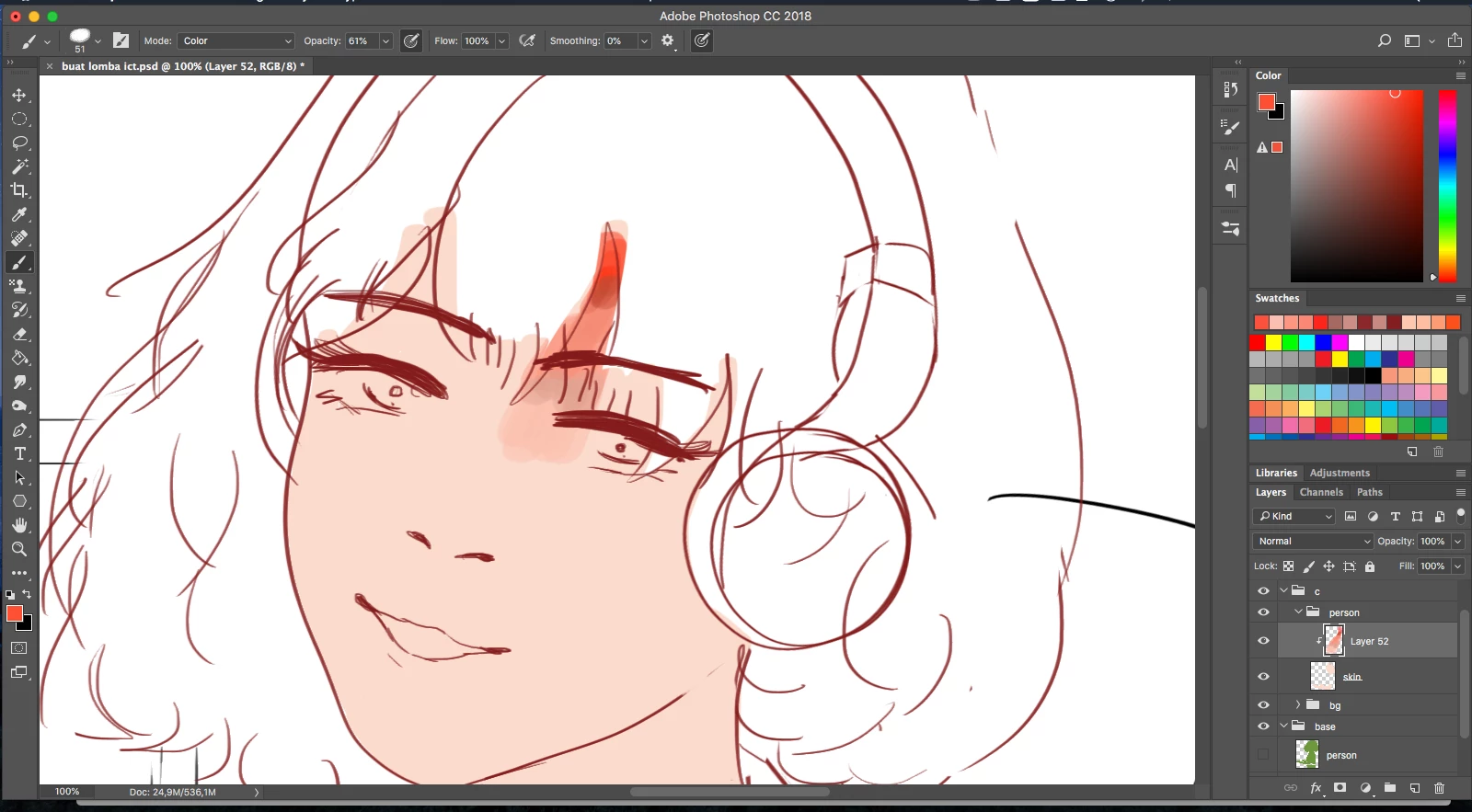
Hi, i just drew on photoshop. I started coloring on photoshop, and then i wanted to blend it with the pen tool (i don't use blend tool) But, when i wanted to blend a color, the color created greyish color that i didn't want. (Picture number one) 


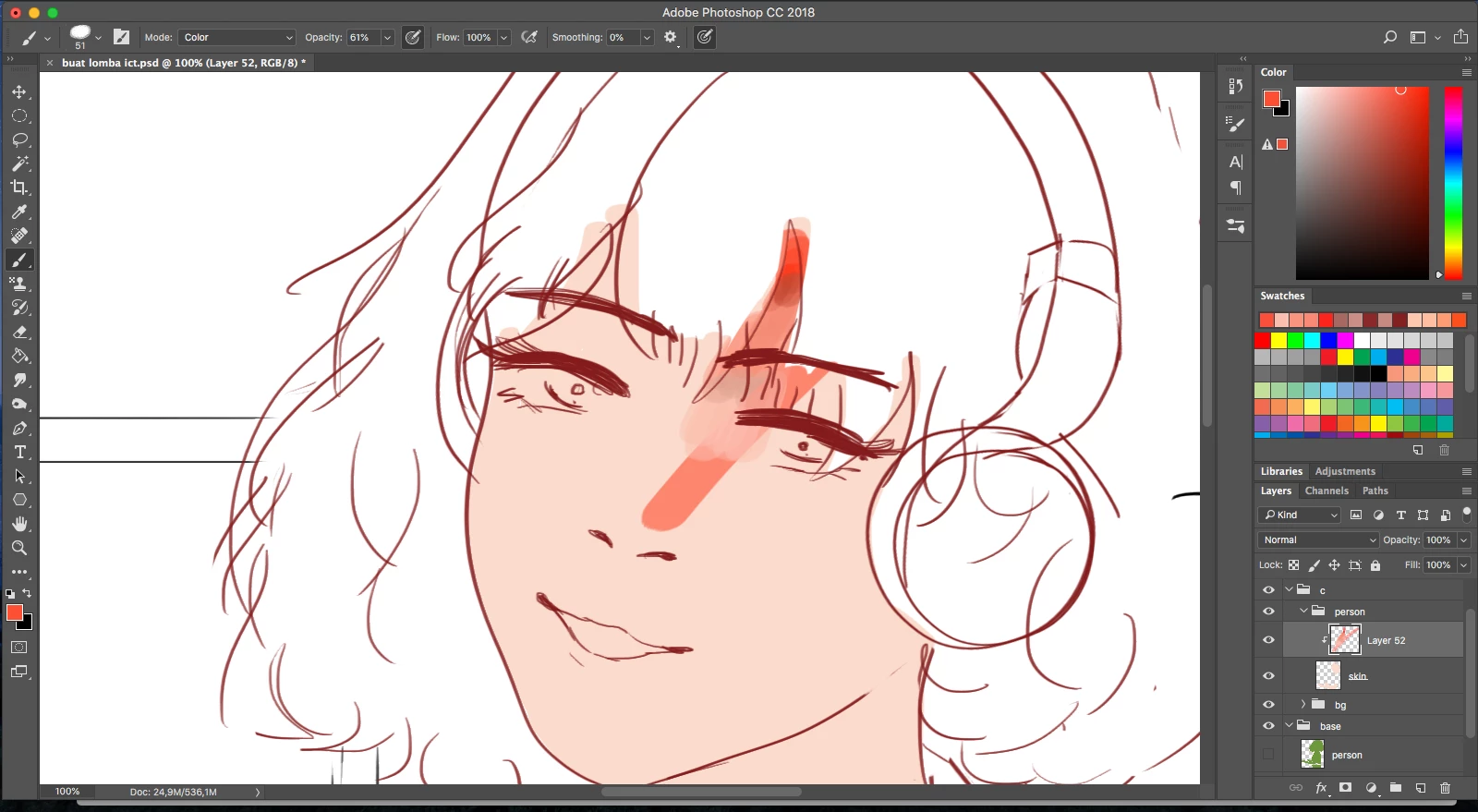
So, i tried to put color on top of it on the same layer, and the color just went trough like im using a layer below of the layer what i'm using. (If you know what i mean and it's on picture number one.) There's nothing wrong about the brush. And the layer type is normal and the folder type is also pass trough. But since the folder is pass trough, i changed to normal and it didn't do anything. I also resetted my computer, and it is still the same. How do i fix this?
This topic has been closed for replies.
Correct answer Mylenium

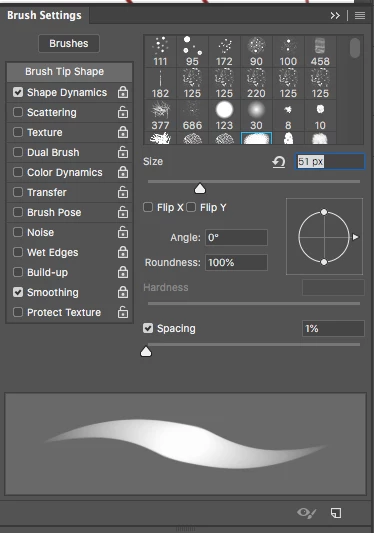
Well, your brush mode is set to color, isn't it? It will still respect the luminance of any previous stroke. Color is not an "opaque" blending mode, so inevitable previous operations may figure in. also check your brush dynamics. You may have some undesired fade and/ or color shift defined there that may exacerbate the situation.


Mylenium

2 replies

Mylenium
MyleniumCorrect answer
Legend
October 13, 2019

Well, your brush mode is set to color, isn't it? It will still respect the luminance of any previous stroke. Color is not an "opaque" blending mode, so inevitable previous operations may figure in. also check your brush dynamics. You may have some undesired fade and/ or color shift defined there that may exacerbate the situation.


Mylenium

Participant
October 13, 2019
Oh, it is! Thank you so much for helping me!
Participant
October 13, 2019

my mistake, i meant brush tool not pen tool.