Answered
Image appears black in Photoshop
- April 19, 2023
- 2 replies
- 1868 views
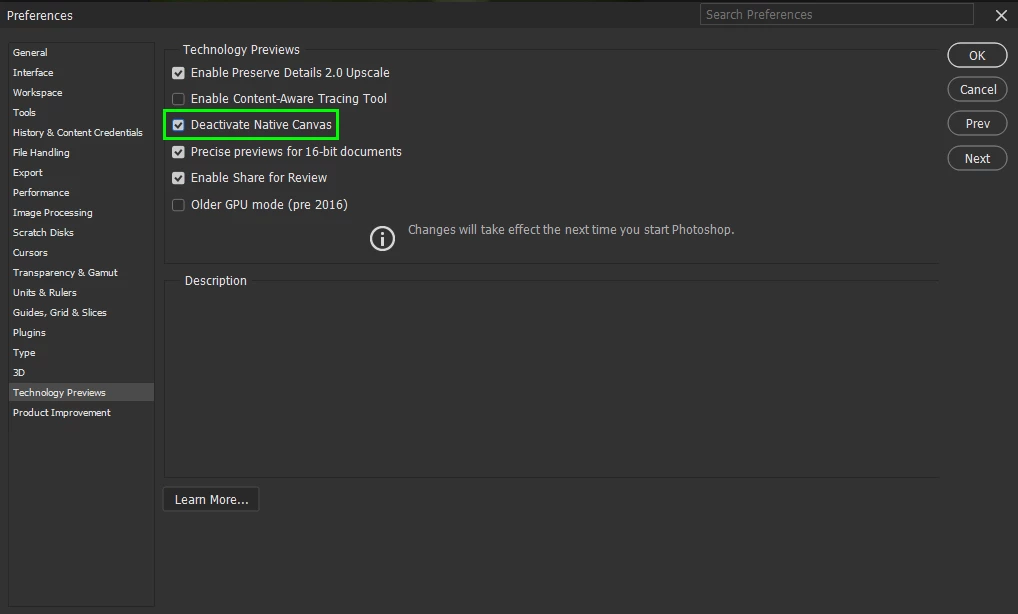
I just updated Photoshop to 24.3.0 and went to start editing a picture of the Sun. The image would first appear black, and then start flashing black and white nonstop. The image would only appear in the camera raw filter window, which would also allow me to edit it in, but anything else would be black. Also, it might help to know that the image is a TIF file. I already check that my graphics card is compatible with it, so this might just be a bug.
I'm not a tech guy, so this is all the info I can provide
 AdChoices