

Inspiring
August 22, 2025
Answered
Image background removbeal
- August 22, 2025
- 1 reply
- 164 views
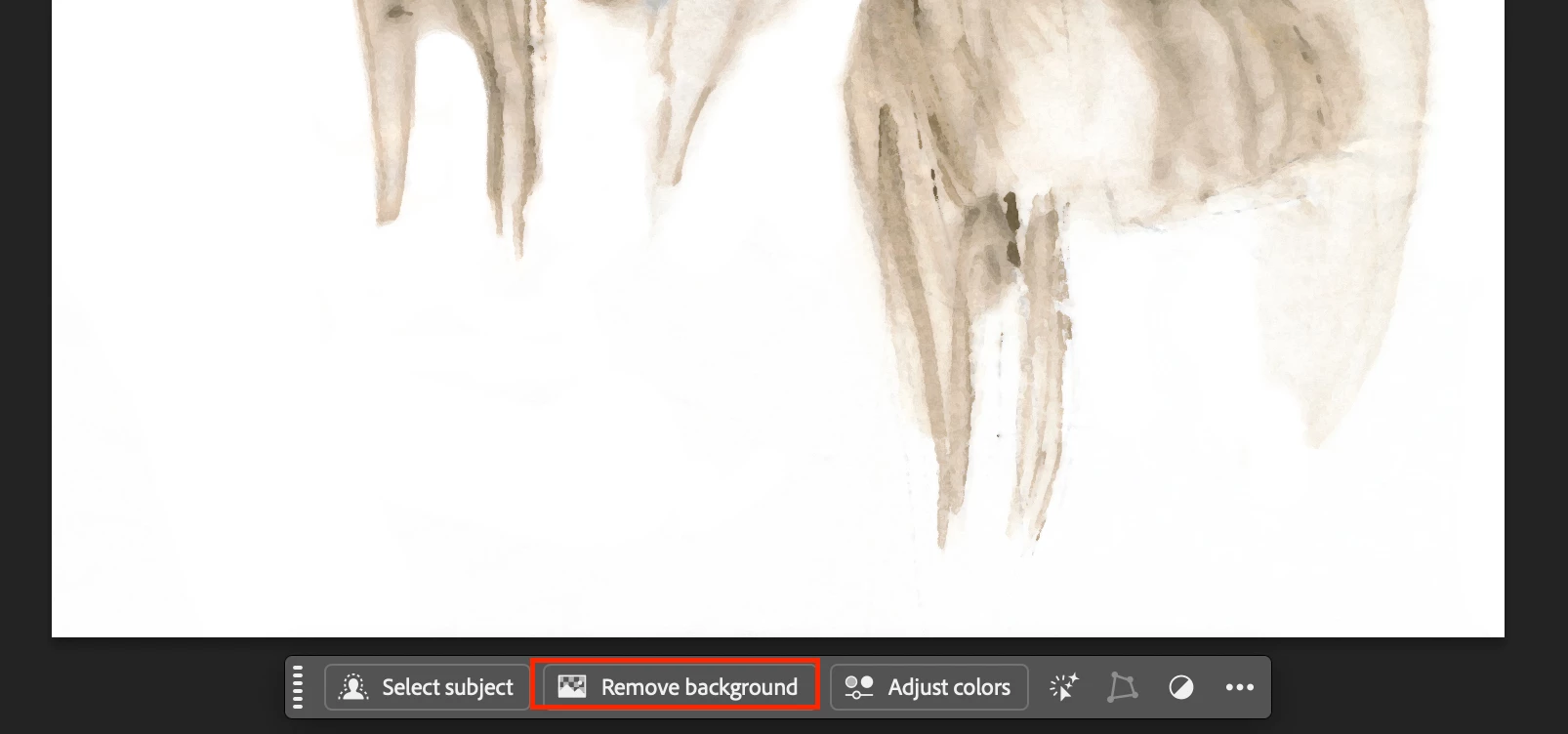
I have a friend that does watercolours. I want to take her image and remove the background altogether so that I can have a solid white background. Now the lighter version jpg attached, the backgound doesn't look bad but if you check the darker version you can see how bad it really is. Since the image is a watercolour, without clearly defined edges, it there any easier way than to darken the image and then painstakingly erasing the background?
Bob

 AdChoices