Question
Image copied from PDF pastes upside down in Photoshop
I want to copy an image from a PDF and paste it into a new window in Photoshop. I've never had an issue with this in the past, but today I do.
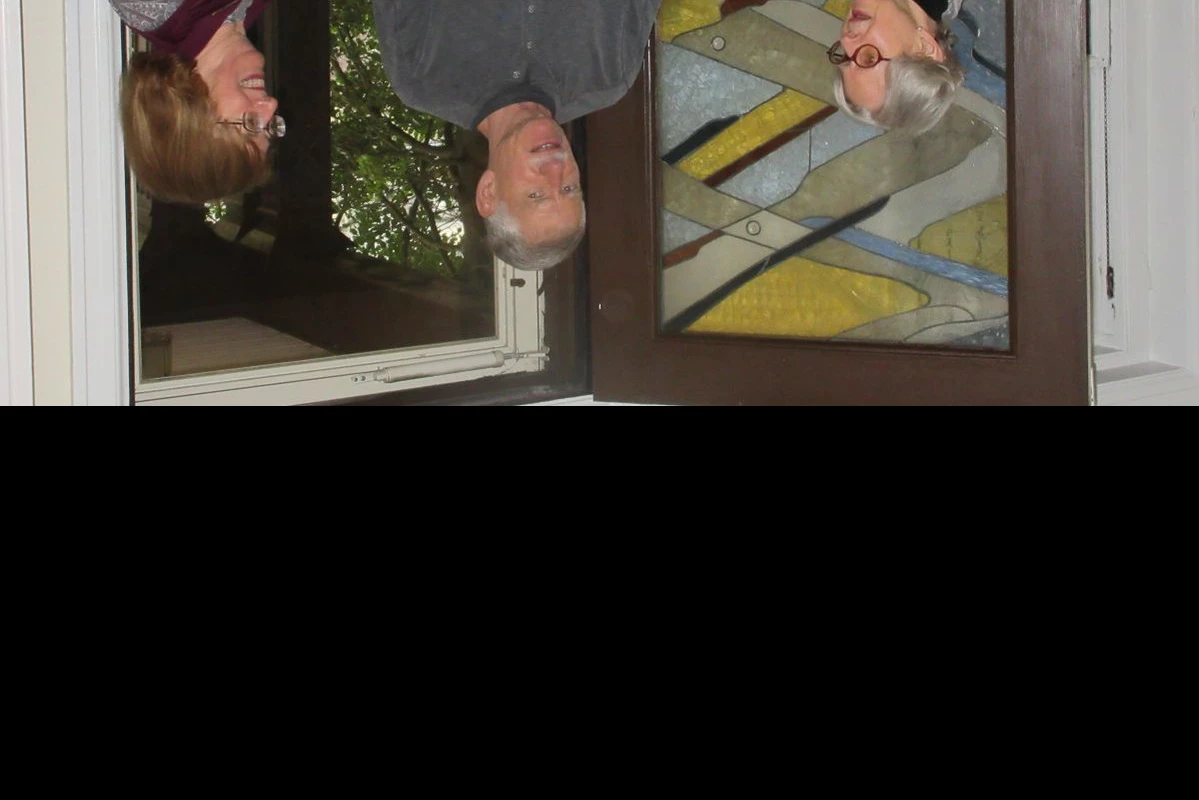
After I copy the image from the PDF, I go to photoshop and do a "File > New" which opens a window that is the size of the image. Then I do a "Ctrl + V" to paste the image into Photoshop, but the image is upside down and part of the image is cut off.
Why?
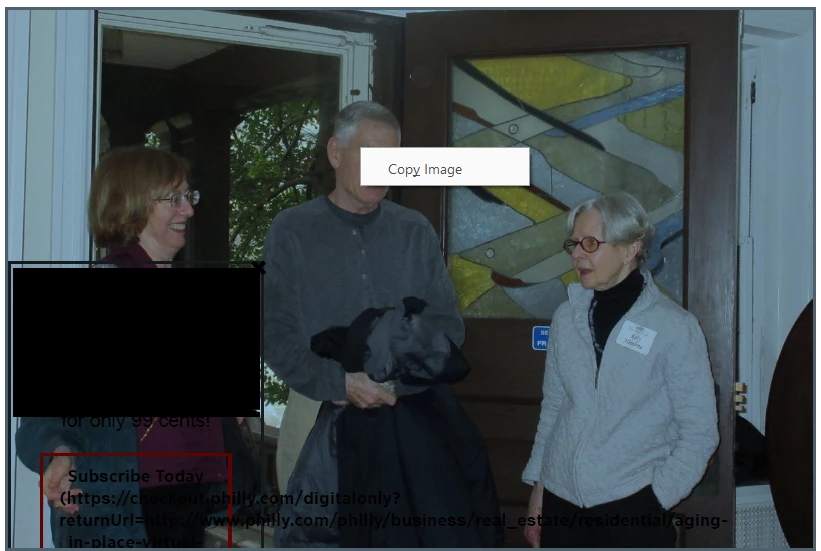
Here is the image I want to copy:
Here's what it looks like when I paste it into photoshop:
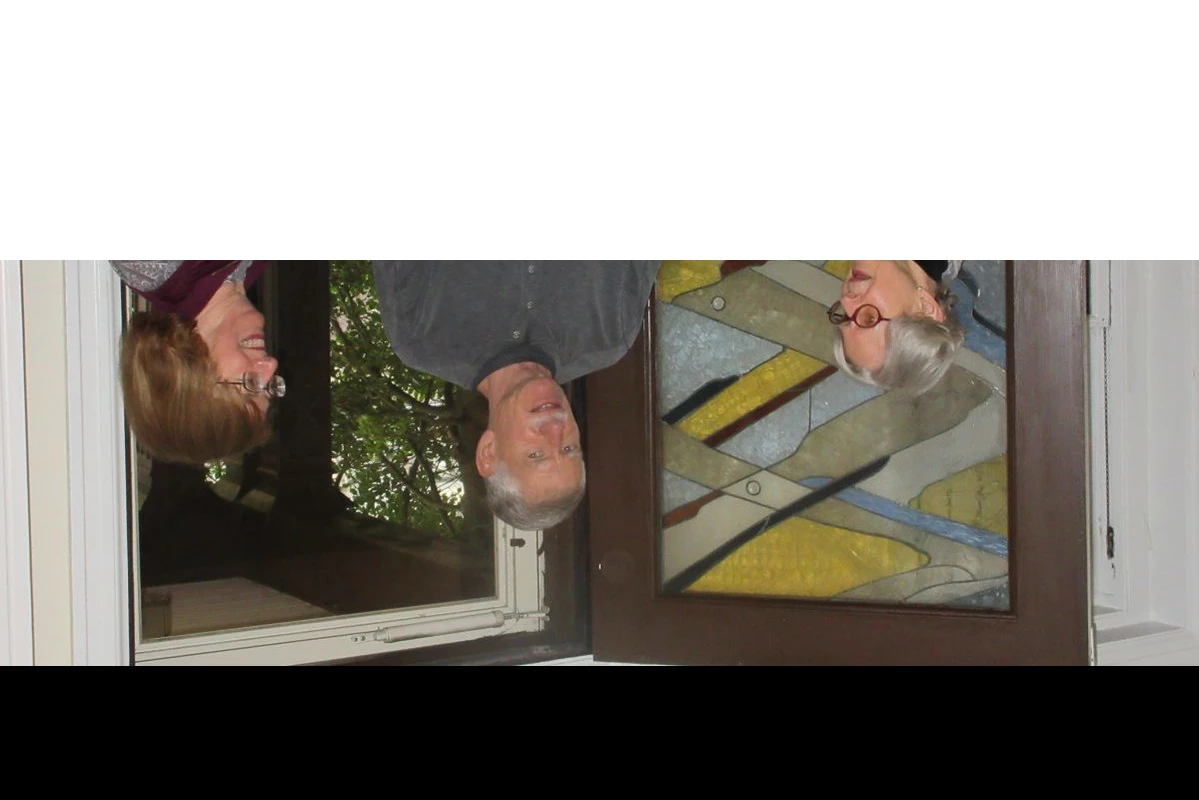
If I try to move the image down so I can rotate it, the part that is not in frame is cut off:
 AdChoices