Participant
August 2, 2020
Question

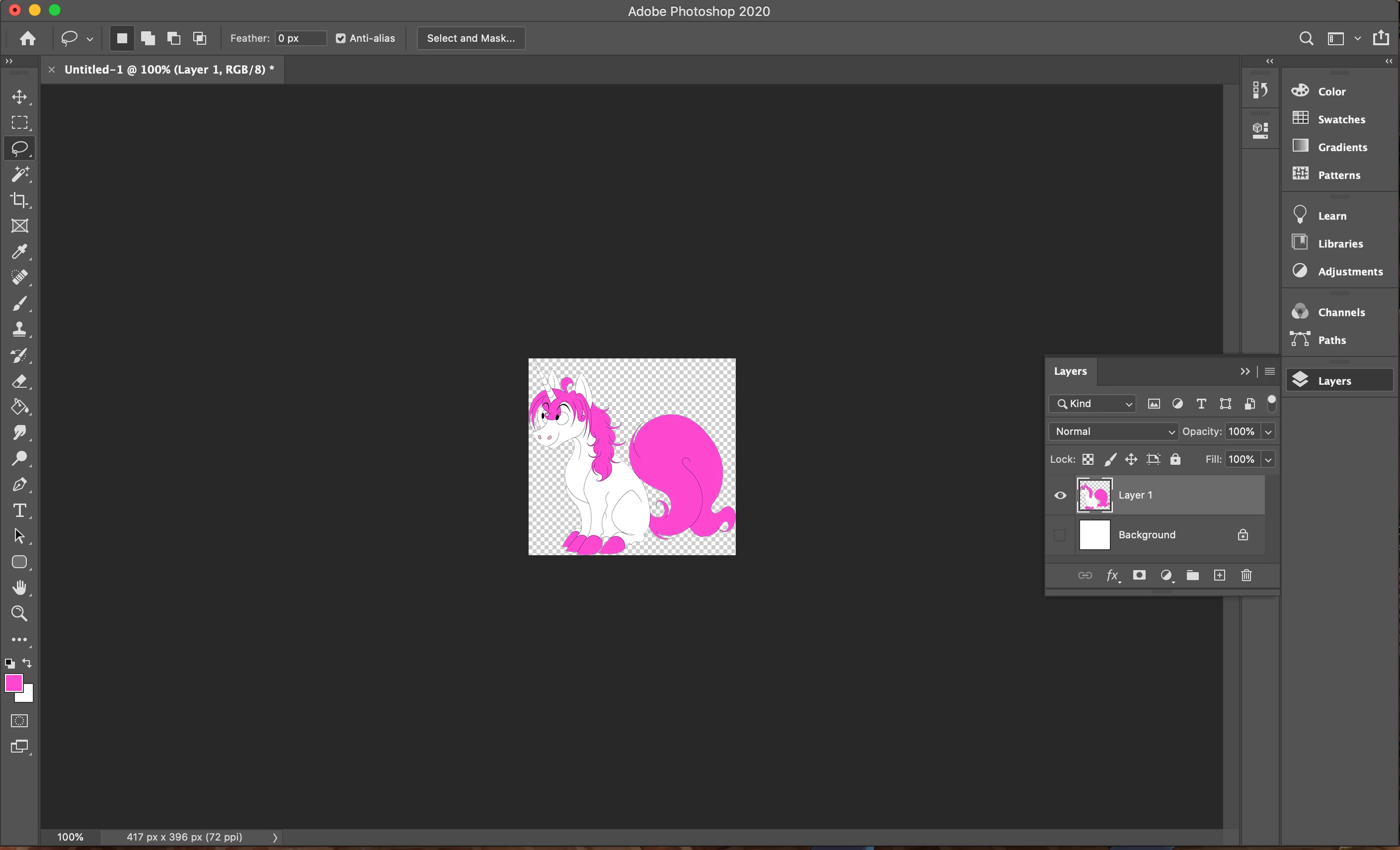
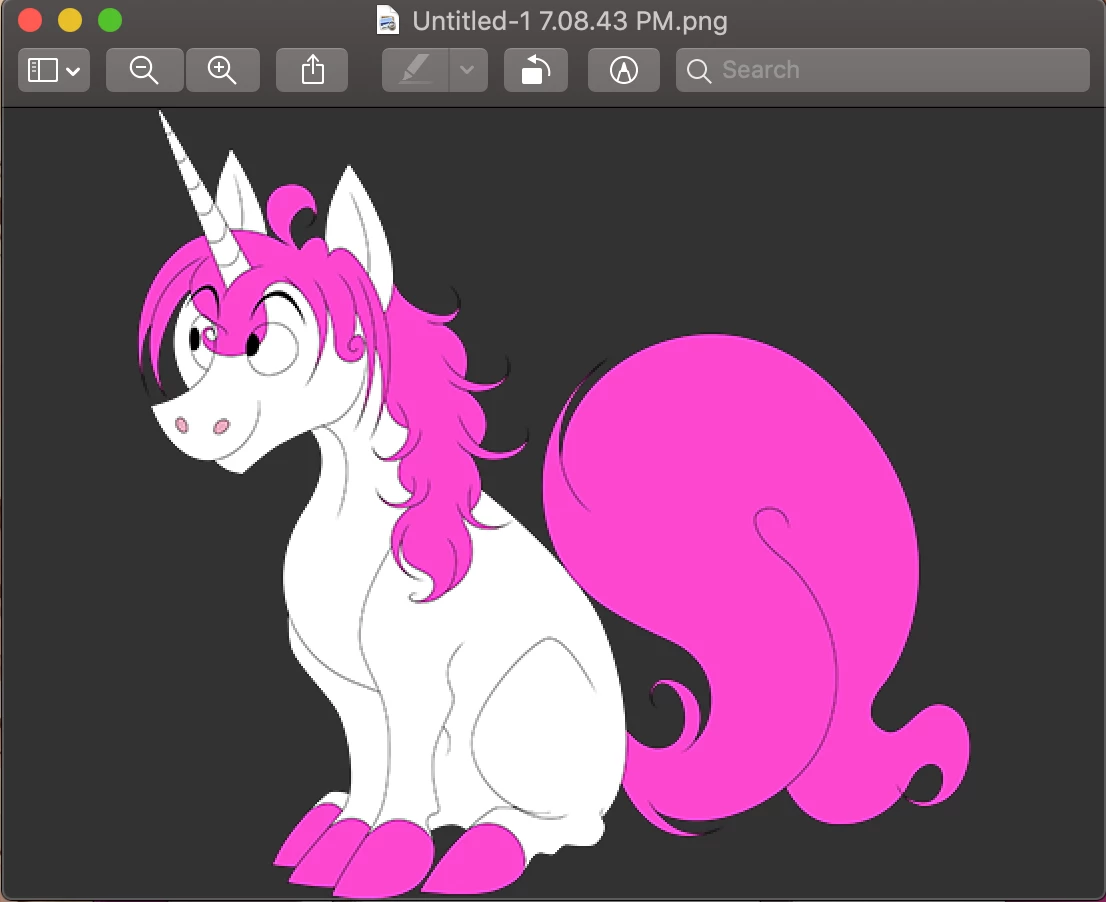
Image doesn't look like it does at 100% on Photoshop.

  • August 2, 2020
  • 2 replies
  • 258 views

I don't know why I'm having this issue, but for some reason what I see on Photoshop at 100% zoom view isn't what I see when I save it as a PNG. For this image in particular, I had resized it as bicubic sharper, and it looks perfectly clean and crisp in PS.


But when I saved it, it came out with the lines being blurry, seen in the second photo. I'd appreciate any sort of help with this.


This topic has been closed for replies.

2 replies

Legend
August 2, 2020

Since an image is made of pixels, you will see pixels when you zoom in. So never check for pixellation by zooming, you will always find it...!

Inspiring
August 2, 2020

Enlarged pixel images always look pixelated. Photoshop displays 1 pixel of image to 1 pixel of screen, Preview application probably double it for retina screen. Your second screenshot (Preview, about 834x792 px i measured) is about 2x bigger then first one (Photoshop, 417x396 px, as stated in your screenshot, original size). So is pixelated in Preview.