
Question
Image error when deforming with warp tool in cylinder mode
Maybe you can help me.
It's about the following: I have a PDF that I load into Photoshop and then place on a cylindrical product using the Warp tool in Cylinder mode. The process goes well and works for another cylindrical product.
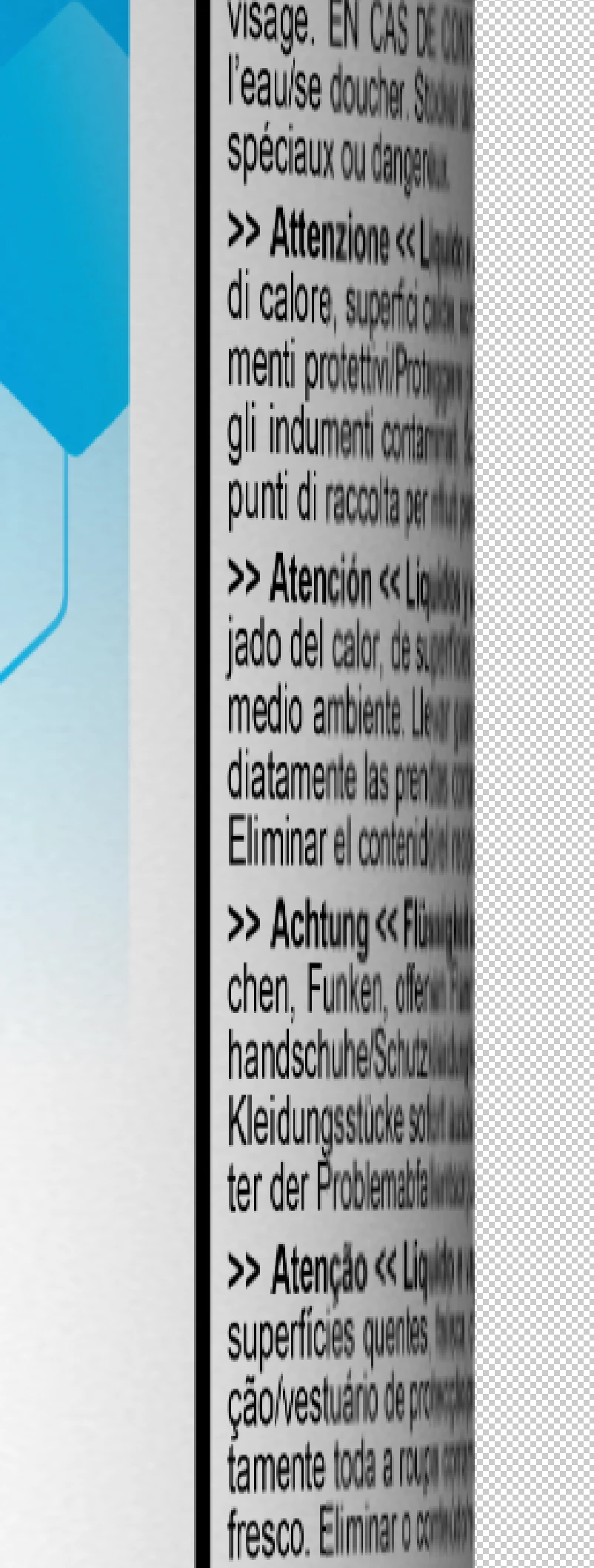
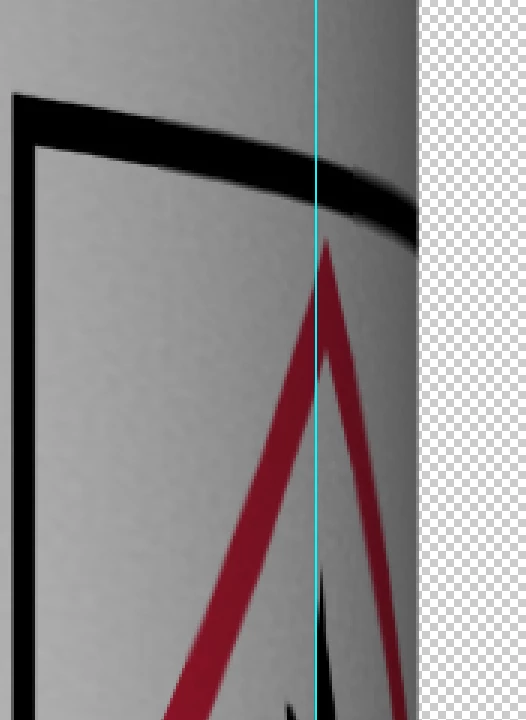
Only with this product do image errors occur at the edge. The font and lines are displayed pixelated. (see pictures) I have already tried loading the PDF in a higher resolution. The problem is still there.
Another info: I use the warp tool in cylinder mode within an action. I tried to run the process with photoshop 22 as well as photoshop 23 I tried to run the process with photoshop 22 as well as photoshop 23
Thank you in advance 🙂 Greetings!
 AdChoices