Participant
January 9, 2019
Question

Image no paste correct

  • January 9, 2019
  • 3 replies
  • 461 views

Hello, i have a question. Im use a PS CC version 14, and now I go to level up to PS CC version 19.

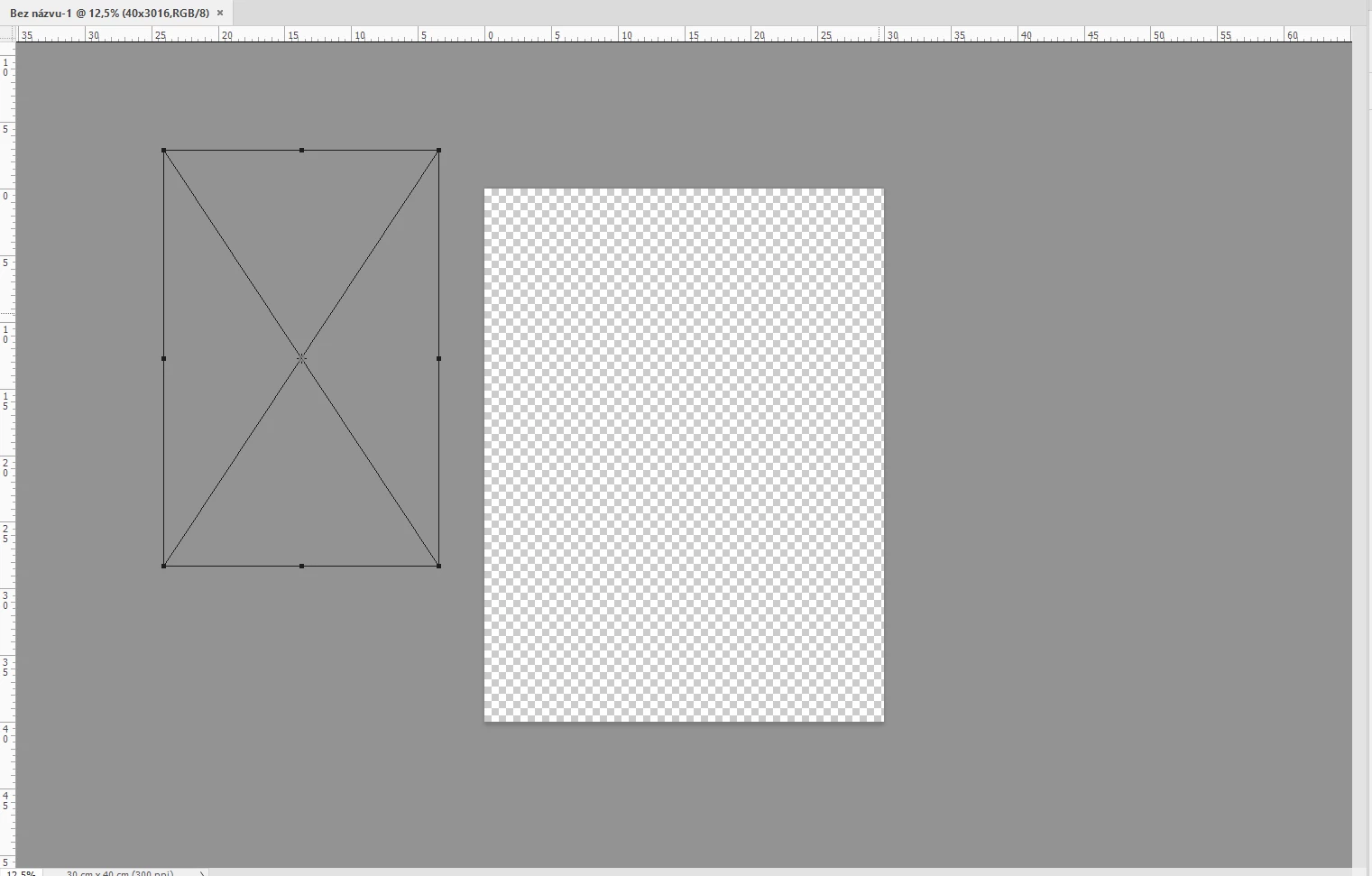
I have a problem if I create a new document, and I drop image to document. The image isn’t going into the document, the image is going to another place. Can I paste an image into document directly and not into right side or left side? Thank you for your help.
    This topic has been closed for replies.

    3 replies

    Inspiring
    January 9, 2019

    Hi,

    Very strange, because if you drag and drop a file from your desktop straight to Photoshop, he always will center the place file.

    If you drag and drop from another Photoshop file hold down the shift key wil center the placed file

    How do place or import your file? what kind of file is that? extension?

    Good luck

    Patrick

    Participant
    January 9, 2019

    i update to version 20.0.1 and after i think this problem was been resolved, i must try this after i write here.

    Inspiring
    January 9, 2019

    Hi,

    A potential solution could be that you hold down the shift when you drag and drop the file to the canvas. Shift key will center the placed file.

    I hope it will help.

    Good luck.

    Patrick

    Participant
    January 9, 2019

    Hello, isnt working i try it now. in old version was been fine, because if i try drag and drop the file is going directly to center on canvas, but in this version isnt going

    jane-e
    Community Expert
    Community Expert
    January 9, 2019

    Can you show a screen shot of your layers panel?

    Participant
    January 9, 2019

    Hello, thanke you for answer. Here is a screen.