Mike_Gondek10189183
Community Expert
Community Expert
May 3, 2019
Answered

Image Processor Script & Color Profiles getting removed

  • May 3, 2019
  • 1 reply
  • 854 views

CC2019 & High Sierra

File >> scripts >> image processor, is removing color profiles, anyone else use this script? Can be very helpful, but please direct me to an alternative for changing file type and color profile if needed.

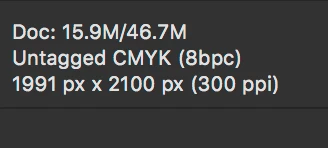
I start out with a .tif that has the Gracol color profile assigned properly. After running image processor, the resulting .psd has the color profile removed (I tried both ways with or without action)
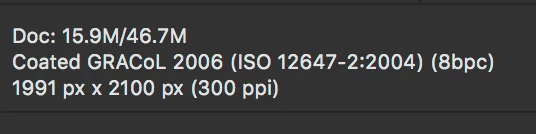
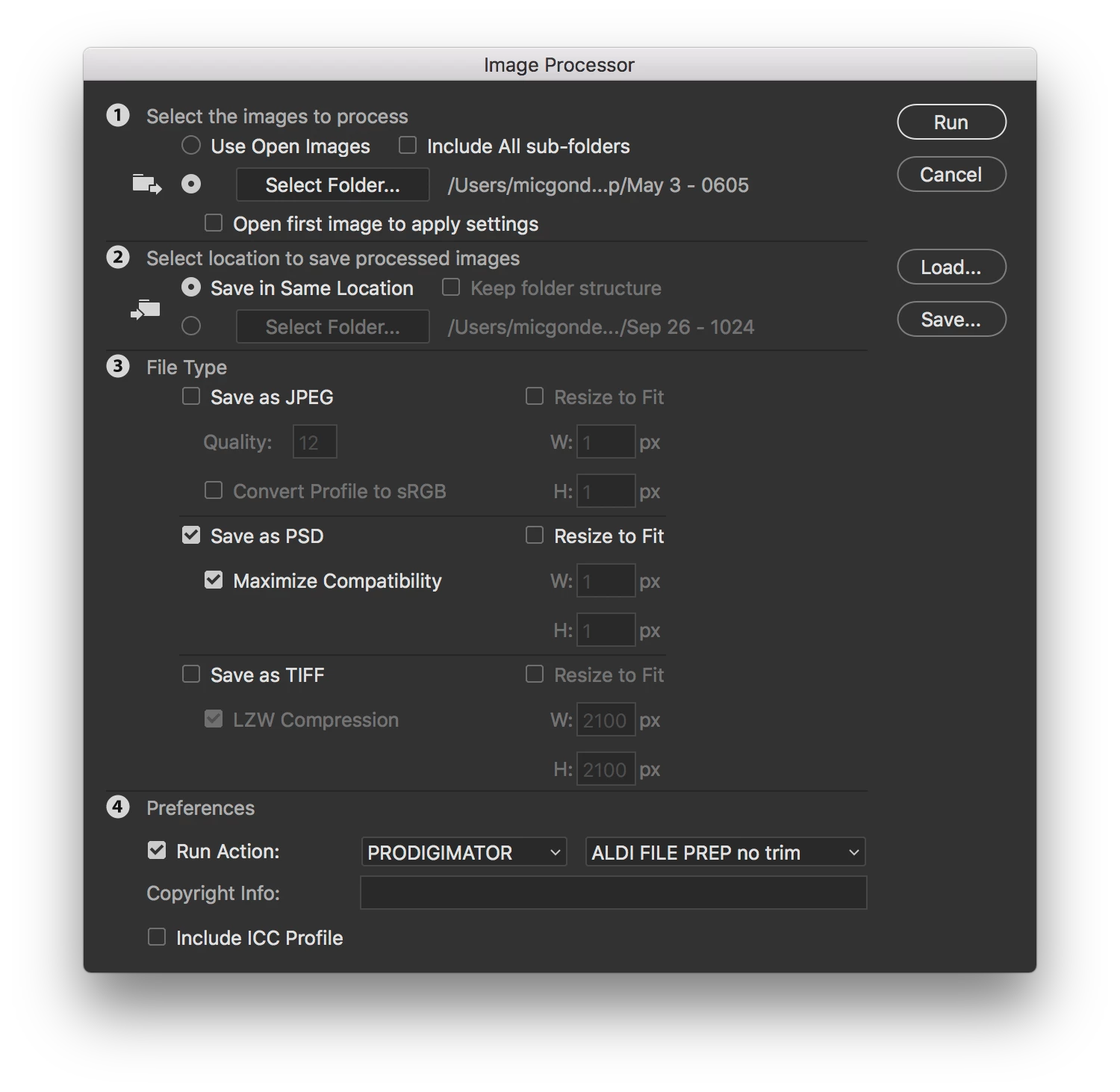
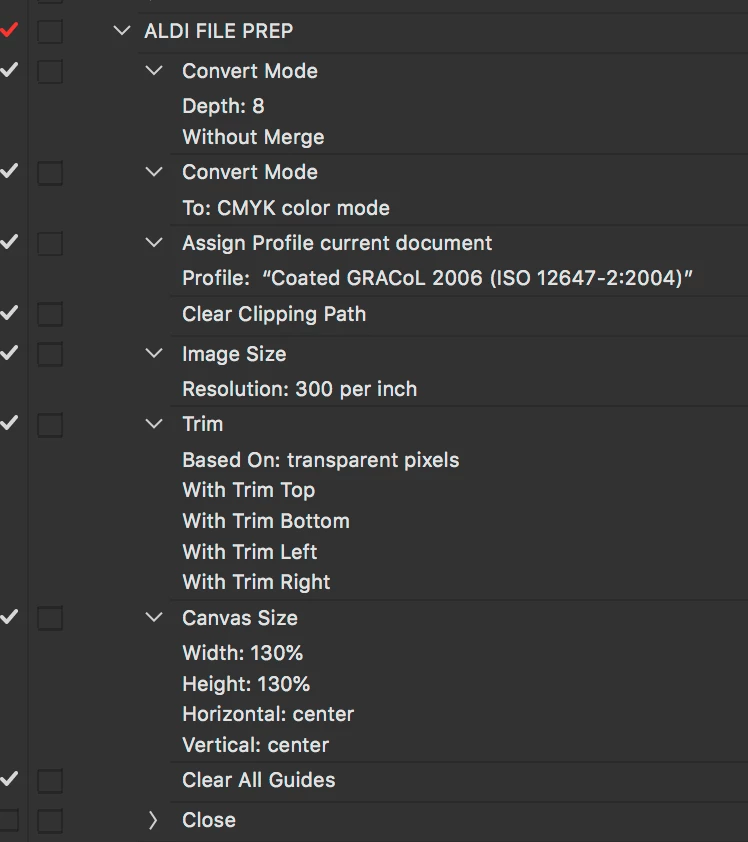
Can't believe I never noticed this before, but possible as I usually assigned the profile manually or with an action but not image processor in the past.

    This topic has been closed for replies.
    Correct answer D Fosse

    You do see the "include icc profile"-checkbox at the bottom...? 

    (yeah, it should be checked by default, I agree).

    1 reply

    D Fosse
    Community Expert
    D FosseCommunity ExpertCorrect answer
    Community Expert
    May 3, 2019

    You do see the "include icc profile"-checkbox at the bottom...? 

    (yeah, it should be checked by default, I agree).

    Mike_Gondek10189183
    Community Expert
    Community Expert
    May 3, 2019

    D Fosse
    Community Expert
    Community Expert
    May 3, 2019

    So it doesn't just happen to me

    They should have hid it better, then we'd find it immediately...