Participant
July 19, 2022
Question

Image resizing coming out blurry - please help!

  • July 19, 2022
  • 3 replies
  • 337 views

Hi! I'm trying to resize a lot images for a website. I've tried a few different ways (photoshop, lightroom, canva) and everything comes out blurry/fuzzy/pixelated, especially for the smaller size.

The original JPEG dimensions are around 6000x4000 (they vary as they're from mulitple photographers). I need to resize them to two different sizes:

960x680 (50 images)

650x400 (50 Images)

For most of them I'm also cropping the image to center the subject. Can anyone please tell me the best way to do this along with the steps? I'm more familar with photoshop. 


Here's an example of what's happening:
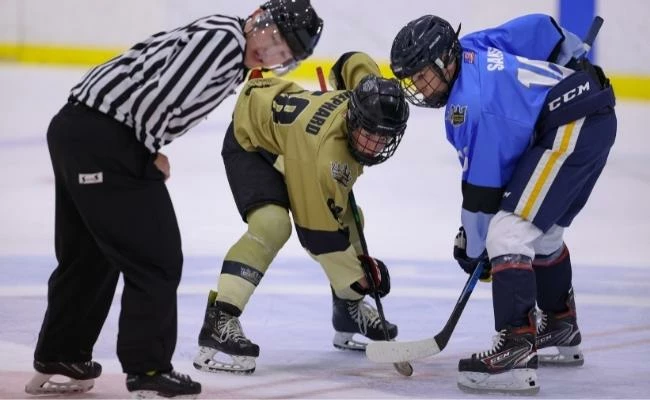
 (resized to 650x400)

(orignial image)

Thank you!

This topic has been closed for replies.

3 replies

Conrad_C
Community Expert
Community Expert
July 19, 2022

@MAG50 wrote:

I've tried a few different ways (photoshop, lightroom, canva)


If you’re batch exporting out of Lightroom Classic or Camera Raw, in the Export dialog box there is an Output Sharpening option that’s useful for adding back some snap to resized images.

Mike_Gondek10189183
Community Expert
Community Expert
July 19, 2022

The images look fine. 650x400 will have less pixels, so will naturally not have as much detail. Imagine if each pixel is the size of a colored post it note, but lets say the size of the post it note in 1mm square.


Try File >> Scripts >> Image processor


D Fosse
Community Expert
Community Expert
July 19, 2022

650 x 400 is a very small image, so don't expect miracles. There's only so much detail that can be represented by 650 pixels.

That said, resampling will always soften an image, so standard procedure is to do a bit of sharpening after resampling.