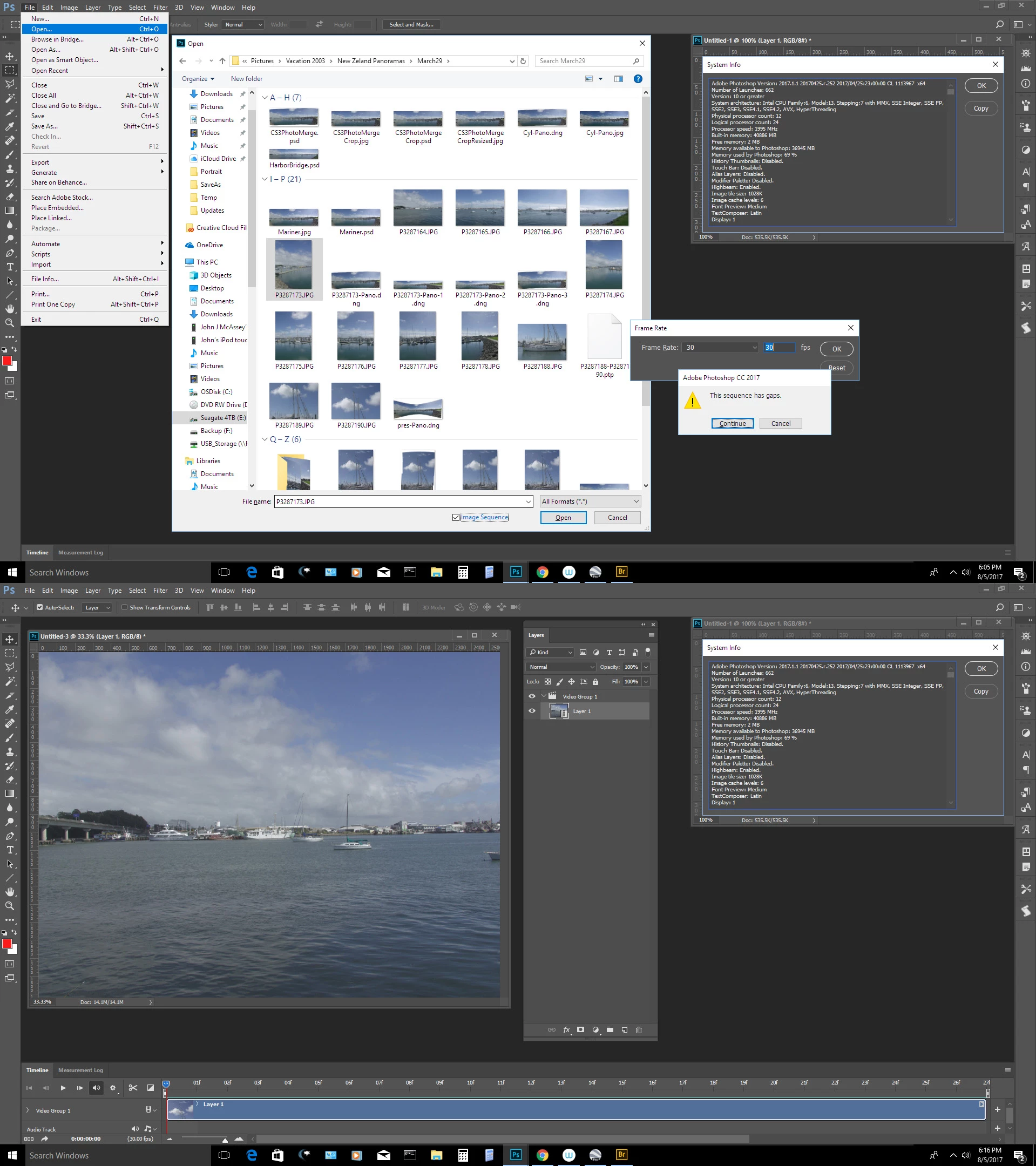
I have never user this feature. I just tried. If I highlight more then one image in the open file dialog the image sequence checkbox in the bottom of the dialog grays out. If I highlight one itr does not gray out. So I just highlighted one to see what happens. It did not seem to matter which image I highlighted. Photoshop seemed to have its own agenda about which file were in a sequence. I received two pop up dialogs about frame rate and a notice that there were gaps. So you may have to segregate the sequence of images iton its own folder. A video layer seemed to be created in Photoshop.
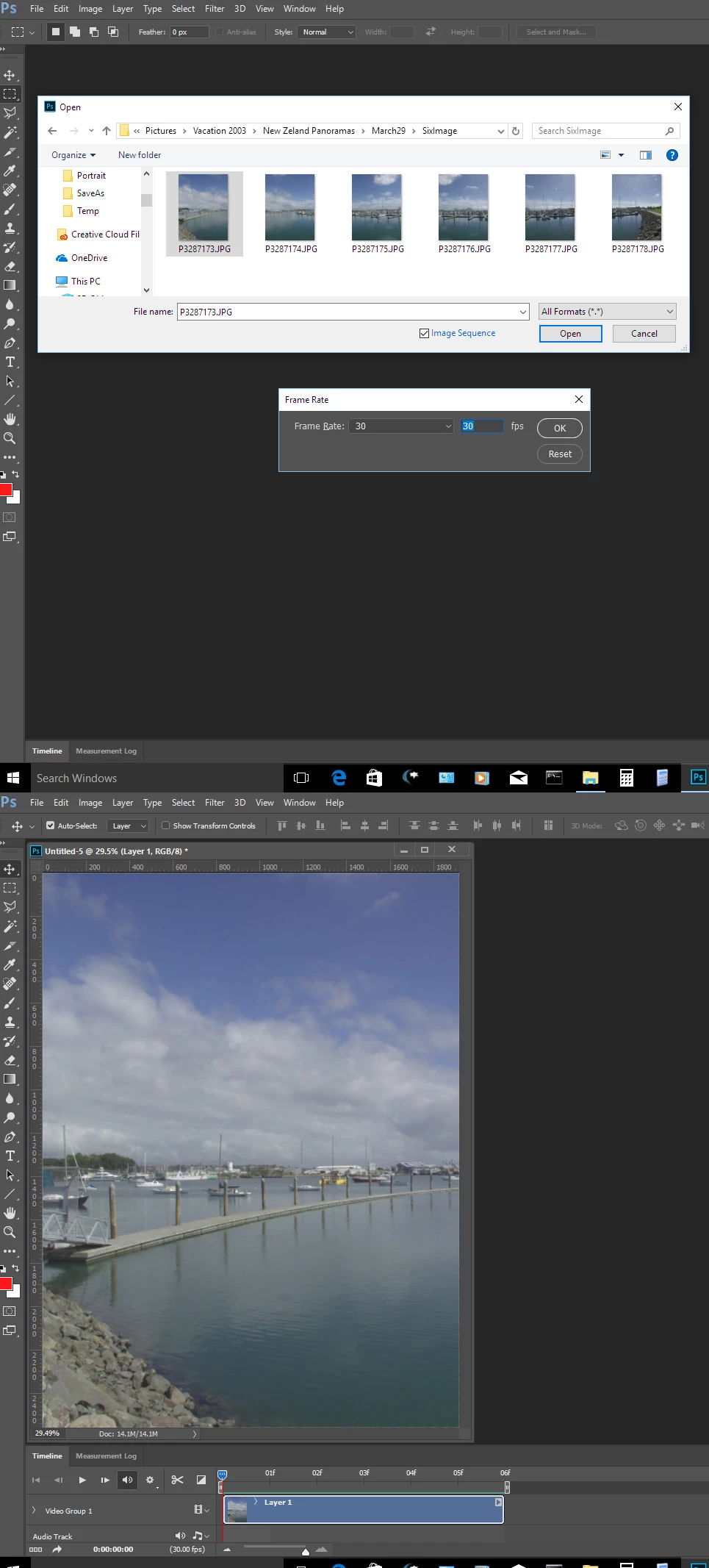
Isolating the 6 images I took for a pano and using image sequence seemed to work without gaps


 AdChoices