
Images messed up / grey in PS
Photoshop is messing up some files (not all) when it opens them. I have tried Photoshop 2024 (latest updates) and 2023 on Windows and the Beta on Mac. On 2024 on Windows I tried with and without GPU acceleration enabled.
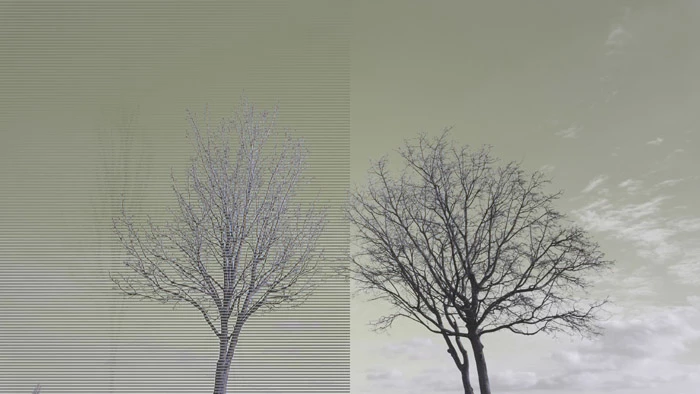
Below is an example of what the problem can look like:
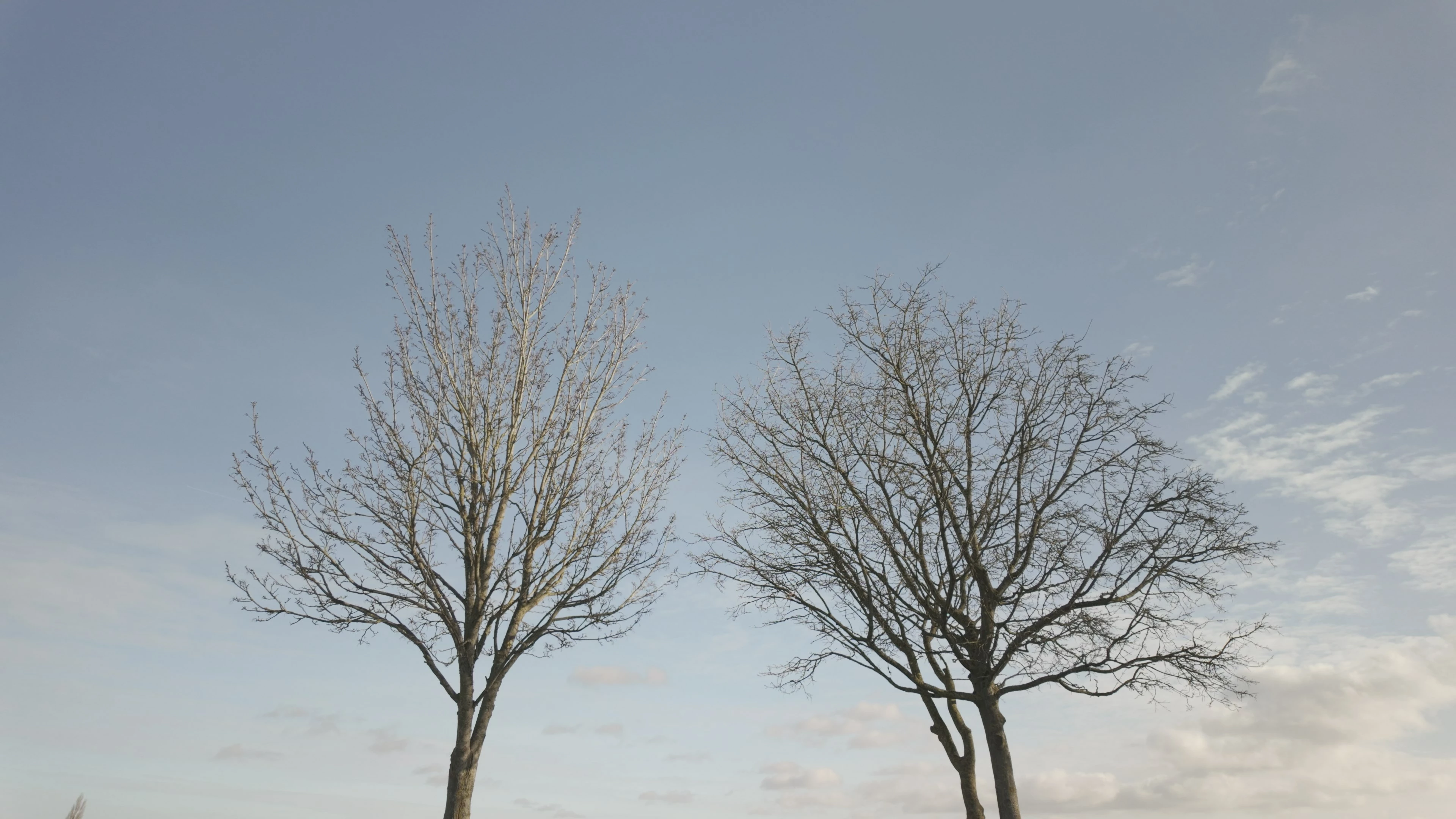
And below is the file, opens fine in all other image editors / viewers I have tried (including Bridge and ACR) except PS:
Some images are coming out very pixelated and mainly grey. Some have lines on. And some have weird colours and lines like above.
The image has been optimised using FileOptimizer - if I do not optimise the image PS will open it no problems. So I suspect PS is expecting some metadata that has been stripped out and then gets messed up. It could be that PS is actually handling the image correctly / strictly whereas most other software is being more friendly / lenient?
 AdChoices