Participant
December 21, 2021
Question

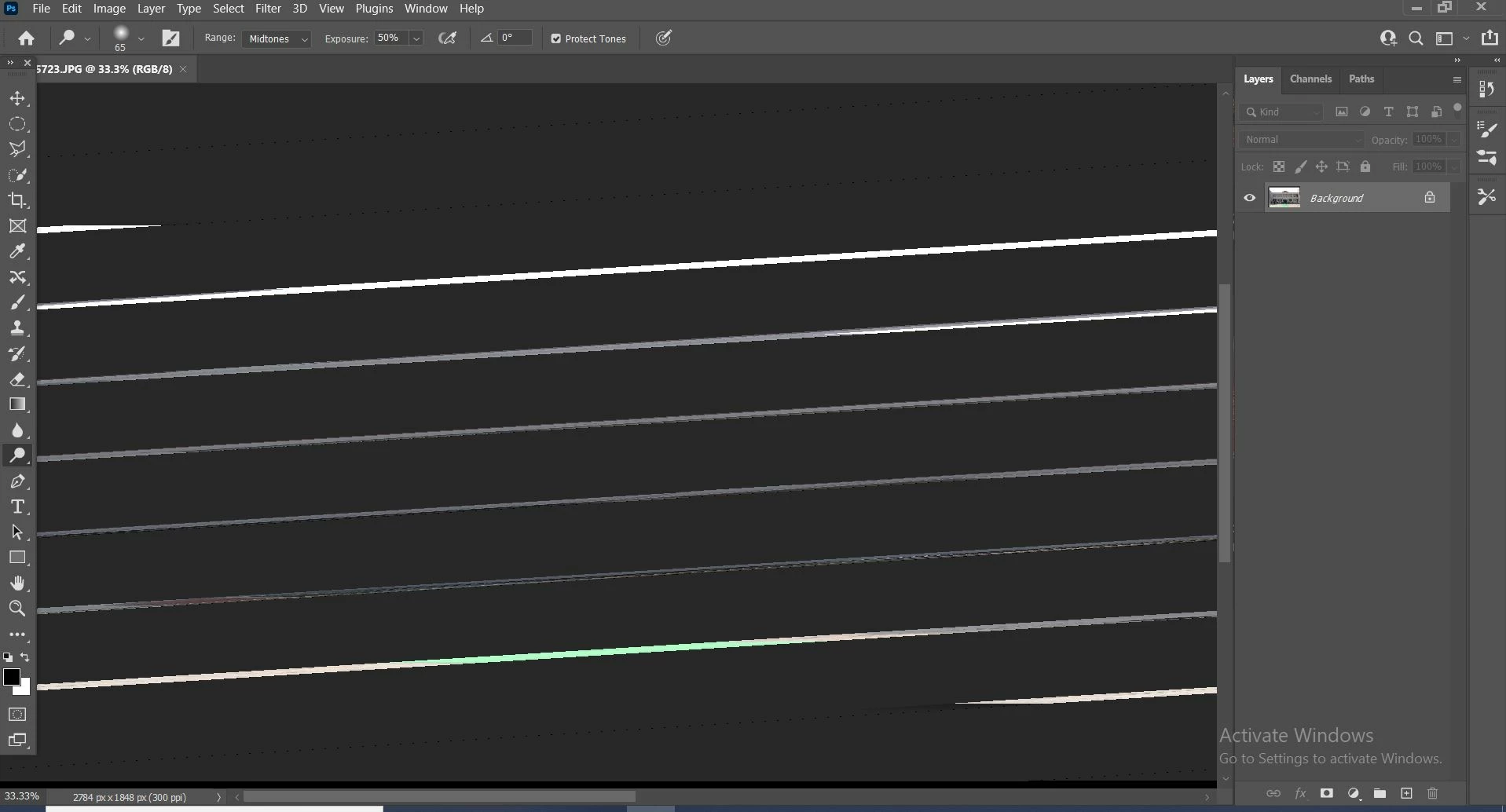
Images not opening clearly when opening from Adobe photoshop.

  • December 21, 2021
  • 3 replies
  • 184 views

Hello All, I am not able to open Image clearly when opening from Adobe photoshop. I am attaching screenshot for your reference. Please advice.

This topic has been closed for replies.

3 replies

TheDigitalDog
Inspiring
December 21, 2021

First, try disabling GPU in the preferences (Preformance tab). Any better?
If not, go to Preferences > Technology Previews... and check "Disable Native Canvas" - then restart Photoshop. Better?
If not, recalibrate and build a new ICC display profile, the old one might be corrupted.
If you are using software/hardware for this task, be sure the software is set to build a matrix not LUT profile, Version 2 not Version 4 profile.
If turning OFF GPU works, it's a GPU bug and you need to contact the manufacturer or find out if there's an updated driver for it. 
Also see: https://helpx.adobe.com/photoshop/kb/acr-gpu-faq.html

Author “Color Management for Photographers" & "Photoshop CC Color Management/pluralsight"
JJMack
Community Expert
Community Expert
December 21, 2021

Is your Display Adapter device drivers up to dater and it's GPU supported Show yout Pgotoshop 23 menu  Help>GPU Compatibility

JJMack
Ged_Traynor
Community Expert
Community Expert
December 21, 2021

Hi

Try enabling this option in preferences and restarting Photoshop to see if it helps