
Images pixel size seems completely wrong 22.4 M1 Mac
I used to work on my previous Mac which was like not smaller than this one in photoshop and making a 1000x1000 pixel image with 72 ppi and it didn't quite fit my narrow sized (just to close only half of the screen) photoshop so it was sth like 66% sized in my view. Now I have the same size of image 1000x1000 pixel showing just as big as this 66% but on 100%, which seems completely wrong.
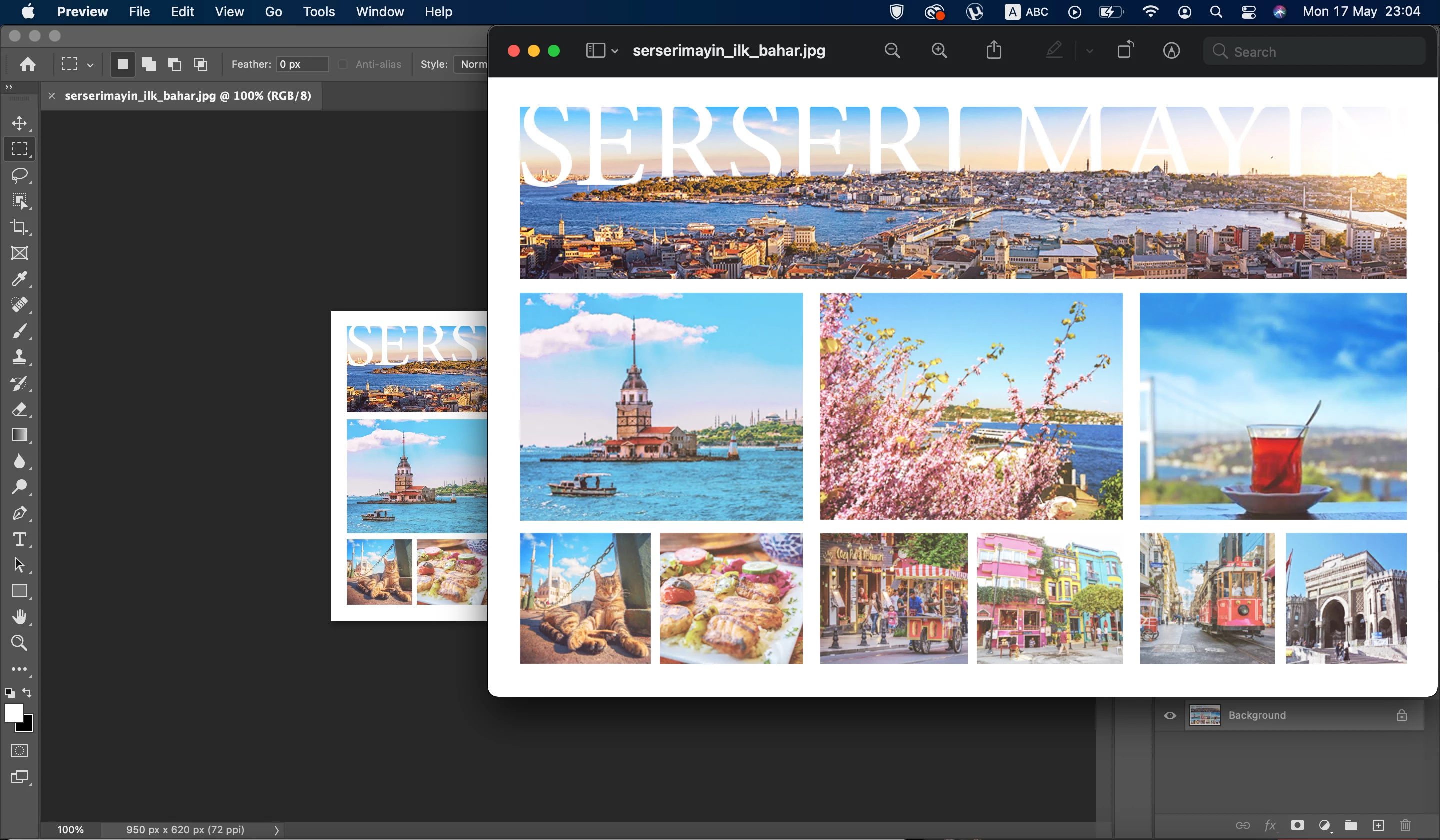
Also a collage which is 950px and which actual size in preview is showing like this (watch the screen) is showing super-small in the photoshop it doesn't look right. I thought it would be the resolution issue, but I tried making the same size new file 150-300-500 ppi and it still shows super small. What am I doing wrong? It's a new computer and a new photoshop, so I might be missing some settings. I tried hitting the 'Actual size' but it just went to 387% on view and it was actuall much-much bigger than the actual size and its resolution.
On the picture you can see actual size picture (which is 950 which should take like 70% of my screen) and it's somehow actual size 100% version on photoshop. So weird and annoying
 AdChoices