import pdf loses/replaces text with symbols
I have been a happy user of the "Import PDF" dialogue in Photoshop for years, accessed by right-click opening a pdf using the Photoshop app.
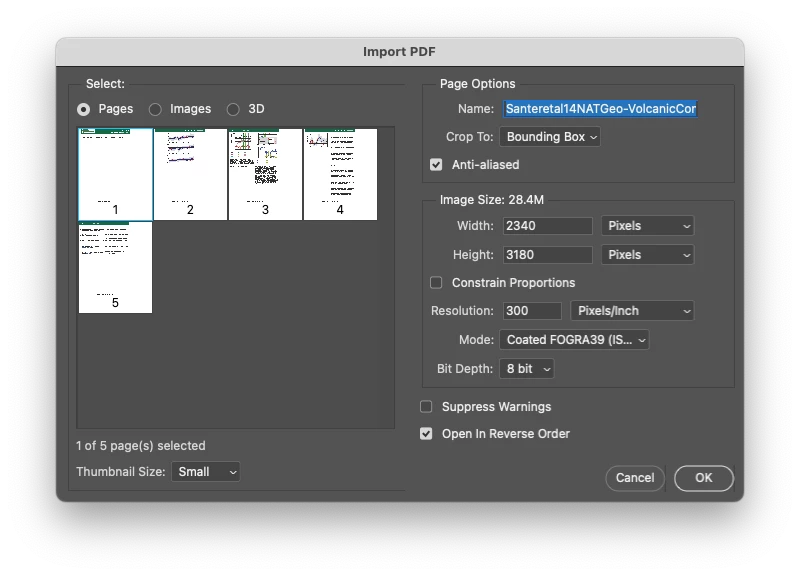
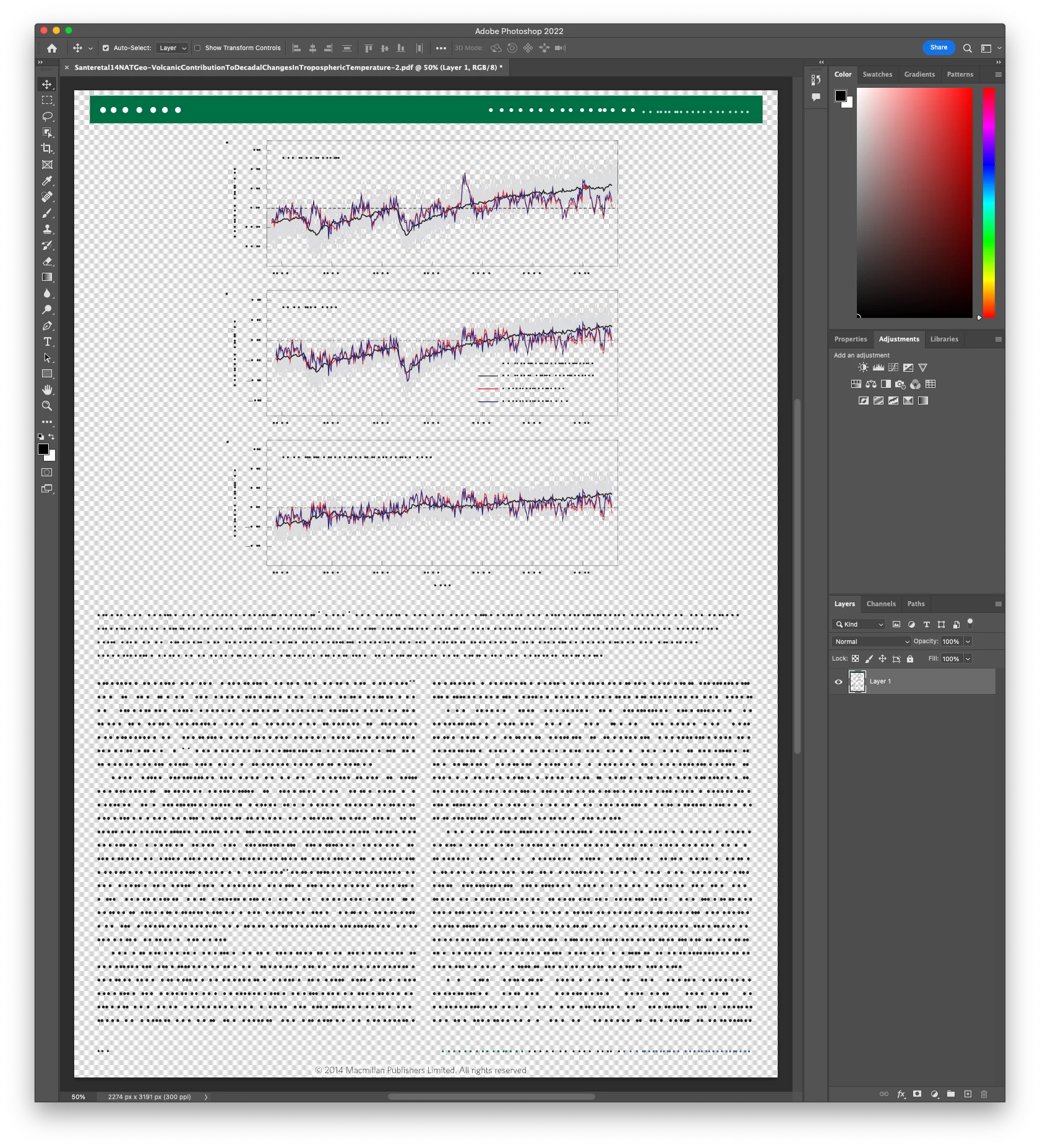
In more recent versions of Photoshop, I have found that rather than a clean import, which rasterizes text, etc, I am getting weird text replacement for most (but not all) text which is replaced with what appear to be black circles (see below).
The version of the pdf that I am trying to open can be accessed at https://doi.org/10.1038/ngeo2098 (might be behind a paywall).
This worked seamlessly with all pdfs many versions ago, but this issue appears to be occurring in more and more pdfs in recent Photoshop releases.
In Acrobat (2022.002.20212) this views as I expect it to
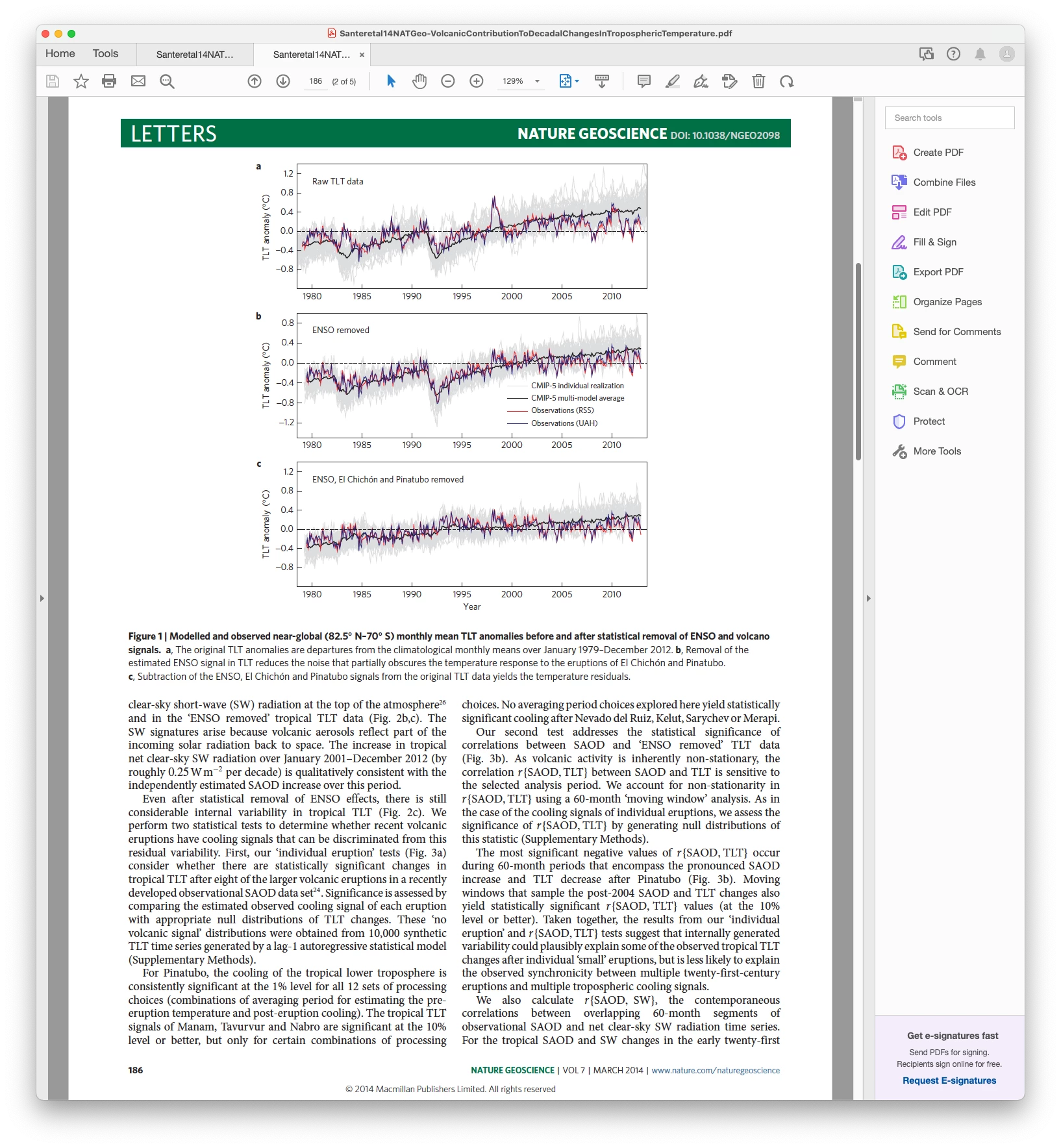
Photoshop for macOS (12.5.1) v23.5.0
 AdChoices