
Question
Import Video to layers not showing any previews
I'm using Photoshop CS3, and for some really odd reason suddenly when I try to import videos the preview no longer show for me:
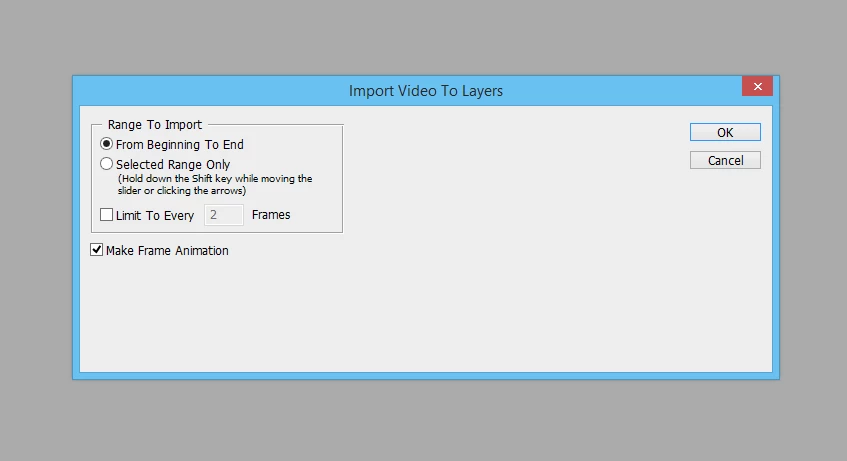
It WAS working only a few months ago, and I don't really remember when this happened. The last time I remember this feature working properly is around late May 2017 to early June. I don't remember what happened to change this because I didn't pay attention. There's Windows updates being installed, browser updates, etc. Does anyone know how this happened and how to fix it?
If I click "Import" it still does work:
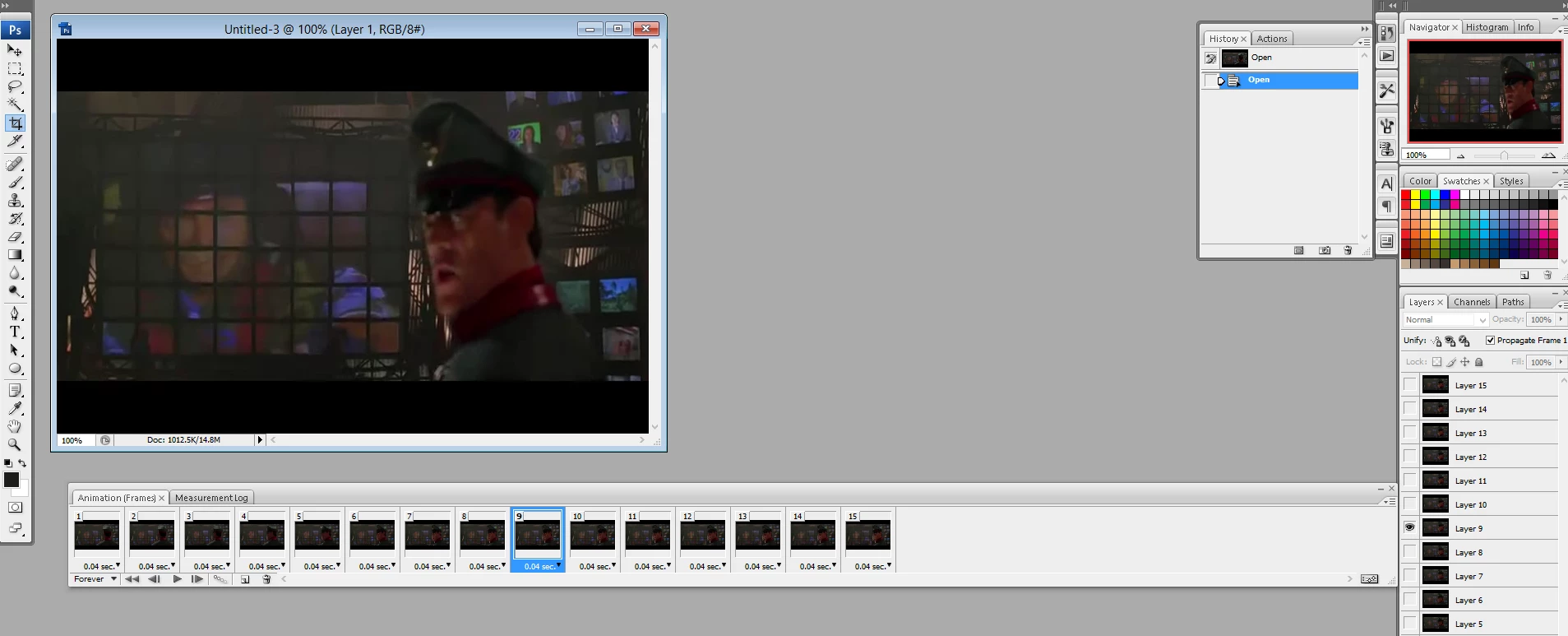
I am just unable to select a range from within Photoshop. I was forced to crop the video using other softwares before re-importing into Photoshop to make the layers  (
(
 AdChoices